







Question: Term Project - Stopwatch Design Overview: This project involves designing a digital stopwatch in VHDL that counts from 0 to 5 9 and loops back
Term Project Stopwatch Design
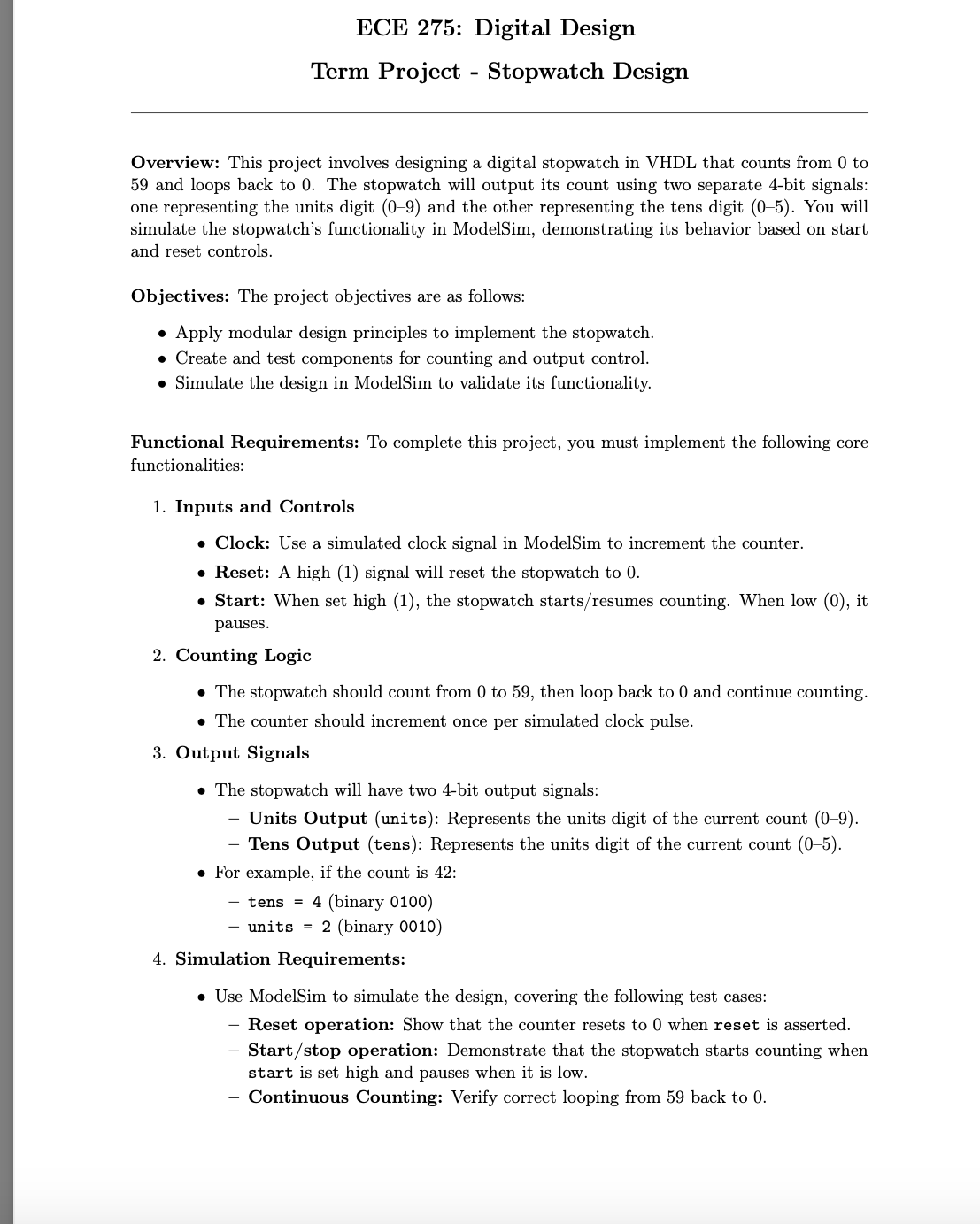
Overview: This project involves designing a digital stopwatch in VHDL that counts from to and loops back to The stopwatch will output its count using two separate bit signals: one representing the units digit and the other representing the tens digit You will simulate the stopwatch's functionality in ModelSim, demonstrating its behavior based on start and reset controls.
Objectives: The project objectives are as follows:
Apply modular design principles to implement the stopwatch.
Create and test components for counting and output control.
Simulate the design in ModelSim to validate its functionality.
Functional Requirements: To complete this project, you must implement the following core functionalities:
Inputs and Controls
Clock: Use a simulated clock signal in ModelSim to increment the counter.
Reset: A high signal will reset the stopwatch to
Start: When set high the stopwatch startsresumes counting. When low it pauses.
Counting Logic
The stopwatch should count from to then loop back to and continue counting.
The counter should increment once per simulated clock pulse.
Output Signals
The stopwatch will have two bit output signals:
Units Output units: Represents the units digit of the current count
Tens Output tens: Represents the units digit of the current count
For example, if the count is :
tens binary
units binary
Simulation Requirements:
Use ModelSim to simulate the design, covering the following test cases:
Reset operation: Show that the counter resets to when reset is asserted.
Startstop operation: Demonstrate that the stopwatch starts counting when start is set high and pauses when it is low.
Continuous Counting: Verify correct looping from back to
Step by Step Solution
There are 3 Steps involved in it
1 Expert Approved Answer
Step: 1 Unlock

Question Has Been Solved by an Expert!
Get step-by-step solutions from verified subject matter experts
Step: 2 Unlock
Step: 3 Unlock
 Study Help