







Question: thated Excel 365/2021 I Modules 5-8: SAM Capstone Project la Provide this information for Alex as follows using an If function and structured references: a.
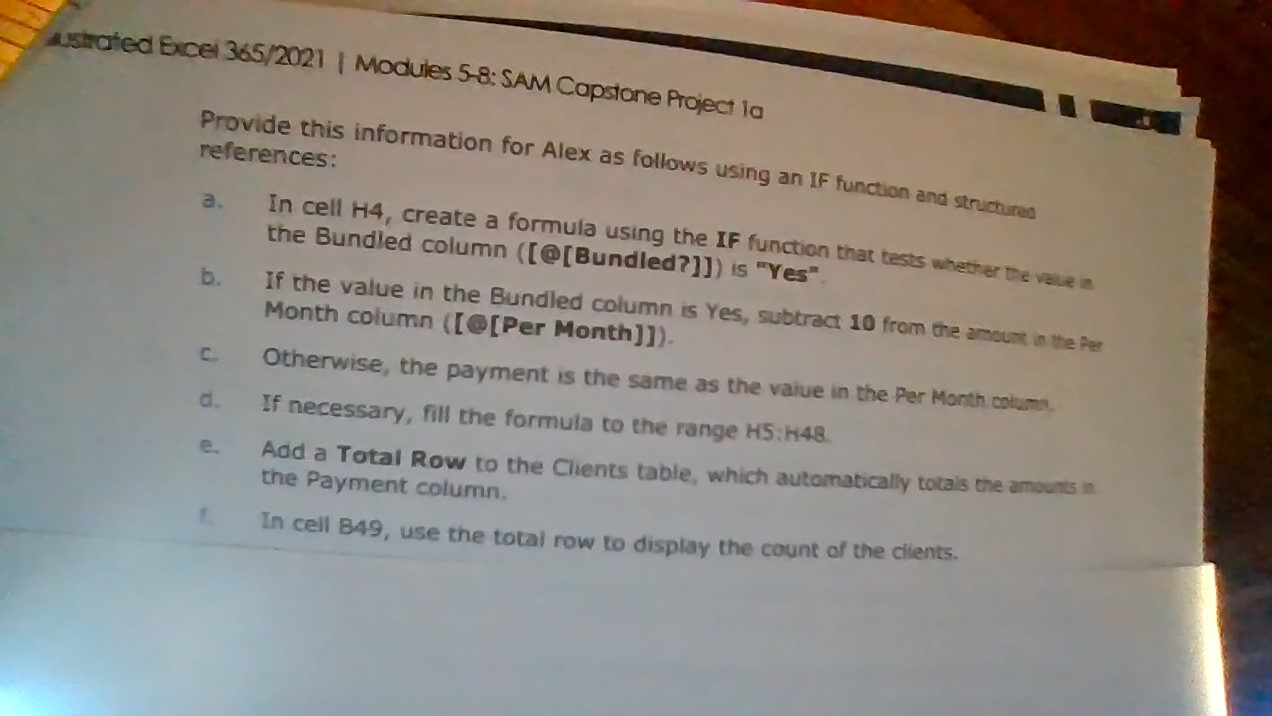
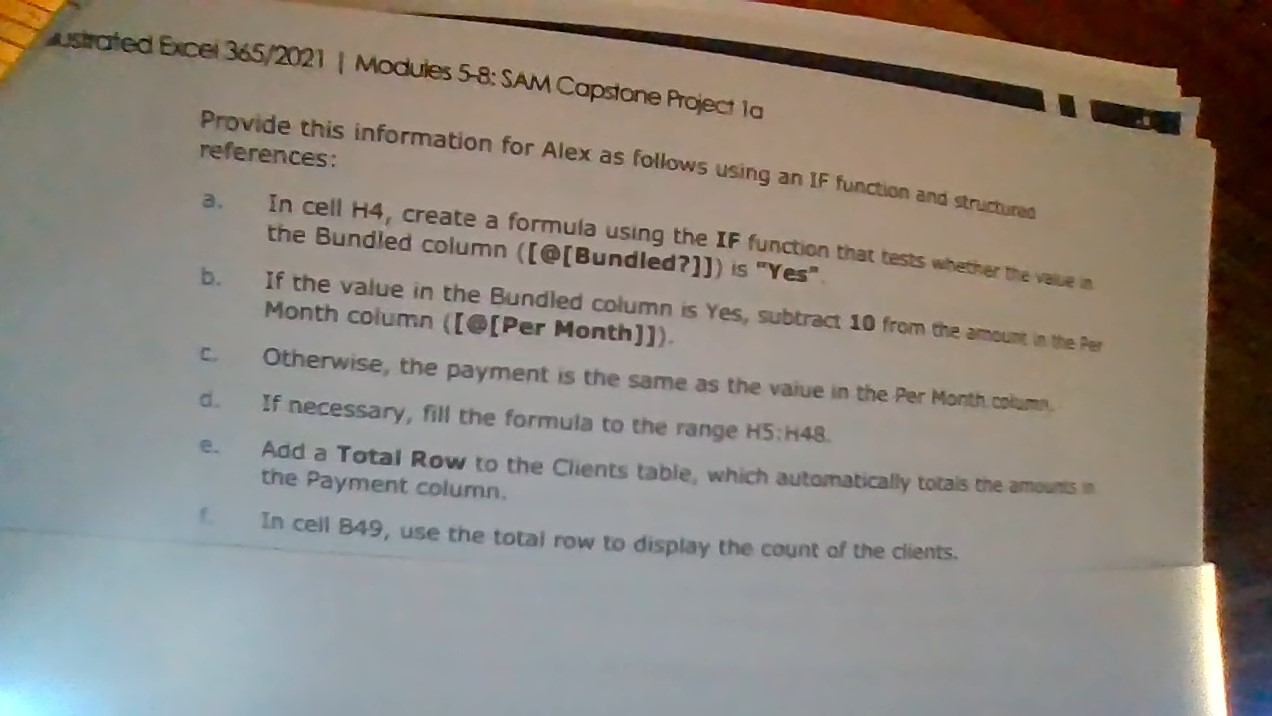
thated Excel 365/2021 I Modules 5-8: SAM Capstone Project la Provide this information for Alex as follows using an If function and structured references: a. In cell H4, create a formula using the IF function that tests whether the volue in the Bundled column ([@[Bundled?]]) is "Yes" b. If the value in the Bundled column is Yes, subtract 10 from the ansuin in the fer Month column ([e [Per Month]]). c. Otherwise, the payment is the same as the vaiue in the Per Month coim- d. If necessary, fill the formula to the range H5 : H48. e. Add a Total Row to the Clients table, which automatiolly tota's the amounts in the Payment column. In cell 849 , use the total row to display the count of the cients. thated Excel 365/2021 I Modules 5-8: SAM Capstone Project la Provide this information for Alex as follows using an If function and structured references: a. In cell H4, create a formula using the IF function that tests whether the volue in the Bundled column ([@[Bundled?]]) is "Yes" b. If the value in the Bundled column is Yes, subtract 10 from the ansuin in the fer Month column ([e [Per Month]]). c. Otherwise, the payment is the same as the vaiue in the Per Month coim- d. If necessary, fill the formula to the range H5 : H48. e. Add a Total Row to the Clients table, which automatiolly tota's the amounts in the Payment column. In cell 849 , use the total row to display the count of the cients
Step by Step Solution
There are 3 Steps involved in it

Get step-by-step solutions from verified subject matter experts
 Study Help