







Question: The C open file program, not CH, that can accept up to two command line parameters: input file name and output file name. If no
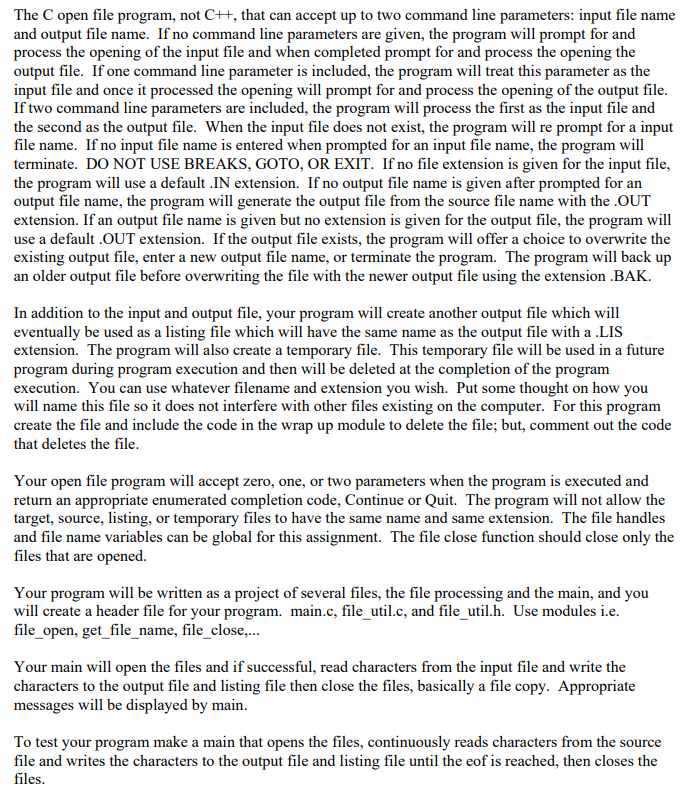
The C open file program, not CH, that can accept up to two command line parameters: input file name and output file name. If no command line parameters are given, the program will prompt for and process the opening of the input file and when completed prompt for and process the opening the output file. If one command line parameter is included, the program will treat this parameter as the input file and once it processed the opening will prompt for and process the opening of the output file. If two command line parameters are included, the program will process the first as the input file and the second as the output file. When the input file does not exist, the program will re prompt for a input file name. If no input file name is entered when prompted for an input file name, the program will terminate. DO NOT USE BREAKS, GOTO, OR EXIT. If no file extension is given for the input file, the program will use a default .IN extension. If no output file name is given after prompted for an output file name, the program will generate the output file from the source file name with the .OUT extension. If an output file name is given but no extension is given for the output file, the program will use a default .OUT extension. If the output file exists, the program will offer a choice to overwrite the existing output file, enter a new output file name, or terminate the program. The program will back up an older output file before overwriting the file with the newer output file using the extension .BAK. In addition to the input and output file, your program will create another output file which will eventually be used as a listing file which will have the same name as the output file with a .LIS extension. The program will also create a temporary file. This temporary file will be used in a future program during program execution and then will be deleted at the completion of the program execution. You can use whatever filename and extension you wish. Put some thought on how you will name this file so it does not interfere with other files existing on the computer. For this program create the file and include the code in the wrap up module to delete the file; but, comment out the code that deletes the file. Your open file program will accept zero, one, or two parameters when the program is executed and return an appropriate enumerated completion code, Continue or Quit. The program will not allow the target, source, listing, or temporary files to have the same name and same extension. The file handles and file name variables can be global for this assignment. The file close function should close only the files that are opened. Your program will be written as a project of several files, the file processing and the main, and you will create a header file for your program. main.c, file_util.c, and file_util.h. Use modules i.e. file_open, get_file_name, file_close.... Your main will open the files and if successful, read characters from the input file and write the characters to the output file and listing file then close the files, basically a file copy. Appropriate messages will be displayed by main. To test your program make a main that opens the files, continuously reads characters from the source file and writes the characters to the output file and listing file until the eof is reached, then closes the files. The C open file program, not CH, that can accept up to two command line parameters: input file name and output file name. If no command line parameters are given, the program will prompt for and process the opening of the input file and when completed prompt for and process the opening the output file. If one command line parameter is included, the program will treat this parameter as the input file and once it processed the opening will prompt for and process the opening of the output file. If two command line parameters are included, the program will process the first as the input file and the second as the output file. When the input file does not exist, the program will re prompt for a input file name. If no input file name is entered when prompted for an input file name, the program will terminate. DO NOT USE BREAKS, GOTO, OR EXIT. If no file extension is given for the input file, the program will use a default .IN extension. If no output file name is given after prompted for an output file name, the program will generate the output file from the source file name with the .OUT extension. If an output file name is given but no extension is given for the output file, the program will use a default .OUT extension. If the output file exists, the program will offer a choice to overwrite the existing output file, enter a new output file name, or terminate the program. The program will back up an older output file before overwriting the file with the newer output file using the extension .BAK. In addition to the input and output file, your program will create another output file which will eventually be used as a listing file which will have the same name as the output file with a .LIS extension. The program will also create a temporary file. This temporary file will be used in a future program during program execution and then will be deleted at the completion of the program execution. You can use whatever filename and extension you wish. Put some thought on how you will name this file so it does not interfere with other files existing on the computer. For this program create the file and include the code in the wrap up module to delete the file; but, comment out the code that deletes the file. Your open file program will accept zero, one, or two parameters when the program is executed and return an appropriate enumerated completion code, Continue or Quit. The program will not allow the target, source, listing, or temporary files to have the same name and same extension. The file handles and file name variables can be global for this assignment. The file close function should close only the files that are opened. Your program will be written as a project of several files, the file processing and the main, and you will create a header file for your program. main.c, file_util.c, and file_util.h. Use modules i.e. file_open, get_file_name, file_close.... Your main will open the files and if successful, read characters from the input file and write the characters to the output file and listing file then close the files, basically a file copy. Appropriate messages will be displayed by main. To test your program make a main that opens the files, continuously reads characters from the source file and writes the characters to the output file and listing file until the eof is reached, then closes the files
Step by Step Solution
There are 3 Steps involved in it

Get step-by-step solutions from verified subject matter experts
 Study Help