







Question: The code I'm working with is Python. This part will draw an outline of a rectangle on the screen using *. I suggest creating a
The code I'm working with is Python.
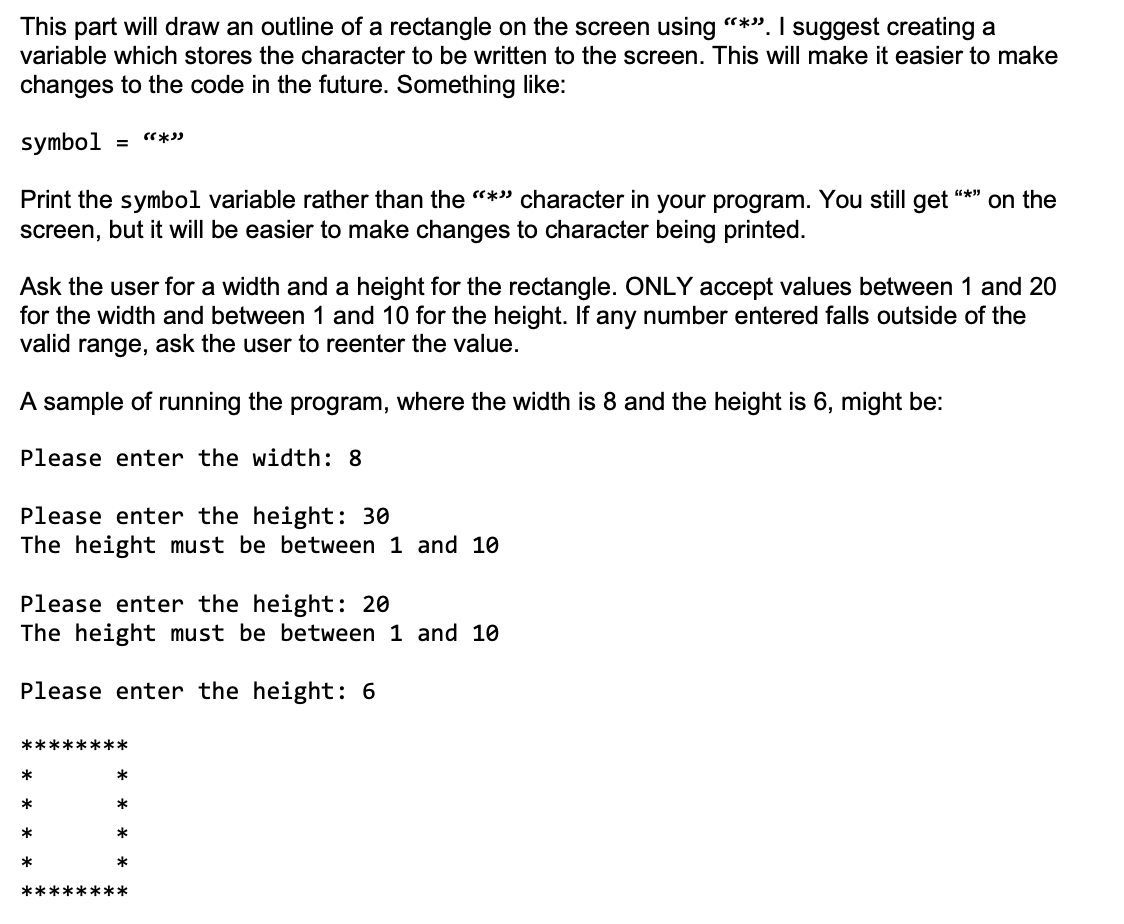
This part will draw an outline of a rectangle on the screen using "*". I suggest creating a variable which stores the character to be written to the screen. This will make it easier to make changes to the code in the future. Something like: symbol "*) *** on the Print the symbol variable rather than the * character in your program. You still get screen, but it will be easier to make changes to character being printed. Ask the user for a width and a height for the rectangle. ONLY accept values between 1 and 20 for the width and between 1 and 10 for the height. If any number entered falls outside of the valid range, ask the user to reenter the value. A sample of running the program, where the width is 8 and the height is 6, might be: Please enter the width: 8 Please enter the height: 30 The height must be between 1 and 10 Please enter the height: 20 The height must be between 1 and 10 Please enter the height: 6 *********** * * * * * * ********
Step by Step Solution
There are 3 Steps involved in it

Get step-by-step solutions from verified subject matter experts
 Study Help