Question: The Confidential Executive Payroll Problem: Develop a payroll register Management skills: Organizing Excel skills: Formulas, Absolute and relative addressing, Formatting Business case: Efficient Machining is
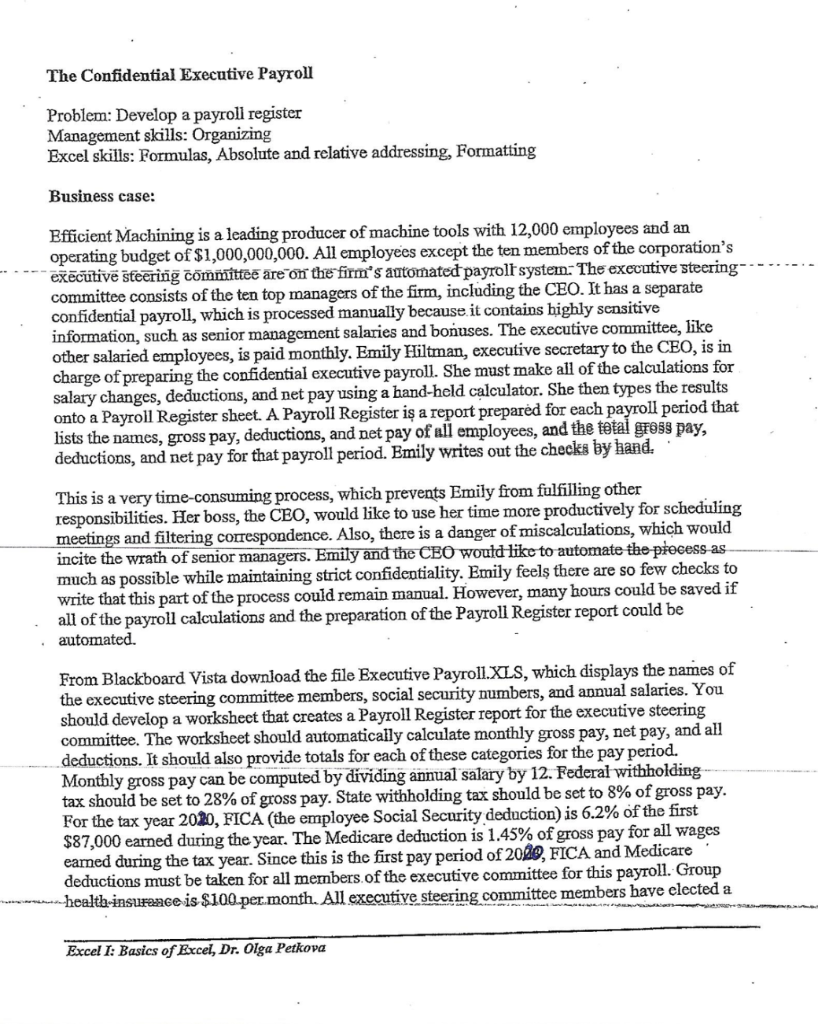
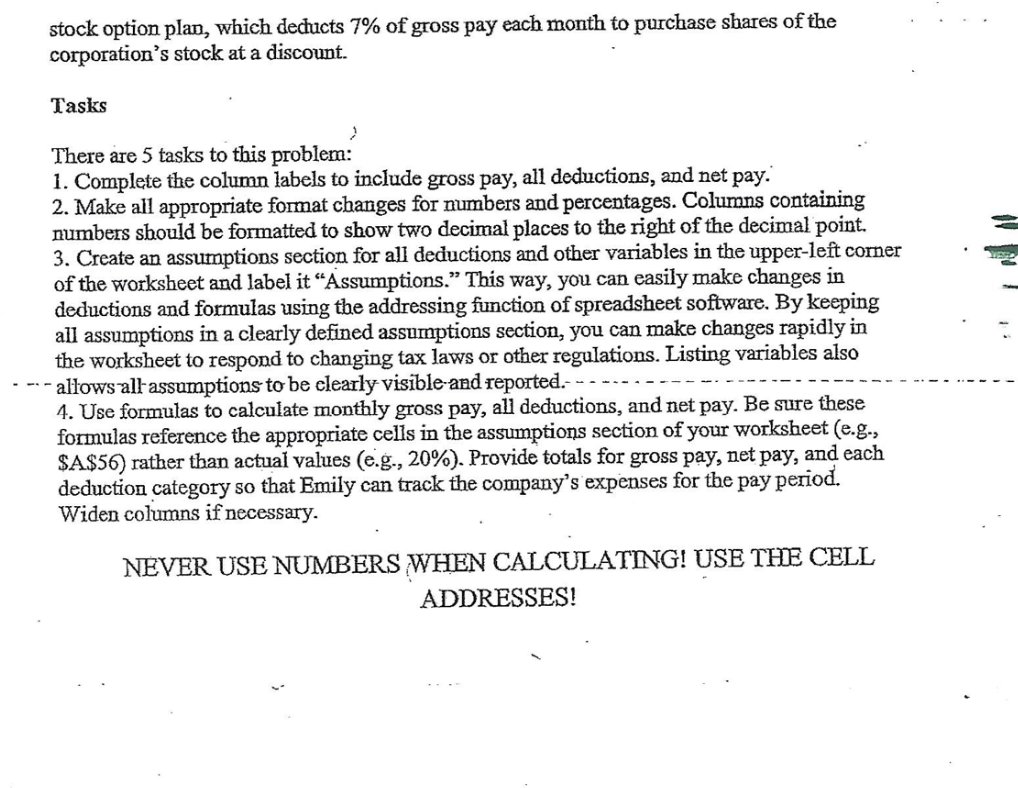
The Confidential Executive Payroll Problem: Develop a payroll register Management skills: Organizing Excel skills: Formulas, Absolute and relative addressing, Formatting Business case: Efficient Machining is a leading producer of machine tools with 12,000 employees and an operating budget of $1,000,000,000. All employees except the ten members of the corporation's executive steering committee are on the firm's automated payroll system. The executive steering committee consists of the ten top managers of the firm, including the CEO. It has a separate confidential payroll, which is processed manually because it contains highly sensitive information, such as senior management salaries and bonuses. The executive committee, like other salaried employees, is paid monthly. Emily Hiltman, executive secretary to the CEO, is in charge of preparing the confidential executive payroll. She must make all of the calculations for salary changes, deductions, and net pay using a hand-held calculator. She then types the results onto a Payroll Register sheet. A Payroll Register is a report prepared for each payroll period that lists the names, gross pay, deductions, and net pay of all employees, and the total gross pay, deductions, and net pay for that payroll period. Emily writes out the checks by hand. This is a very time-consuming process, which prevents Emily from fulfilling other responsibilities. Her boss, the CEO, would like to use her time more productively for scheduling meetings and filtering correspondence. Also, there is a danger of miscalculations, which would incite the wrath of senior managers. Emily and the CEO would like to automate the process as much as possible while maintaining strict confidentiality. Emily feels there are so few checks to write that this part of the process could remain manual. However, many hours could be saved if all of the payroll calculations and the preparation of the Payroll Register report could be automated. From Blackboard Vista download the file Executive Payroll.XLS, which displays the names of the executive steering committee members, social security numbers, and annual salaries. You should develop a worksheet that creates a Payroll Register report for the executive steering committee. The worksheet should automatically calculate monthly gross pay, net pay, and all deductions. It should also provide totals for each of these categories for the pay period. Monthly gross pay can be computed by dividing annual salary by 12. Federal withholding tax should be set to 28% of gross pay. State withholding tax should be set to 8% of gross pay. For the tax year 2030, FICA (the employee Social Security deduction) is 6.2% of the first $87,000 earned during the year. The Medicare deduction is 1.45% of gross pay for all wages earned during the tax year. Since this is the first pay period of 2020, FICA and Medicare deductions must be taken for all members of the executive committee for this payroll. Group health insurance is $100.per month. All executive steering committee members have elected a Excel I: Basics of Excel, Dr. Olga Petkova stock option plan, which decucts 7% of gross pay each month to purchase shares of the corporation's stock at a discount. Tasks 2 There are 5 tasks to this problem: 1. Complete the column labels to include gross pay, all deductions, and net pay. 2. Make all appropriate format changes for numbers and percentages. Columns containing numbers should be formatted to show two decimal places to the right of the decimal point. 3. Create an assumptions section for all deductions and other variables in the upper-left corner of the worksheet and label it Assumptions. This way, you can easily make changes in deductions and formulas using the addressing function of spreadsheet software. By keeping all assumptions in a clearly defined assumptions section, you can make changes rapidly in the worksheet to respond to changing tax laws or other regulations. Listing variables also --allows all assumptions to be clearly visible and reported. 4. Use formulas to calculate monthly gross pay, all deductions, and net pay. Be sure these formulas reference the appropriate cells in the assumptions section of your worksheet (e.g., $A$56) rather than actual values (e.g., 20%). Provide totals for gross pay, net pay, and each deduction category so that Emily can track the company's expenses for the pay period. Widen columns if necessary. NEVER USE NUMBERS WHEN CALCULATING! USE THE CELL ADDRESSES









 Study Help