







Question: The drop-down options that correspond with option 1 is: sp application type, mail-in, payment sent and application separated The drop-down options that correspond with
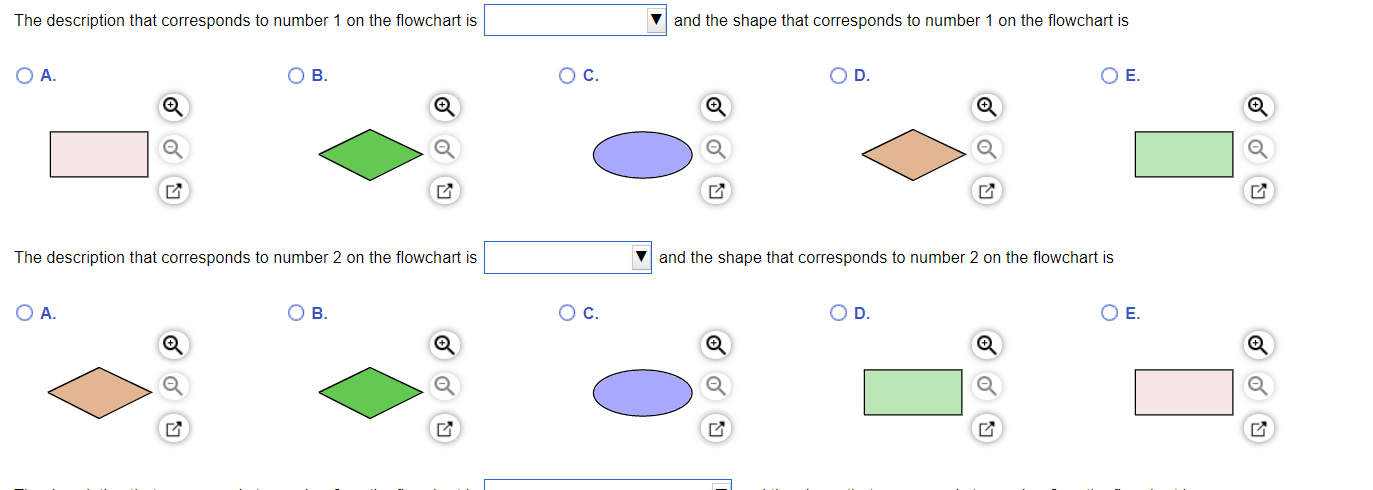
 The drop-down options that correspond with option 1 is: "sp application type", "mail-in", "payment sent" and "application separated"
The drop-down options that correspond with option 2 is: "payment received", "customer confirms", "mail-in" and "application sep"
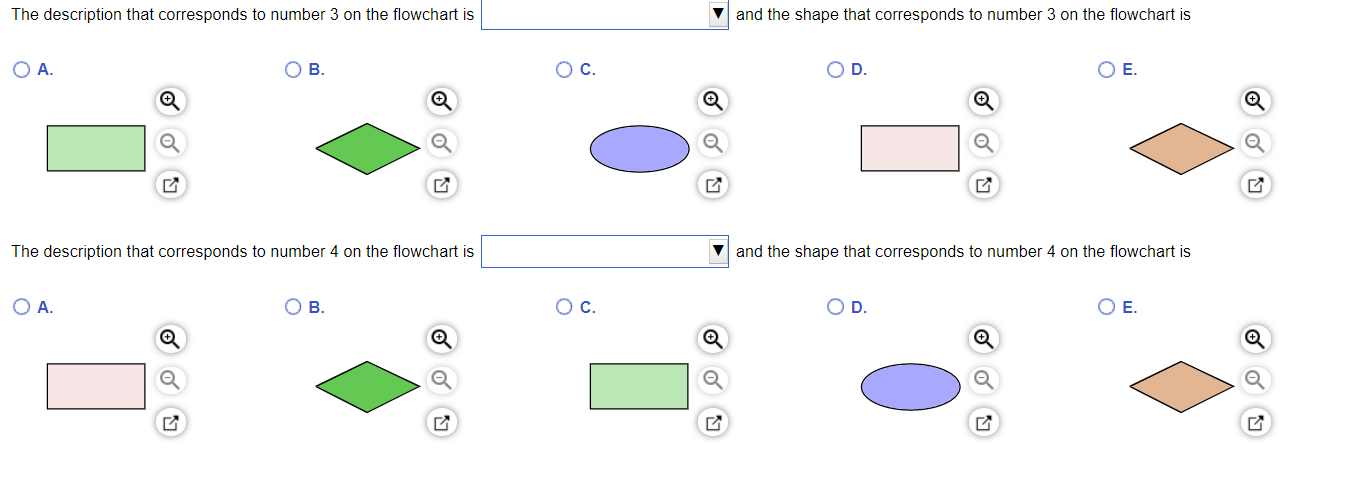
The drop-down options that correspond with option 3 are: "info correct?", "payment received?", "transfer to London operation" and "update info"
The drop-down options that correspond with option 4 are: "info correct?", "specific application type", "update info?" and "transfer to London oper"
THERE ARE TWO PARTS TO EACH QUESTION (the drop-down part and choosing the correct shape) AND ON MY FIRST ATTEMPT I RECEIVED PARTIAL CREDIT AND CAN NOT SEE THE ACTUAL CORRECT ANSWER UNTIL AFTER THE DEADLINE OF THE DUE DATE
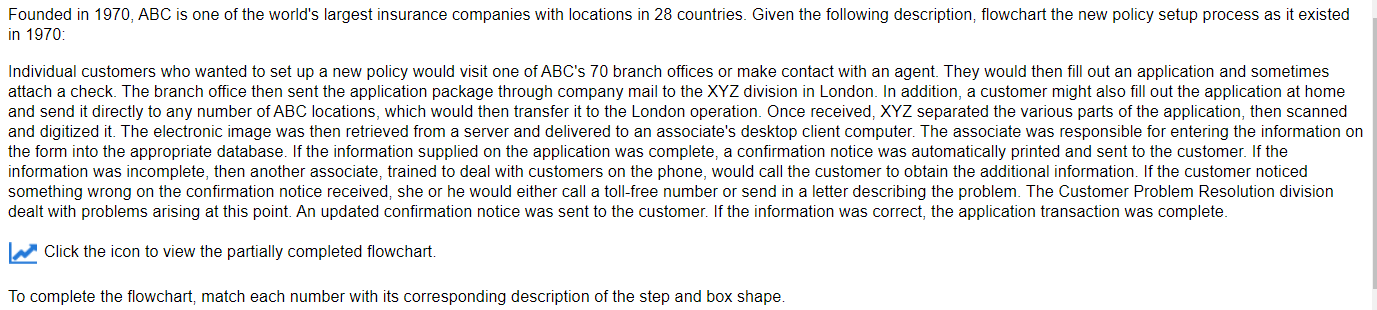
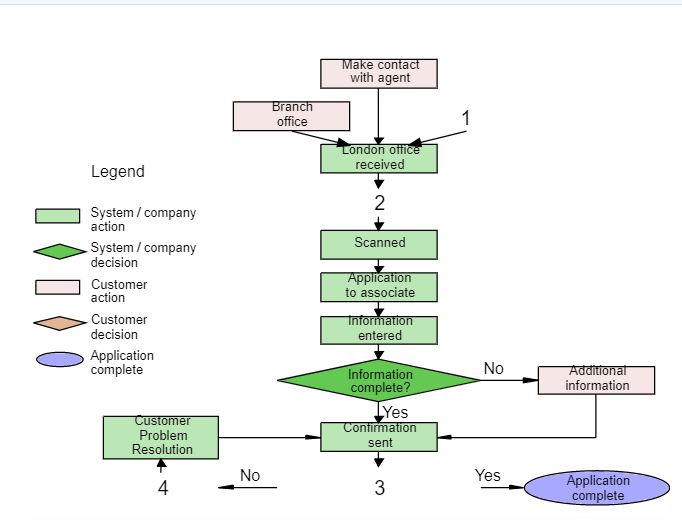
Founded in 1970, ABC is one of the world's largest insurance companies with locations in 28 countries. Given the following description, flowchart the new policy setup process as it existed in 1970 Individual customers who wanted to set up a new policy would visit one of ABC's 70 branch offices or make contact with an agent. They would then fill out an application and sometimes attach a check. The branch office then sent the application package through company mail to the XYZ division in London. In addition, a customer might also fill out the application at home and send it directly to any number of ABC locations, which would then transfer it to the London operation. Once received, XYZ separated the various parts of the application, then scanned and digitized it. The electronic image was then retrieved from a server and delivered to an associate's desktop client computer. The associate was responsible for entering the information on the form into the appropriate database. If the information supplied on the application was complete, a confirmation notice was automatically printed and sent to the customer. If the information was incomplete, then another associate, trained to deal with customers on the phone, would call the customer to obtain the additional information. If the customer noticed something wrong on the confirmation notice received, she or he would either call a toll-free number or send in a letter describing the problem. The Customer Problem Resolution division dealt with problems arising at this point. An updated confirmation notice was sent to the customer. If the information was correct, the application transaction was complete. Click the icon to view the partially completed flowchart. To complete the flowchart, match each number with its corresponding description of the step and box shape. Make contact with agent Branch office 1 London office received Legend 2 System/company action Scanned System/company decision Customer action Application to associate Customer decision Information entered Application complete No Additional information Information complete? LYes Confirmation Customer Problem Resolution sent No Yes 4 3 Application complete The description that corresponds to number 1 on the flowchart is and the shape that corresponds to number 1 on the flowchart is OA. OB. OC. OD. O E. Q Q The description that corresponds to number 2 on the flowchart is Vand the shape that corresponds to number 2 on the flowchart is OA B. Oc. OD O E. The description that corresponds to number 3 on the flowchart is and the shape that corresponds to number 3 on the flowchart is OA OB OC. OD OE. The description that corresponds to number 4 on the flowchart is and the shape that corresponds to number 4 on the flowchart is OA. . O c. D. OEStep by Step Solution
There are 3 Steps involved in it

Get step-by-step solutions from verified subject matter experts
 Study Help