



Question: The Fan Class If you get a screen asking you to authorize the video in order to view it , then click the Authorize button.
The Fan Class
If you get a screen asking you to authorize the video in order to view it then click the Authorize button. The video can also be viewed on this link:
Sections Liang: The Fan Class
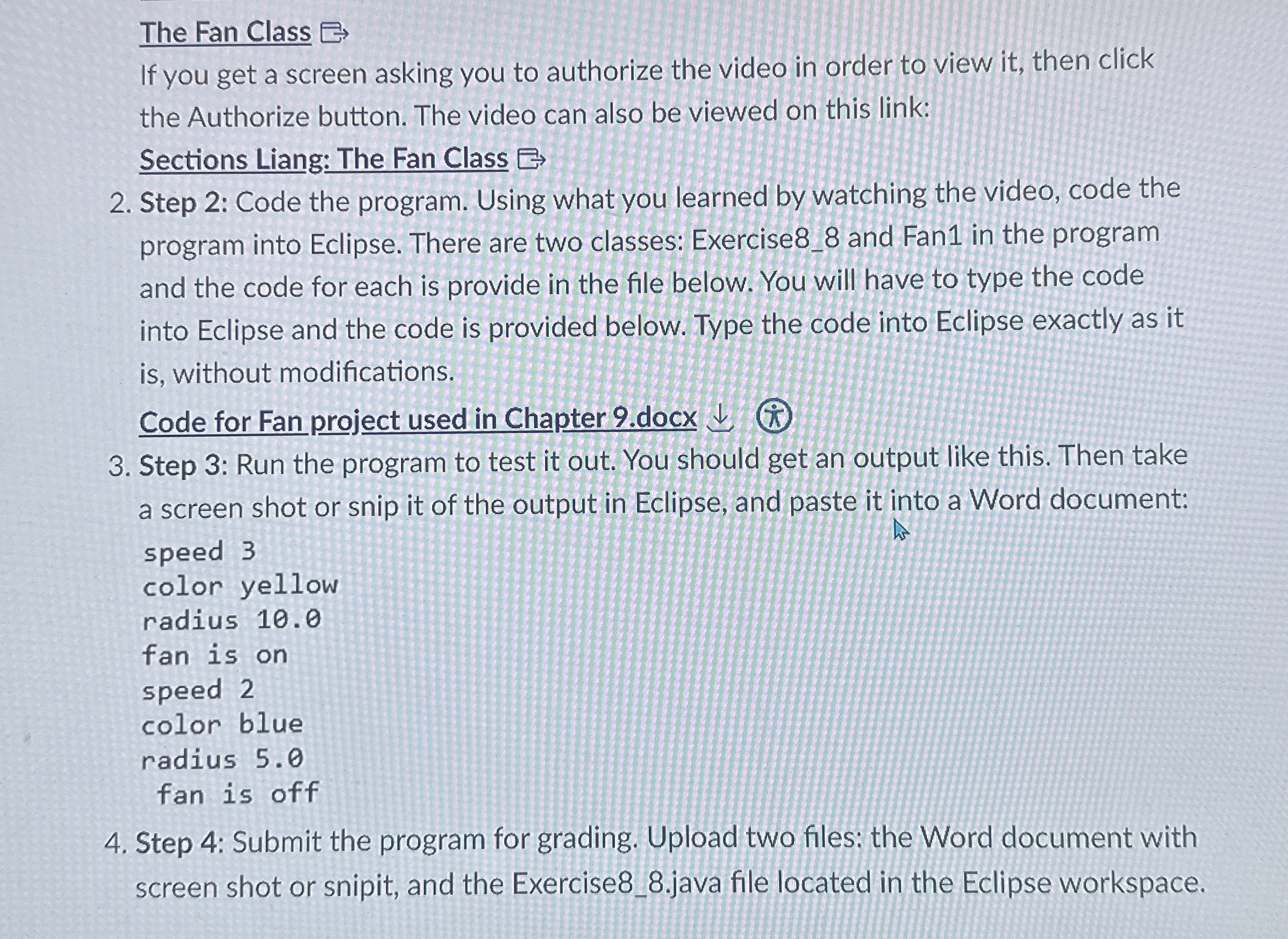
Step : Code the program. Using what you learned by watching the video, code the program into Eclipse. There are two classes: Exercise and Fan in the program and the code for each is provide in the file below. You will have to type the code into Eclipse and the code is provided below. Type the code into Eclipse exactly as it is without modifications.
Code for Fan project used in Chapter docx
Step : Run the program to test it out. You should get an output like this. Then take a screen shot or snip it of the output in Eclipse, and paste it into a Word document:
speed
color yellow
radius
fan is on
speed
color blue
radius
fan is off
Step : Submit the program for grading. Upload two files; the Word document with screen shot or snipit, and the Exercisejava file located in the Eclipse workspace.
Step by Step Solution
There are 3 Steps involved in it
1 Expert Approved Answer
Step: 1 Unlock

Question Has Been Solved by an Expert!
Get step-by-step solutions from verified subject matter experts
Step: 2 Unlock
Step: 3 Unlock