







Question: The following questions will help refresh your memory about SQL and get you started with SQLite (basic commands) --- a lightweight, serverless embedded database that
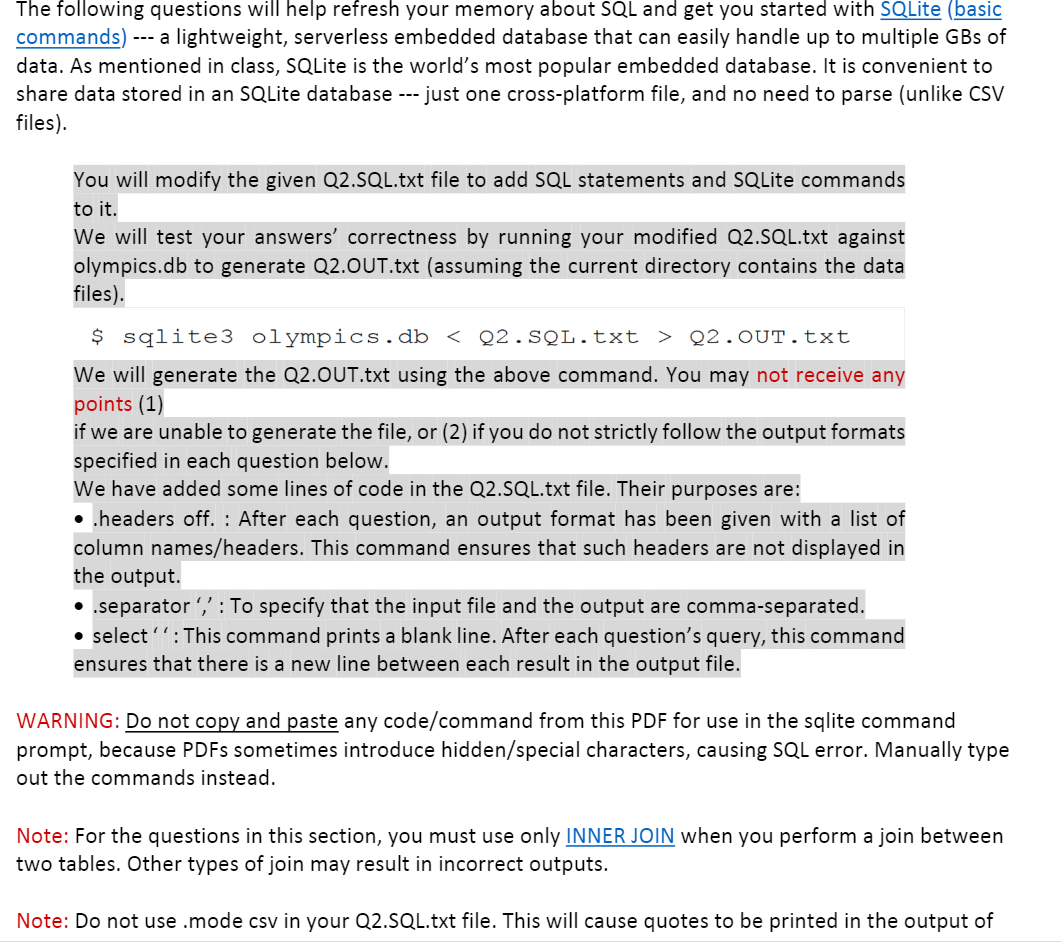
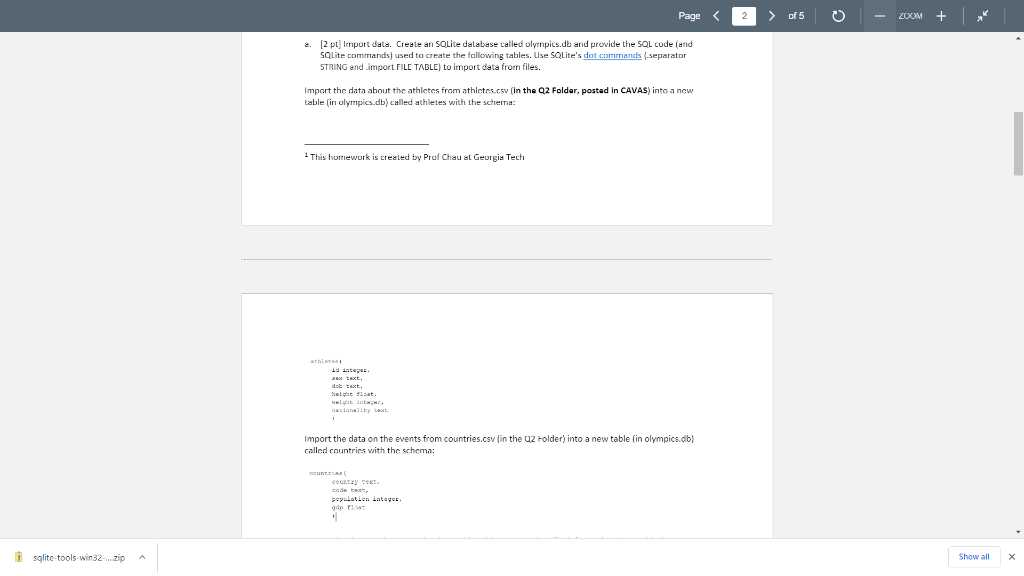
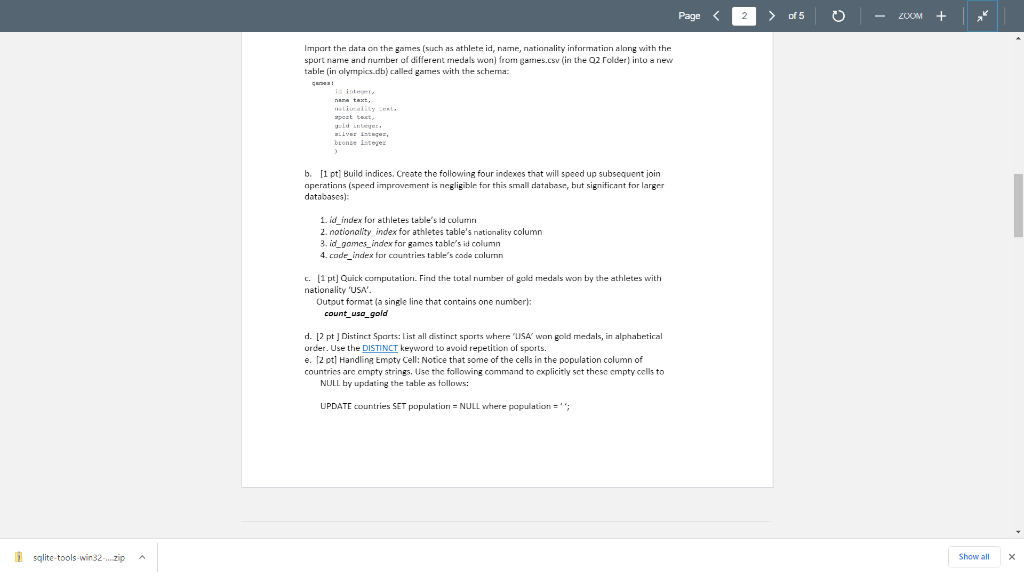
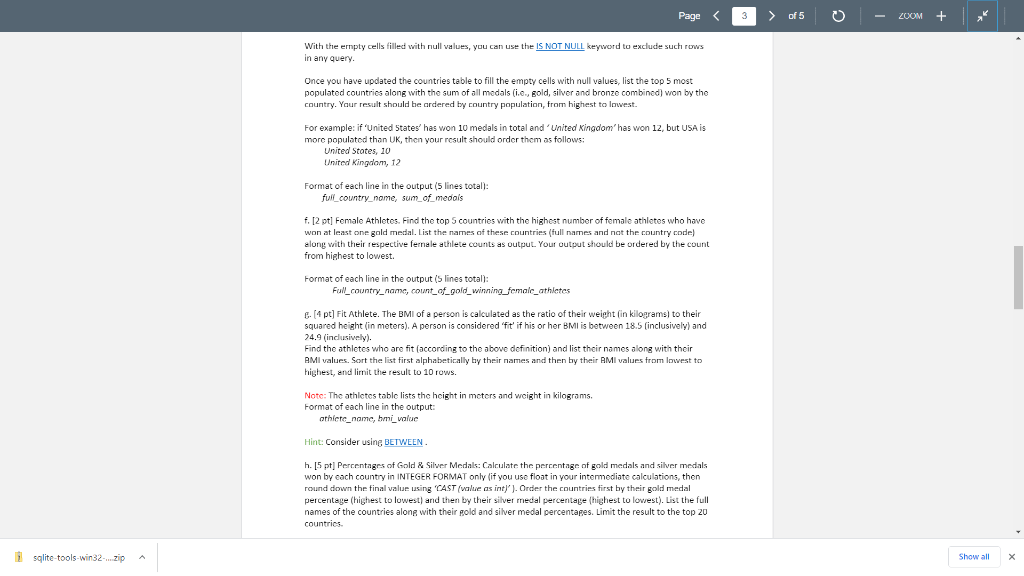
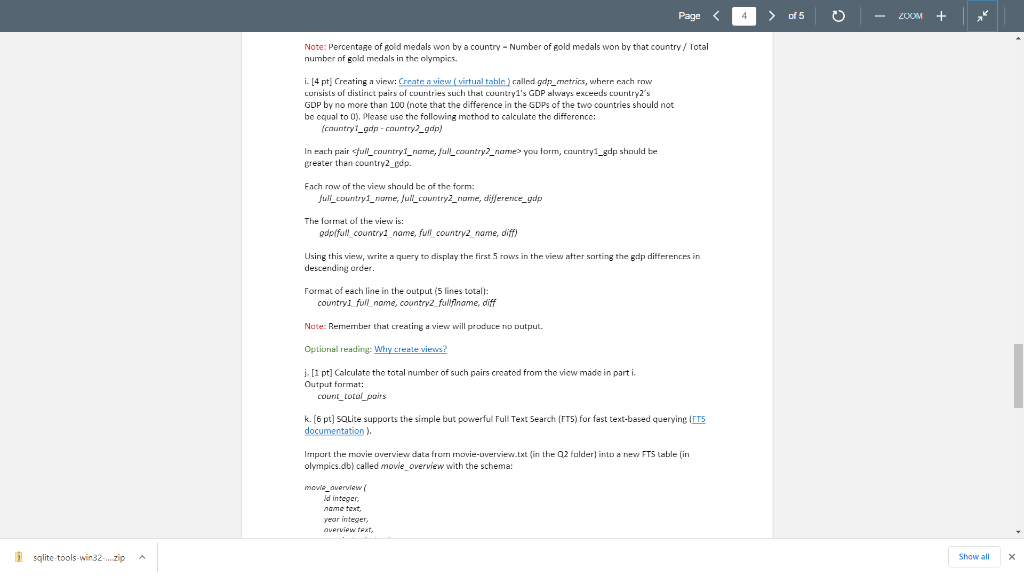
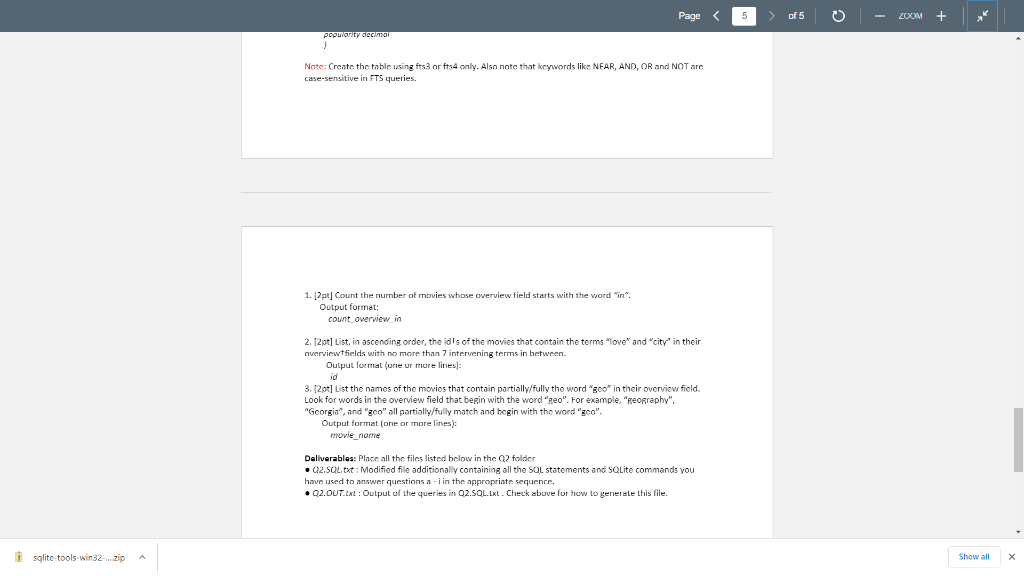
The following questions will help refresh your memory about SQL and get you started with SQLite (basic commands) --- a lightweight, serverless embedded database that can easily handle up to multiple GBs of data. As mentioned in class, SQLite is the world's most popular embedded database. It is convenient to share data stored in an SQLite database --- just one cross-platform file, and no need to parse (unlike CSV files). You will modify the given Q2.SQL.txt file to add SQL statements and SQLite commands to it. We will test your answers' correctness by running your modified Q2.SQL.txt against olympics.db to generate Q2.OUT.txt (assuming the current directory contains the data files) $ sqlite3 olympics.db Q2.OUT.txt We will generate the Q2.OUT.txt using the above command. You may not receive any points (1) if we are unable to generate the file, or (2) if you do not strictly follow the output formats specified in each question below. We have added some lines of code in the Q2.SQL.txt file. Their purposes are: headers off. : After each question, an output format has been given with a list of column names/headers. This command ensures that such headers are not displayed in the output. ..separator', : To specify that the input file and the output are comma-separated. select^^: This command prints a blank line. After each question's query, this command ensures that there is a new line between each result in the output file. WARNING: Do not copy and paste any code/command from this PDF for use in the sqlite command prompt, because PDFs sometimes introduce hidden/special characters, causing SQL error. Manually type out the commands instead. Note: For the questions in this section, you must use only INNER JOIN when you perform a join between two tables. Other types of join may result in incorrect outputs. Note: Do not use .mode csv in your Q2.SQL.txt file. This will cause quotes to be printed in the output of Page of 5 o ZOOM (2 pt) Import data. Create an SOLite database called olympics.db and provide the SOL code and SQLite commands) used to create the following tables. Use SQLite's dot commands (separator STRING and.import FILE TABLE) to import data from files. Import the data about the athletes from athletes.csv (in the Q2 Foldar, posted in CAVAS) into a new table (in olympics.db) called athletes with the schema: 1 This homework is created by Prol Chau al Georgia Tech achet w text. do text. height that Import the data on the events from countries.csv (in the 02 Folder) into a new table (in olympics.db) called countries with the schema: Cuti COLETY FOTO population inte d fla , sqlite tools win32-...zip Show all X Page
Step by Step Solution
There are 3 Steps involved in it

Get step-by-step solutions from verified subject matter experts
 Study Help