







Question: The linspace function in MATLAB can create linearly spaced numbers between 2 constants. Add the following command to your script: A = linspace(0,270,10). In your
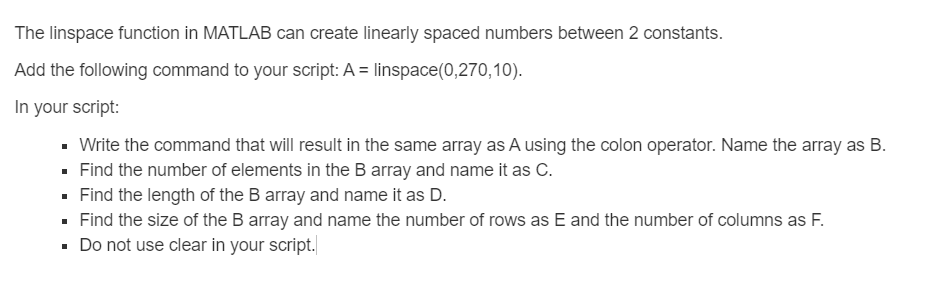
The linspace function in MATLAB can create linearly spaced numbers between 2 constants. Add the following command to your script: A = linspace(0,270,10). In your script: Write the command that will result in the same array as A using the colon operator. Name the array as B. . Find the number of elements in the B array and name it as C. Find the length of the B array and name it as D. Find the size of the B array and name the number of rows as E and the number of columns as F. . Do not use clear in your script
Step by Step Solution
There are 3 Steps involved in it
1 Expert Approved Answer
Step: 1 Unlock

Question Has Been Solved by an Expert!
Get step-by-step solutions from verified subject matter experts
Step: 2 Unlock
Step: 3 Unlock
 Study Help