







Question: /** * The main class for the CashMachine application */ public class CashMachine { /** * The entry point of the application * * @param
![* @param args The command-line arguments */ public static void main(String[] args)](https://dsd5zvtm8ll6.cloudfront.net/si.experts.images/questions/2024/09/66f3b8ead8a77_61866f3b8ea46799.jpg)
/** * The main class for the CashMachine application */ public class CashMachine { /** * The entry point of the application * * @param args The command-line arguments */ public static void main(String[] args) { PINPadWindow window; window = new PINPadWindow(); window.setTitle("ATM"); window.setVisible(true); } } ---------------------------------------------------------------
import java.awt.*; import java.awt.event.*; import javax.swing.*;
/** * A numeric keypad */ public class NumberPad extends JPanel { /** * Default Constructor */ public NumberPad() { super(); setupLayout(); }
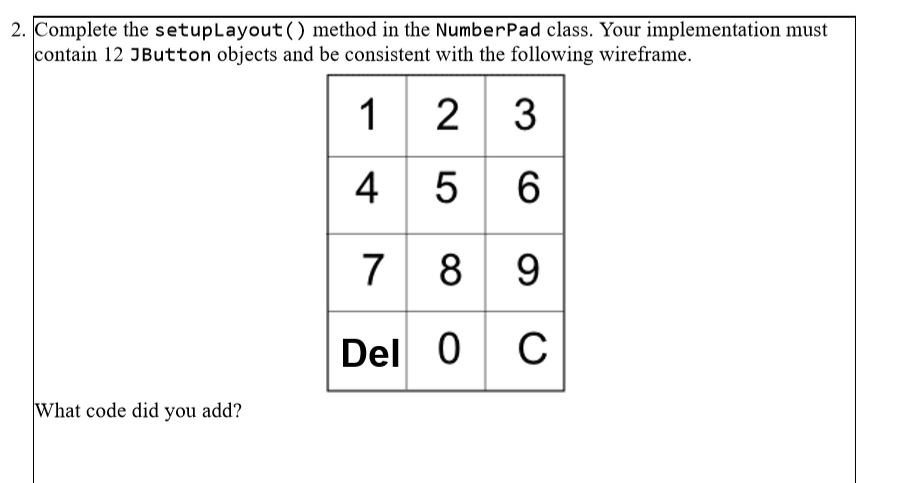
/** * Setup and layout this NumberPad */ private void setupLayout() { // Setup and layout this NumberPad } }
----------------------------------------------------------------------------
import java.awt.*; import javax.swing.*;
/** * A window containing a PIN entry pad. */ public class PINPadWindow extends JFrame { /** * Default Constructor. */ public PINPadWindow() { super(); setupLayout(); setDefaultCloseOperation(JFrame.EXIT_ON_CLOSE); }
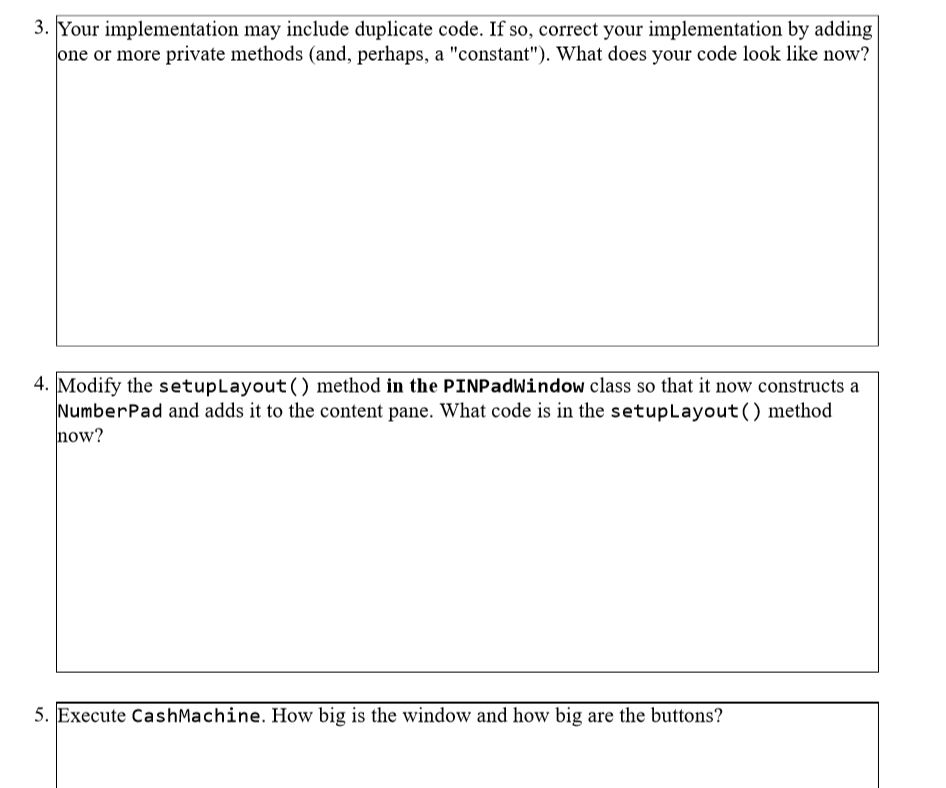
/** * Setup and layout this PINPadWindow */ private void setupLayout() { Container contentPane;
setSize(300, 300);
contentPane = getContentPane();
// Layout this PINPadWindow } }
2. Complete the setupLayout () method in the NumberPad class. Your implementation must contain 12 JButton objects and be consistent with the following wireframe Del 0 C What code did you add
Step by Step Solution
There are 3 Steps involved in it

Get step-by-step solutions from verified subject matter experts
 Study Help