







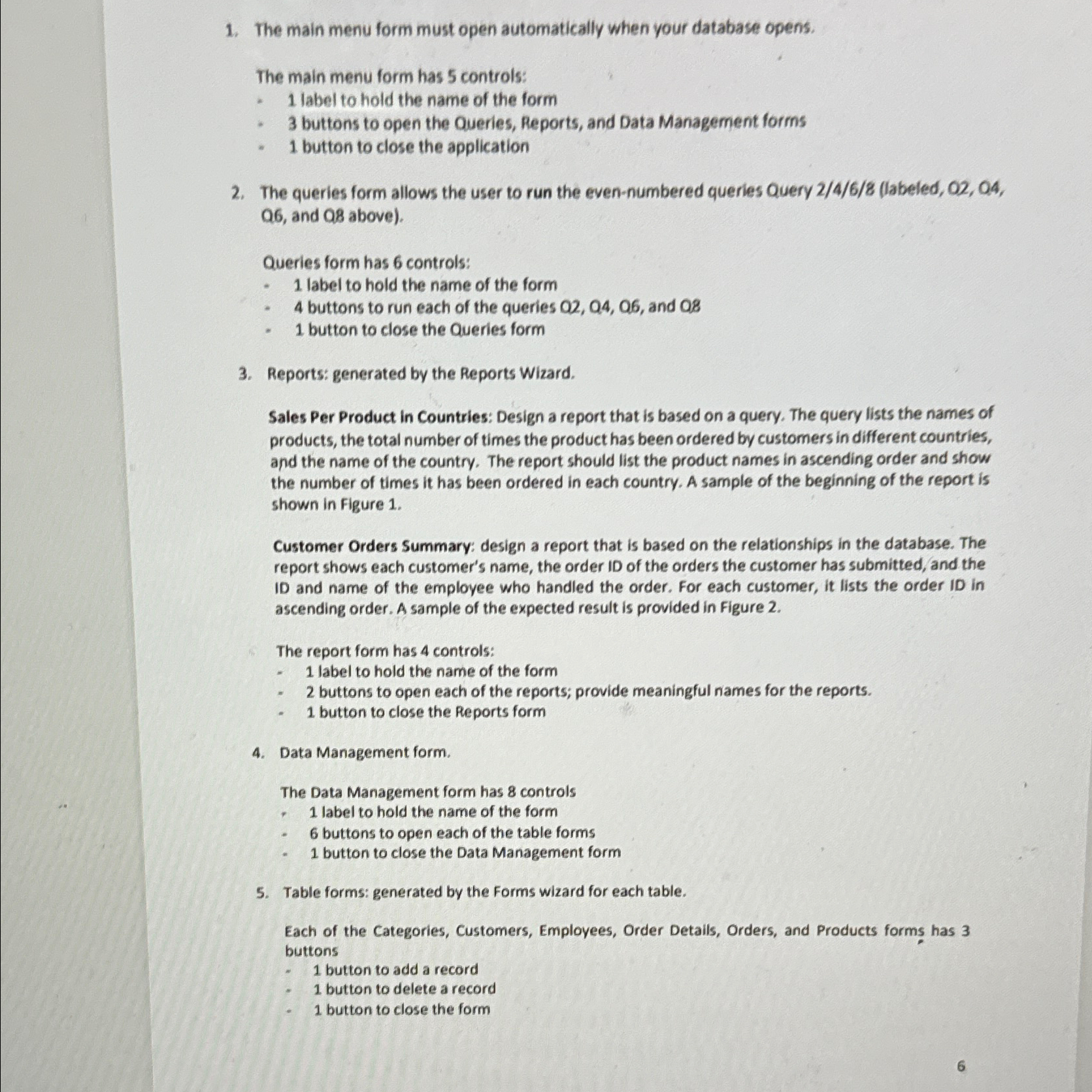
Question: The main menu form must open automatically when your database opens. The main menu form has 5 controls: 1 label to hold the name of
The main menu form must open automatically when your database opens.
The main menu form has controls:
label to hold the name of the form
buttons to open the Queries, Reports, and Data Management forms
button to close the application
The queries form allows the user to run the evennumbered queries Query labeled Q and Q above
Queries form has controls:
label to hold the name of the form
buttons to run each of the queries and
button to close the Queries form
Reports: generated by the Reports Wizard.
Sales Per Product in Countries: Design a report that is based on a query. The query lists the names of products, the total number of times the product has been ordered by customers in different countries, and the name of the country. The report should list the product names in ascending order and show the number of times it has been ordered in each country. A sample of the beginning of the report is shown in Figure
Customer Orders Summary: design a report that is based on the relationships in the database. The report shows each customer's name, the order ID of the orders the customer has submitted, and the ID and name of the employee who handled the order. For each customer, it lists the order ID in ascending order. A sample of the expected result is provided in Figure
The report form has controls:
label to hold the name of the form
buttons to open each of the reports; provide meaningful names for the reports.
button to close the Reports form
Data Management form.
The Data Management form has controls
label to hold the name of the form
buttons to open each of the table forms
button to close the Data Management form
Table forms: generated by the Forms wizard for each table.
Each of the Categories, Customers, Employees, Order Details, Orders, and Products forms has buttons
button to add a record
button to delete a record
button to close the form
Step by Step Solution
There are 3 Steps involved in it
1 Expert Approved Answer
Step: 1 Unlock

Question Has Been Solved by an Expert!
Get step-by-step solutions from verified subject matter experts
Step: 2 Unlock
Step: 3 Unlock
 Study Help