







Question: the NAT translation table Use the example given carlier in the chapter as a template to create entries for the address translation. For the subnet
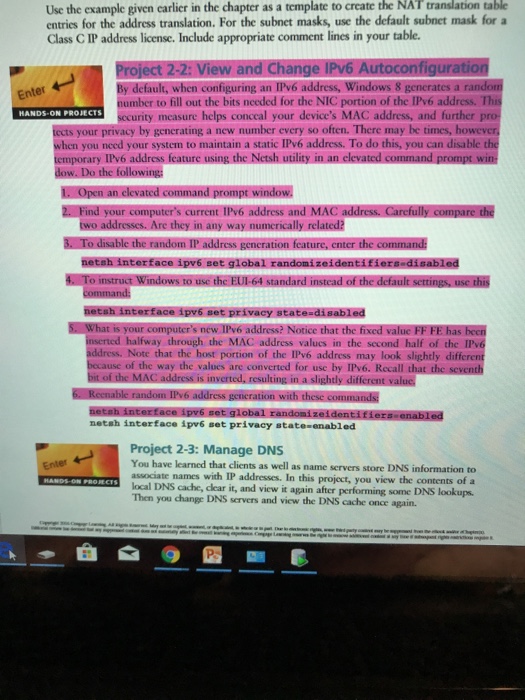
the NAT translation table Use the example given carlier in the chapter as a template to create entries for the address translation. For the subnet masks, use the default subnet mask fora Class C IP address license. Include appropriate comment lines in your table Project 2-2: View and Change IPv6 Autoconfiguration By default, when configuring an IPv6 address, Windows 8 generates a random number to fill out the bits needed for the NIC portion of the IP'v6 address. This sccurity measure helps conccal your device's MAC address, and further pro tects your privacy by generating a new number every so often. There may be times, however when you need your system to maintain a static IPv6 address. To do this, you can disable the Enter HANDS-ON PROJECTS temporary IPv6 address feature using the Netsh ated command prompt w following: command prompt window. 2. Find your computer's current IPv6 address and MAC address. Carefully compare the any way munericall relatednl the address gencrat netsh interface ipv6 set global r t privacy state-disabled 5. What is your computer's new IPv6 a inserted halfway through the MAC address valucs in the second half of the IPv6 address. Note that the host portion of the IPv6 address may look slightly diffe because of the way the values are converted for use by IPv6. Recall ting in a slightly different valuc netsh interface ipv6 set privacy state-enabled Project 2-3: Manage DNS You have associate names with IP addresses. In this project, you view the contents ofa local DNS cache, clear it, and view it again after performing some DNS lookups Then you change DNS servers and view the DNS cache once again. Enter- learned that clients as well as name servers store DNS information to
Step by Step Solution
There are 3 Steps involved in it

Get step-by-step solutions from verified subject matter experts
 Study Help