



Question: The student needs to recreate the Project with the name STUDY-CASE according to the study case denominated Airport-Data. An aircraft has several flight data messages.
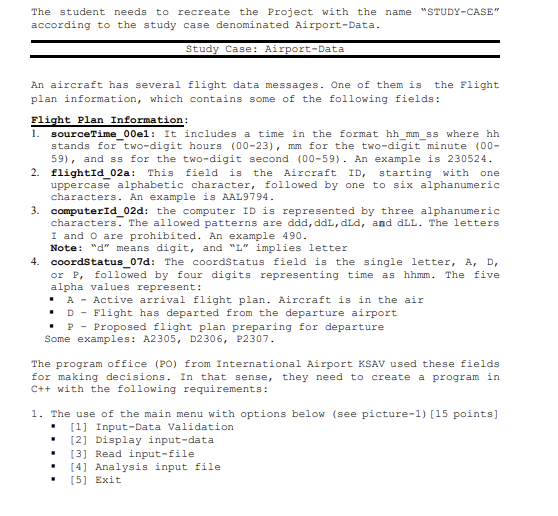
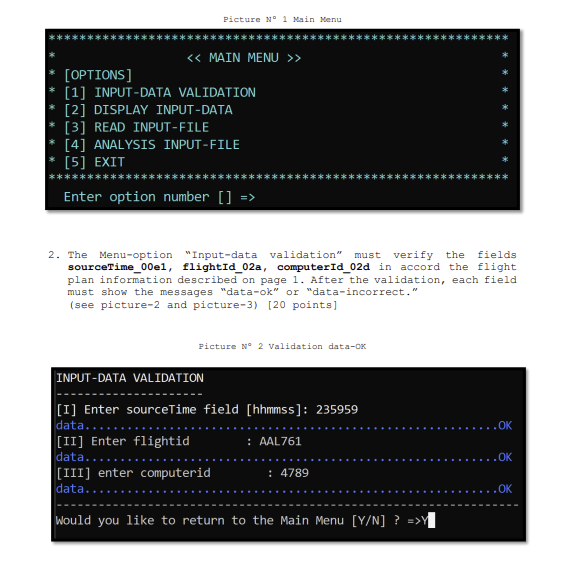
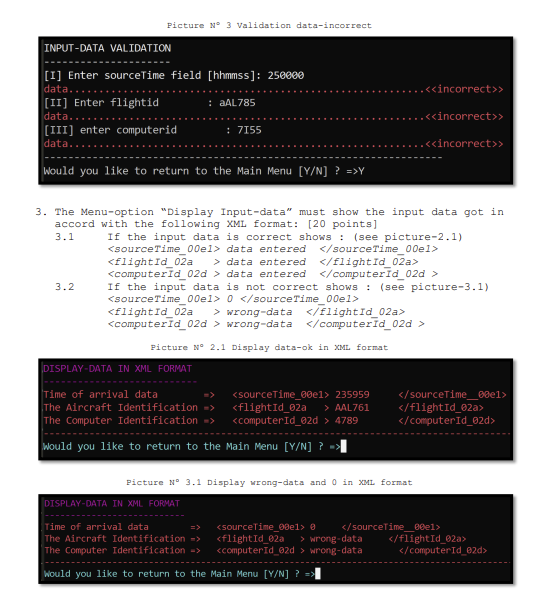
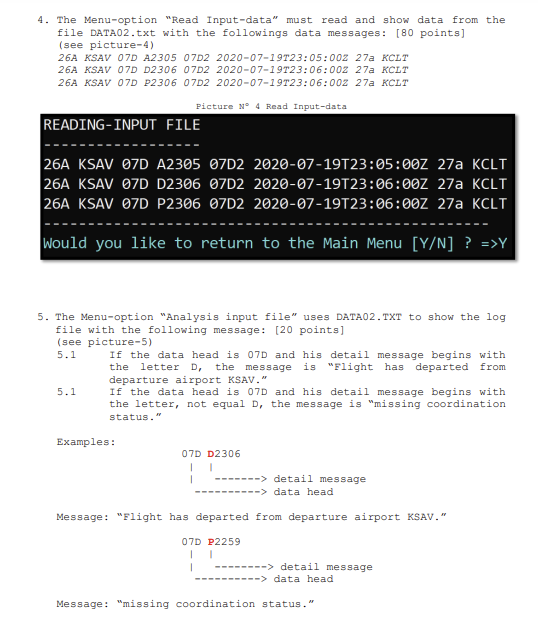
The student needs to recreate the Project with the name "STUDY-CASE" according to the study case denominated Airport-Data. An aircraft has several flight data messages. One of them is the Flight plan information, which contains some of the following fields: Flight Plan Information: 1. sourcetime_00e1: It includes a time in the format hh_mm_ss where hh stands for two-digit hours (0023), mm for the two-digit minute (00 59), and ss for the two-digit second (00-59). An example is 230524 . 2. flightId_02a: This field is the Aircraft ID, starting with one uppercase alphabetic character, followed by one to six alphanumeric characters. An example is AAL 9794. 3. computerId_02d: the computer ID is represented by three alphanumeric characters. The allowed patterns are ddd, ddL, did, and dLL. The letters I and O are prohibited. An example 490. Note: " d" means digit, and " Ln implies letter 4. coordstatus_07d: The coordstatus field is the single letter, A, D, or P, followed by four digits representing time as hhmm. The five alpha values represent: - A - Active arrival flight plan. Aircraft is in the air - D - Flight has departed from the departure airport - P - Proposed flight plan preparing for departure Some examples: A2305, D2306, P2307. The program office (PO) from International Airport KSAV used these fields for making decisions. In that sense, they need to create a program in c++ with the following requirements: 1. The use of the main menu with options below (see picture-1) [15 points] [1] Input-Data Validation [2] Display input-data [3] Read input-file [4] Analysis input file [5] Exit Picture N1 Main Nenu > * [ OPTIONS ] * [1] INPUT-DATA VALIDATION * [2] DISPLAY INPUT-DATA * [3] READ INPUT-FILE * [4] ANALYSIS INPUT-FILE [5]XIT Enter option number []=> 2. The Menumoption "Input-data validation must verify the fields sourceTime 00e1, flightid_02a, computerid 02d in accord the flight plan information described on page 1 . After the validation, each field must show the messages "data-ok" or "data-incorrect. " (see picture-2 and picture-3) [20 points] Picture N2 Validation data-Ox PictureN3Validationdata-incorrect 3. The Menu-option "Display Input-data" must show the input data got in accord with the following XML format: [20 points] 3.1 If the input data is correct shows: (see picture-2.1) data entered o0el>
Step by Step Solution
There are 3 Steps involved in it

Get step-by-step solutions from verified subject matter experts