







Question: The SUMPRODUCT ( ) Function F S is a highly useful function in Excel. It returns the sums of the products of corresponding cell ranges
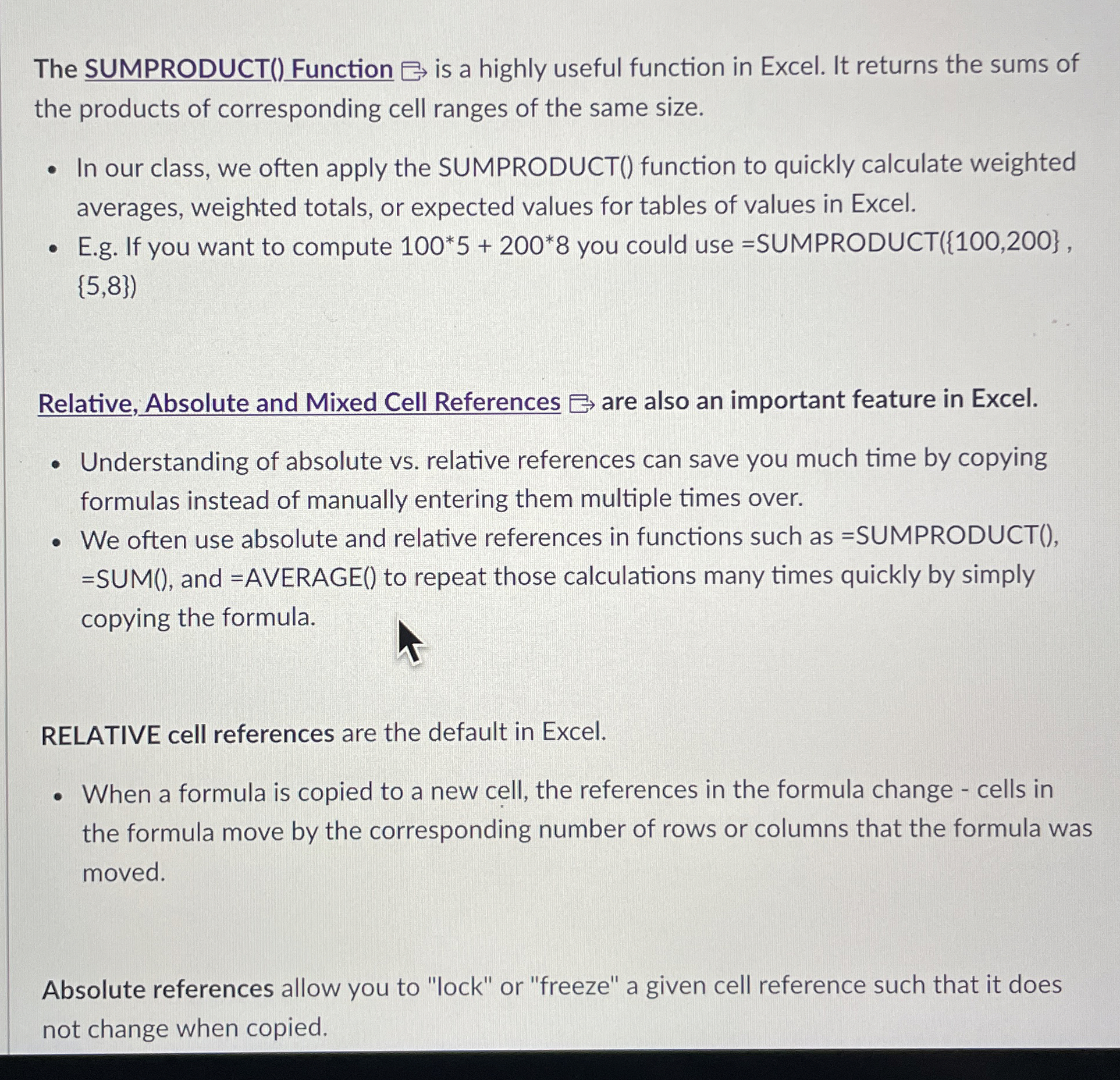
The SUMPRODUCT Function is a highly useful function in Excel. It returns the sums of the products of corresponding cell ranges of the same size.
In our class, we often apply the SUMPRODUCT function to quickly calculate weighted averages, weighted totals, or expected values for tables of values in Excel.
Eg If you want to compute you could use SUMPRODUCT
Relative, Absolute and Mixed Cell References are also an important feature in Excel.
Understanding of absolute vs relative references can save you much time by copying formulas instead of manually entering them multiple times over.
We often use absolute and relative references in functions such as SUMPRODUCTSUM and AVERAGE to repeat those calculations many times quickly by simply copying the formula.
RELATIVE cell references are the default in Excel.
When a formula is copied to a new cell, the references in the formula change cells in the formula move by the corresponding number of rows or columns that the formula was moved.
Absolute references allow you to "lock" or "freeze" a given cell reference such that it does not change when copied.
Step by Step Solution
There are 3 Steps involved in it
1 Expert Approved Answer
Step: 1 Unlock

Question Has Been Solved by an Expert!
Get step-by-step solutions from verified subject matter experts
Step: 2 Unlock
Step: 3 Unlock
 Study Help