







Question: This configuration can be done using internal network connection in the virtualbox and a manual assignment of IP addresses. Be sure that both machines
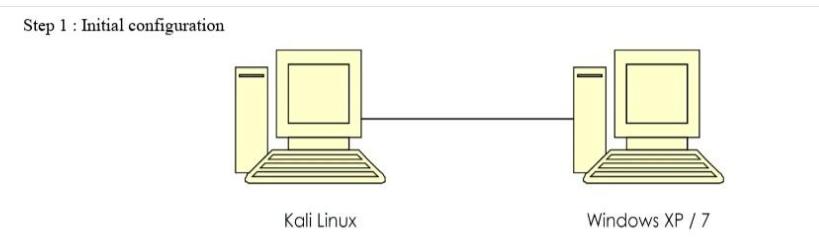
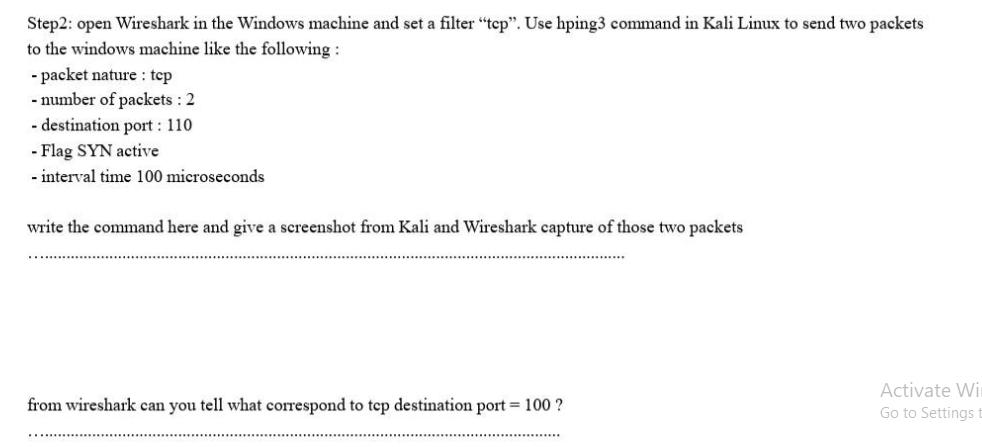
This configuration can be done using internal network connection in the virtualbox and a manual assignment of IP addresses. Be sure that both machines belong to the same internal network (having the same net prefix and the same network mask) Kali Linux 10.50.0.10\8 Windows 10.50.0.20\8 use the ping command to test the connection from both sides. Show the result of each ping command using a screenshot: Step 1: Initial configuration Kali Linux Windows XP / 7 Step2: open Wireshark in the Windows machine and set a filter "tcp". Use hping3 command in Kali Linux to send two packets to the windows machine like the following: - packet nature tcp - number of packets: 2 - destination port: 110 - Flag SYN active - interval time 100 microseconds write the command here and give a screenshot from Kali and Wireshark capture of those two packets from wireshark can you tell what correspond to tcp destination port = 100 ? Activate Wi Go to Settings t
Step by Step Solution
There are 3 Steps involved in it
To configure a connection between Kali Linux and Windows with manual IP assignment and test the connection using the ping command you can follow these ... View full answer

Get step-by-step solutions from verified subject matter experts
 Study Help