







Question: This exercise guides you through the process of adding a rectangular array to the Future Value application. This array will store the values for up
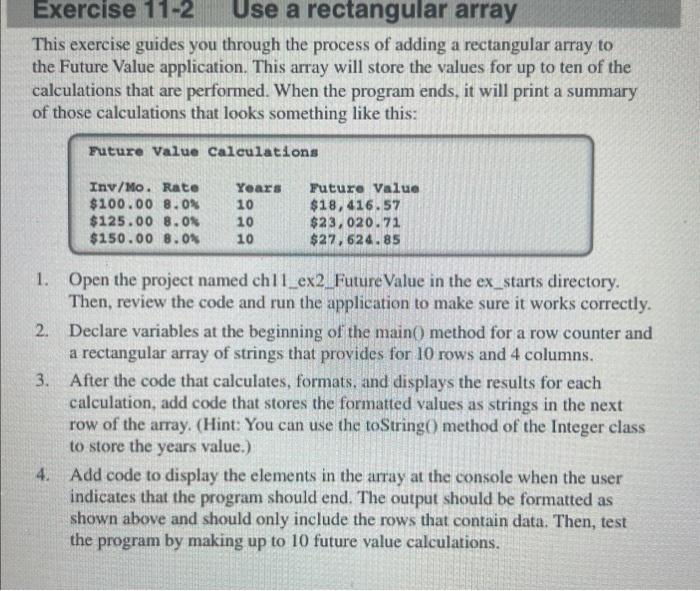
This exercise guides you through the process of adding a rectangular array to the Future Value application. This array will store the values for up to ten of the calculations that are performed. When the program ends, it will print a summary of those calculations that looks something like this: 1. Open the project named ch11_ex2._Future Value in the ex_starts directory. Then, review the code and run the application to make sure it works correctly. 2. Declare variables at the beginning of the main 0 method for a row counter and a rectangular array of strings that provides for 10 rows and 4 columns. 3. After the code that calculates, formats, and displays the results for each calculation, add code that stores the formatted values as strings in the next row of the array. (Hint: You can use the toStringO method of the Integer class to store the years value.) 4. Add code to display the elements in the array at the console when the user indicates that the program should end. The output should be formatted as shown above and should only include the rows that contain data. Then, test the program by making up to 10 future value calculations
Step by Step Solution
There are 3 Steps involved in it

Get step-by-step solutions from verified subject matter experts
 Study Help