







Question: This image goes with the information above @ @ G@ Facebook x | GiftGiverPac x Orlandotoci x Assignmentc x [RJ CNNNewsou. x | ff OBJECTIVE?
This image goes with the information above
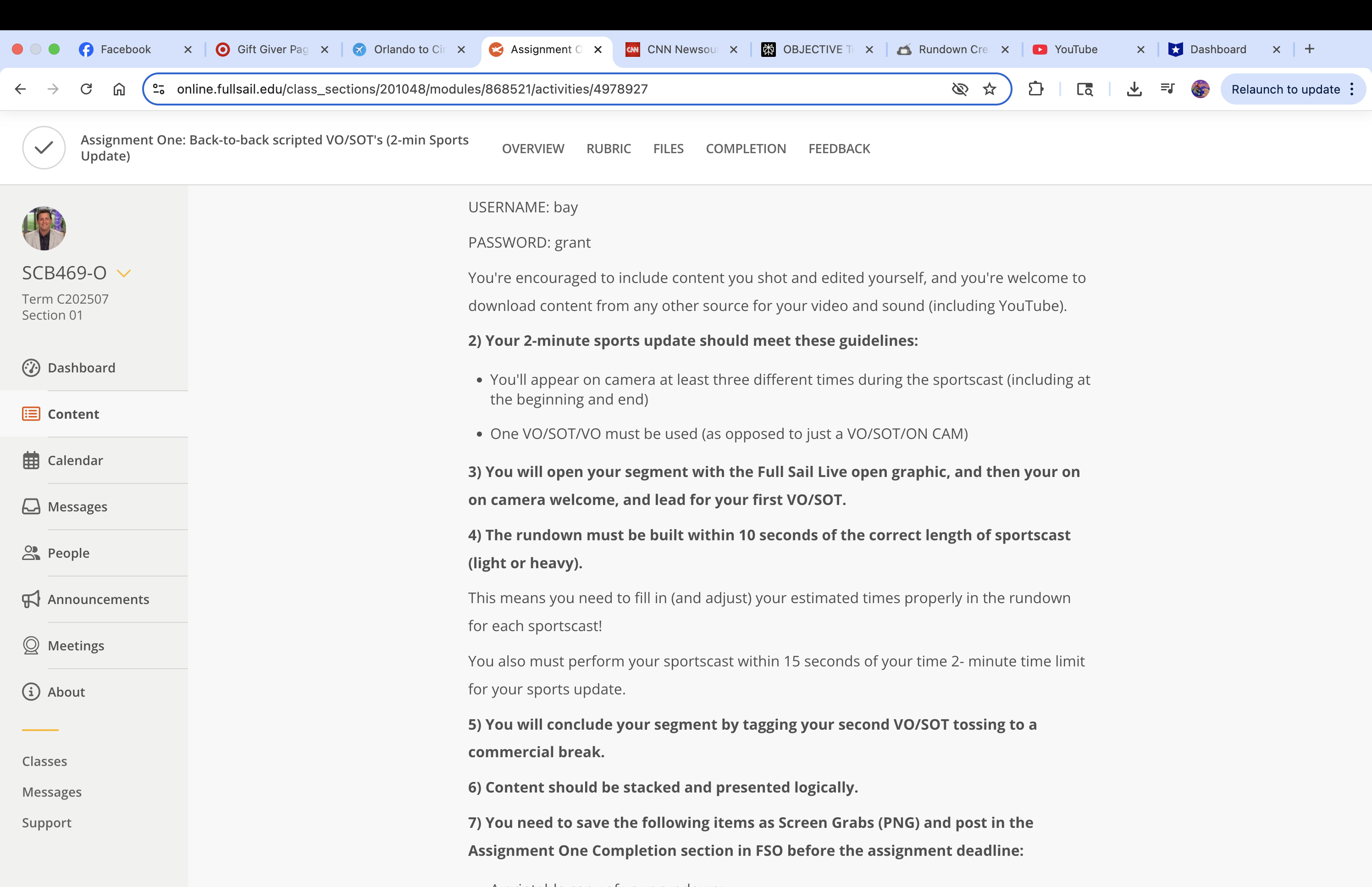
@ @ G@ Facebook x | GiftGiverPac x Orlandotoci x Assignmentc x [RJ CNNNewsou. x | ff OBJECTIVE? x | gc RundownCre x | @ YouTube x | BJ Dashboard x + online.fullsail.edu/class_sections/201048/modules/868521/activities/4978927 ce & @ Relaunch to update : Y Assignment One: Back-to-back scripted VO/SOT's (2-min Sports Update) ie SCB469-O Term C202507 Section 01 Dashboard Content fg Calendar G&) Messages & People Announcements Q Meetings @ About Classes Messages Support OVERVIEW RUBRIC FILES COMPLETION FEEDBACK USERNAME: bay PASSWORD: grant You're encouraged to include content you shot and edited yourself, and you're welcome to download content from any other source for your video and sound (including YouTube). 2) Your 2-minute sports update should meet these guidelines: You'll appear on camera at least three different times during the sportscast (including at the beginning and end) One VO/SOT/VO must be used (as opposed to just a VO/SOT/ON CAM) 3) You will open your segment with the Full Sail Live open graphic, and then your on on camera welcome, and lead for your first VO/SOT. 4) The rundown must be built within 10 seconds of the correct length of sportscast (light or heavy). This means you need to fill in (and adjust) your estimated times properly in the rundown for each sportscast! You also must perform your sportscast within 15 seconds of your time 2- minute time limit for your sports update. 5) You will conclude your segment by tagging your second VO/SOT tossing to a commercial break. 6) Content should be stacked and presented logically. 7) You need to save the following items as Screen Grabs (PNG) and post in the Assignment One Completion section in FSO before the assignment deadline
Step by Step Solution
There are 3 Steps involved in it

Get step-by-step solutions from verified subject matter experts
 Study Help