







Question: This is a python program and is to be only written in Python. Description: Ask a user for a number and then determine what numbers
This is a python program and is to be only written in Python.
Description:
Ask a user for a number and then determine what numbers in the list [0,1,2,3,4,5,6,7,8,9,10] are larger than the number entered by the user. Assign the number entered by the user to a variable named "n".
Details:
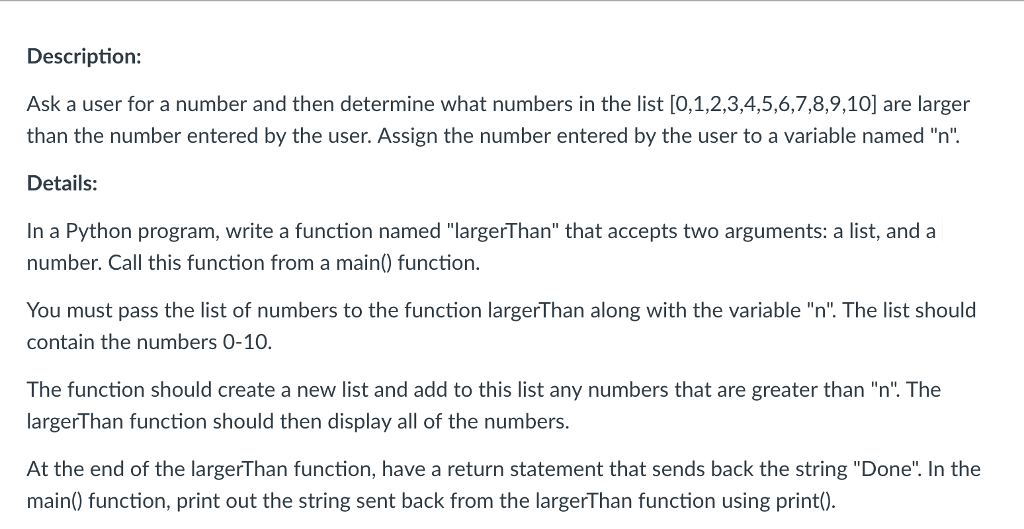
In a Python program, write a function named "largerThan" that accepts two arguments: a list, and a number. Call this function from a main() function. You must pass the list of numbers to the function largerThan along with the variable "n". The list should contain the numbers 0-10. The function should create a new list and add to this list any numbers that are greater than "n". The largerThan function should then display all of the numbers. At the end of the largerThan function, have a return statement that sends back the string "Done". In the main() function, print out the string sent back from the largerThan function using print().
Description: Ask a user for a number and then determine what numbers in the list [0,1,2,3,4,5,6,7,8,9,10] are larger than the number entered by the user. Assign the number entered by the user to a variable named "n'. Details: In a Python program, write a function named "largerThan" that accepts two arguments: a list, and a number. Call this function from a main) function. You must pass the list of numbers to the function largerThan along with the variable "n". The list should contain the numbers 0-10. The function should create a new list and add to this list any numbers that are greater than "n". The largerThan function should then display all of the numbers. At the end of the largerThan function, have a return statement that sends back the string "Done". In the main) function, print out the string sent back from the largerThan function using print)
Step by Step Solution
There are 3 Steps involved in it

Get step-by-step solutions from verified subject matter experts
 Study Help