







Question: This is a quick books question 1. Select Expenses in the left navigation 2. Select the Vendors tab 3. 4. Select Import vendors 5. Browse
This is a quick books question
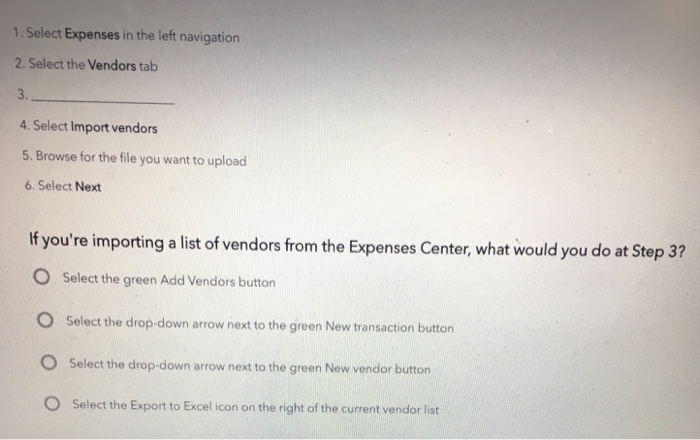
1. Select Expenses in the left navigation 2. Select the Vendors tab 3. 4. Select Import vendors 5. Browse for the file you want to upload 6. Select Next If you're importing a list of vendors from the Expenses Center, what would you do at Step 3? O Select the green Add Vendors button O Select the drop-down arrow next to the green New transaction button O Select the drop-down arrow next to the green New vendor button O Select the Export to Excel icon on the right of the current vendor list
Step by Step Solution
There are 3 Steps involved in it
1 Expert Approved Answer
Step: 1 Unlock

Question Has Been Solved by an Expert!
Get step-by-step solutions from verified subject matter experts
Step: 2 Unlock
Step: 3 Unlock
 Study Help