







Question: This is for assembly language x86 32 bit. using MASM and Irvine Directory 1. reorder.asm - rearranges the values of the following array into the
This is for assembly language x86 32 bit. using MASM and Irvine Directory
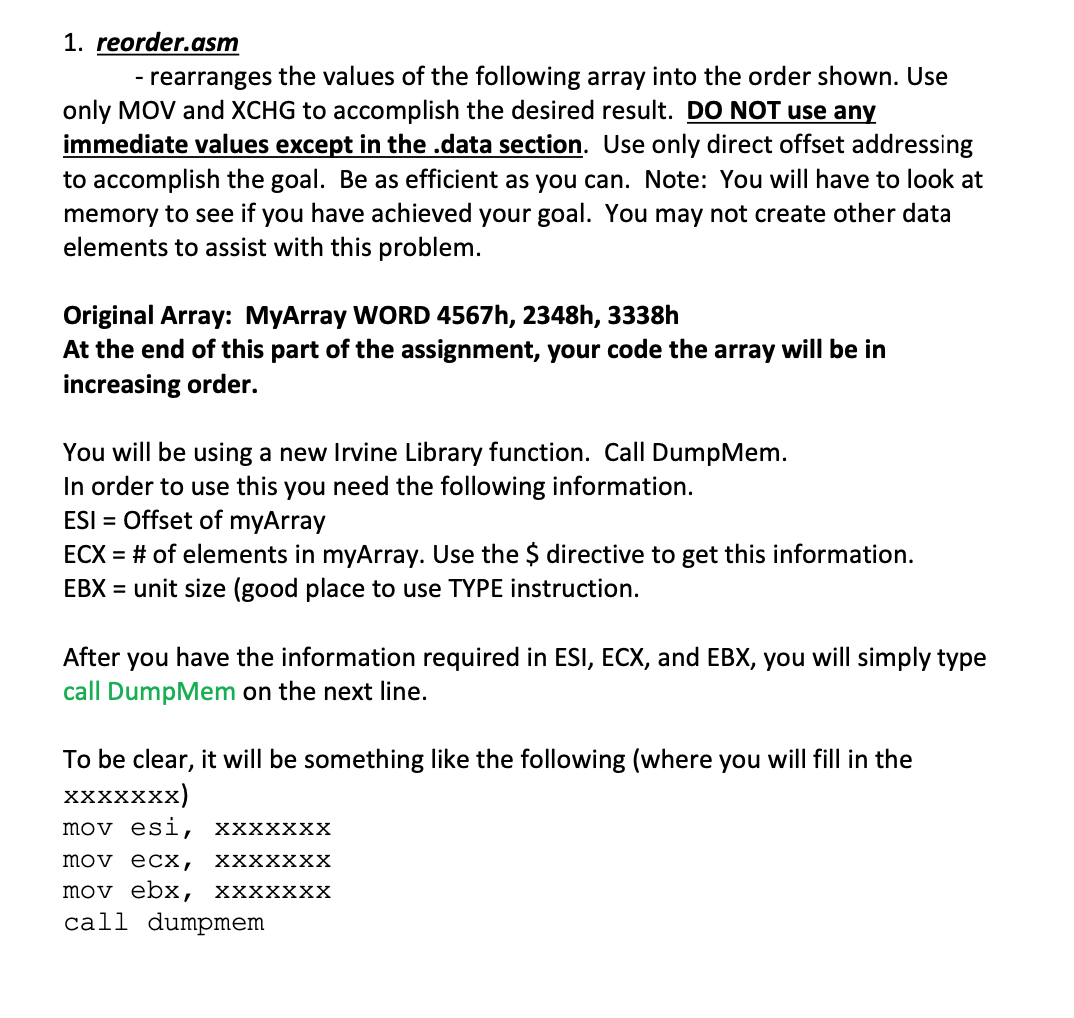
1. reorder.asm - rearranges the values of the following array into the order shown. Use only MOV and XCHG to accomplish the desired result. DO NOT use any immediate values except in the .data section. Use only direct offset addressing to accomplish the goal. Be as efficient as you can. Note: You will have to look at memory to see if you have achieved your goal. You may not create other data elements to assist with this problem. Original Array: MyArray WORD 4567h, 2348h, 3338h At the end of this part of the assignment, your code the array will be in increasing order. You will be using a new Irvine Library function. Call Dump Mem. In order to use this you need the following information. ESI = Offset of myArray ECX = # of elements in myArray. Use the $ directive to get this information. EBX = unit size (good place to use TYPE instruction. After you have the information required in ESI, ECX, and EBX, you will simply type call Dump Mem on the next line. To be clear, it will be something like the following (where you will fill in the xxxxxxx) mov esi, xxxxxxx mov ecx, XXXXXXX mov ebx, XXXXXXX call dumpmem 1. reorder.asm - rearranges the values of the following array into the order shown. Use only MOV and XCHG to accomplish the desired result. DO NOT use any immediate values except in the .data section. Use only direct offset addressing to accomplish the goal. Be as efficient as you can. Note: You will have to look at memory to see if you have achieved your goal. You may not create other data elements to assist with this problem. Original Array: MyArray WORD 4567h, 2348h, 3338h At the end of this part of the assignment, your code the array will be in increasing order. You will be using a new Irvine Library function. Call Dump Mem. In order to use this you need the following information. ESI = Offset of myArray ECX = # of elements in myArray. Use the $ directive to get this information. EBX = unit size (good place to use TYPE instruction. After you have the information required in ESI, ECX, and EBX, you will simply type call Dump Mem on the next line. To be clear, it will be something like the following (where you will fill in the xxxxxxx) mov esi, xxxxxxx mov ecx, XXXXXXX mov ebx, XXXXXXX call dumpmem
Step by Step Solution
There are 3 Steps involved in it

Get step-by-step solutions from verified subject matter experts
 Study Help