







Question: This is my current code: import java.util.ArrayList; import java.util.Random; /** * Write a description of class BirthdaySimulation here. * * @author Micheal McClenahgan * @version
This is my current code:
import java.util.ArrayList; import java.util.Random;
/** * Write a description of class BirthdaySimulation here. * * @author Micheal McClenahgan * @version 2022-12-26 */
public class BirthdaySimulation { // Question 1)B) // instance variables - List of birthdays of attendees at a meeting public ArrayList
/** * Constructor for objects of class BirthdaySimulation * Empty instance of ArrayList */ public BirthdaySimulation() { // zero-parameter constructor to initialise bdays to empty instance of ArrayList bdays = new ArrayList(); }
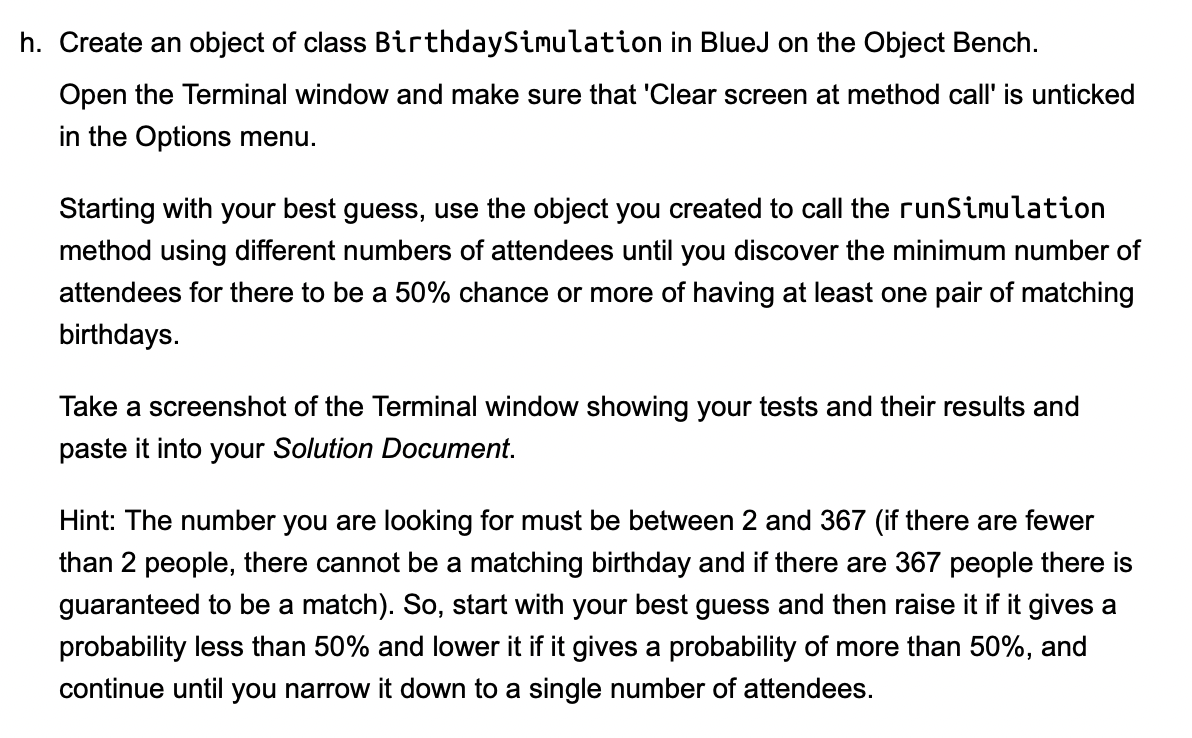
/** * ranMonth method - returns string with randomly generated month * @param 0-11 * @return - random month * ranDateInMonth method - returns random day in month selected * * ranDateInMonth - generates a random day in the selected month * @return - random day of the month * * createMeeting(int numAttendees) - clears ArrayList and sets loop to add birthdays to ArrayList * * foundMatch - checks if there is match * @return boolean true or false */ // Question 1)C) public String ranMonth() { Random random = new Random(); int month = random.nextInt(12); //int month generates a random integer between 0 and 11 (inclusive) //use this integer to return the name of the month with that integer switch (month) { case 0: return "January"; case 1: return "February"; case 2: return "March"; case 3: return "April"; case 4: return "May"; case 5: return "June"; case 6: return "July"; case 7: return "August"; case 8: return "September"; case 9: return "October"; case 10: return "November"; case 11: return "December"; default: return "Invalid Month"; } } // Question 1)D) public int ranDateInMonth(String aMonth) // Generates random day in selected month { int day = 0; //initialises day to 0 if (aMonth.equals("February")) //if the month is February { int random = (int) (Math.random() * 4); //generates a random number between 0 and 3 if (random == 0) { day = (int) (Math.random() * 29) + 1; //generates a random number between 1 and 29 } else { day = (int) (Math.random() * 28) + 1; //generates a random number between 1 and 28 } } else if (aMonth.equals("April") || aMonth.equals("June") || aMonth.equals("September") || aMonth.equals("November")) //if the month is either April, June, September or November { day = (int) (Math.random() * 30) + 1; //geneerates a random number between 1 and 30 } else { day = (int) (Math.random() * 31) + 1; //generates a random number between 1 and 31 } return day; //returns the random day } // Question 1)E) public void createMeeting(int numAttendees) //creates the meeting { bdays.clear(); //clears the ArrayList for (int i = 0; i Create an object of class BirthdaySimulation in BlueJ on the Object Bench. Open the Terminal window and make sure that 'Clear screen at method call' is unticked in the Options menu. Starting with your best guess, use the object you created to call the runSimulation method using different numbers of attendees until you discover the minimum number of attendees for there to be a 50% chance or more of having at least one pair of matching birthdays. Take a screenshot of the Terminal window showing your tests and their results and paste it into your Solution Document. Hint: The number you are looking for must be between 2 and 367 (if there are fewer than 2 people, there cannot be a matching birthday and if there are 367 people there is guaranteed to be a match). So, start with your best guess and then raise it if it gives a probability less than 50% and lower it if it gives a probability of more than 50%, and continue until you narrow it down to a single number of attendees
Step by Step Solution
There are 3 Steps involved in it

Get step-by-step solutions from verified subject matter experts
 Study Help