



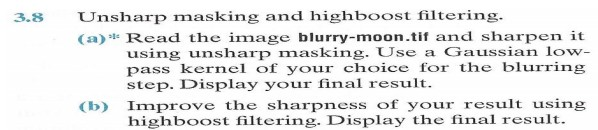
Question: this is the 'blurry-moon.tif' file: Unsharp masking and highboost filtering. (a) Read the image blurry-moon 3.8 and sharpen it using unsharp masking. Use a Gaussian
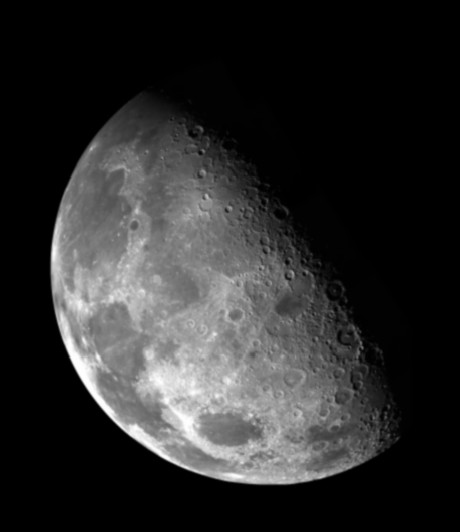
this is the 'blurry-moon.tif' file:
Unsharp masking and highboost filtering. (a) Read the image blurry-moon 3.8 and sharpen it using unsharp masking. Use a Gaussian low- pass kernel of your choice for the blurring step. Display your final result. (b) Improve the sharpness of your result using highboost filtering. Display the final result. Unsharp masking and highboost filtering. (a) Read the image blurry-moon 3.8 and sharpen it using unsharp masking. Use a Gaussian low- pass kernel of your choice for the blurring step. Display your final result. (b) Improve the sharpness of your result using highboost filtering. Display the final result
Step by Step Solution
There are 3 Steps involved in it
1 Expert Approved Answer
Step: 1 Unlock

Question Has Been Solved by an Expert!
Get step-by-step solutions from verified subject matter experts
Step: 2 Unlock
Step: 3 Unlock