







Question: This lab subject is Game Programming. Using Unity Hub to create the Final Project. I need the instruction step-by-step or screenshots for every stape is
This lab subject is Game Programming. Using "Unity Hub" to create the Final Project. I need the instruction step-by-step or screenshots for every stape is very helpful for me.
So That I can follow the instruction and complete the Final Project From my side.
Please pick one option from below whatever is easy to do and let me know which one you pick.
you can input any free stuff from assetstore.unity.com like the player or Prototype Materials( this not mandatory)
{My choice is Number1 and use the player below
assetstore.unity.com/packages/3d/characters/humanoids/sci-fi/speedball-player-12980}
***Remember you can pick anything whatever is easy to do and make it very simple***
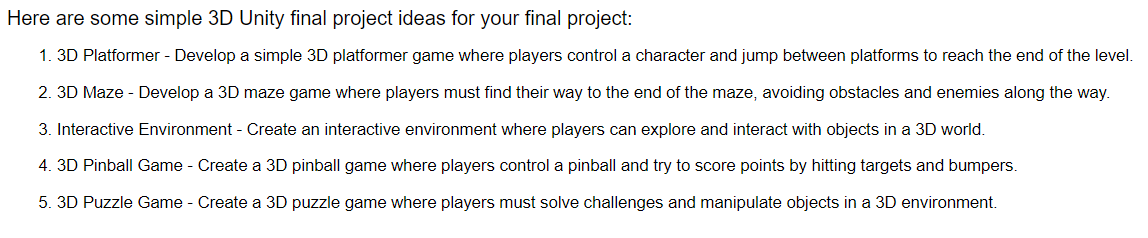
Here are some simple 3D Unity final project ideas for your final project: 1. 3D Platformer - Develop a simple 3D platformer game where players control a character and jump between platforms to reach the end of the level. 2. 3D Maze - Develop a 3D maze game where players must find their way to the end of the maze, avoiding obstacles and enemies along the way. 3. Interactive Environment - Create an interactive environment where players can explore and interact with objects in a 3D world. 4. 3D Pinball Game - Create a 3D pinball game where players control a pinball and try to score points by hitting targets and bumpers. 5. 3D Puzzle Game - Create a 3D puzzle game where players must solve challenges and manipulate objects in a 3D environment
Step by Step Solution
There are 3 Steps involved in it

Get step-by-step solutions from verified subject matter experts
 Study Help