







Question: This lab subject is Game Programming. Using Unity Hub to create the lab. I need the instruction step-by-step screenshots for every stape is very helpful
This lab subject is Game Programming. Using "Unity Hub" to create the lab. I need the instruction step-by-step screenshots for every stape is very helpful for me.
So That I can follow the instruction and complete the lab From my side.
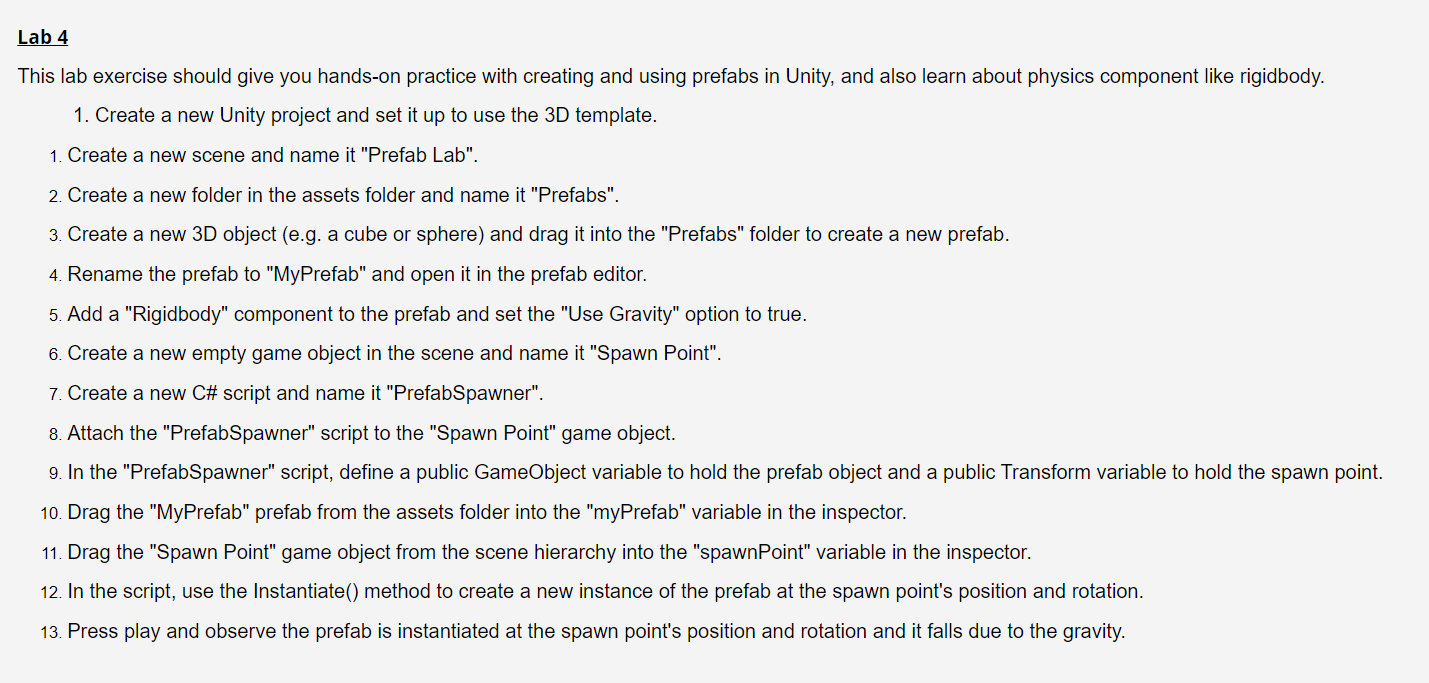
This lab exercise should give you hands-on practice with creating and using prefabs in Unity, and also learn about physics component like rigidbody. 1. Create a new Unity project and set it up to use the 3D template. 1. Create a new scene and name it "Prefab Lab". 2. Create a new folder in the assets folder and name it "Prefabs". 3. Create a new 3D object (e.g. a cube or sphere) and drag it into the "Prefabs" folder to create a new prefab. 4. Rename the prefab to "MyPrefab" and open it in the prefab editor. 5. Add a "Rigidbody" component to the prefab and set the "Use Gravity" option to true. 6. Create a new empty game object in the scene and name it "Spawn Point". 7. Create a new C\# script and name it "PrefabSpawner". 8. Attach the "PrefabSpawner" script to the "Spawn Point" game object. 9. In the "PrefabSpawner" script, define a public GameObject variable to hold the prefab object and a public Transform variable to hold the spawn point. 10. Drag the "MyPrefab" prefab from the assets folder into the "myPrefab" variable in the inspector. 11. Drag the "Spawn Point" game object from the scene hierarchy into the "spawnPoint" variable in the inspector. 12. In the script, use the Instantiate() method to create a new instance of the prefab at the spawn point's position and rotation. 13. Press play and observe the prefab is instantiated at the spawn point's position and rotation and it falls due to the gravity
Step by Step Solution
There are 3 Steps involved in it

Get step-by-step solutions from verified subject matter experts
 Study Help