







Question: Throwing a ball: a ) Create a new script file in MATLAB and save it as throwBall.m . b ) Add some comments to the
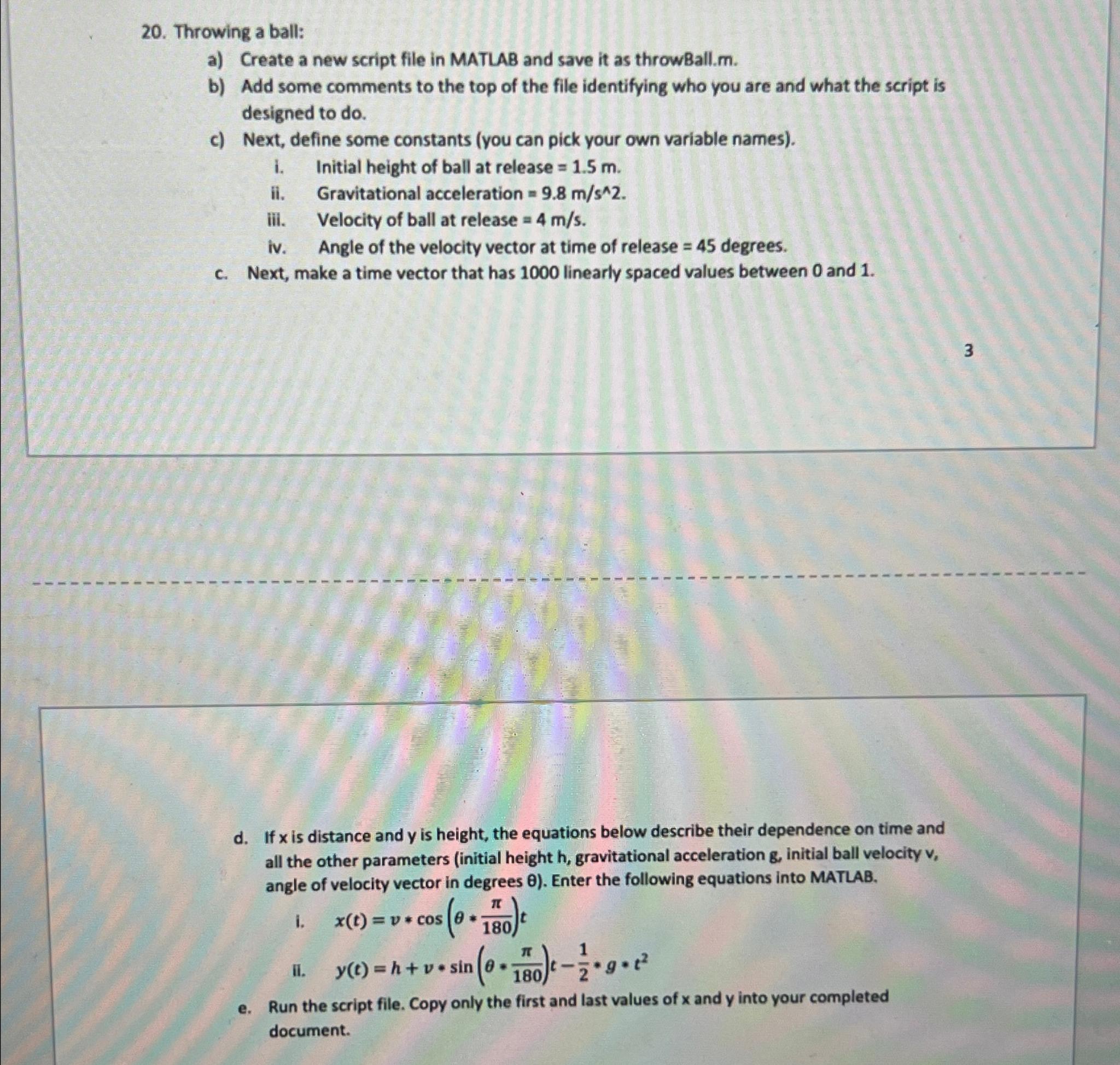
Throwing a ball:
a Create a new script file in MATLAB and save it as throwBall.m
b Add some comments to the top of the file identifying who you are and what the script is designed to do
c Next, define some constants you can pick your own variable names
i Initial height of ball at release
ii Gravitational acceleration
iii. Velocity of ball at release
iv Angle of the velocity vector at time of release degrees.
c Next, make a time vector that has linearly spaced values between and
d If is distance and is height, the equations below describe their dependence on time and all the other parameters initial height gravitational acceleration initial ball velocity angle of velocity vector in degrees Enter the following equations into MATLAB.
i
ii
e Run the script file. Copy only the first and last values of and into your completed document.
Step by Step Solution
There are 3 Steps involved in it
1 Expert Approved Answer
Step: 1 Unlock

Question Has Been Solved by an Expert!
Get step-by-step solutions from verified subject matter experts
Step: 2 Unlock
Step: 3 Unlock
 Study Help