







Question: Tiny Shell (tish) Do in C language Objective Tiny Shell (tish) In this exercise you will write a small shell program to run different programs
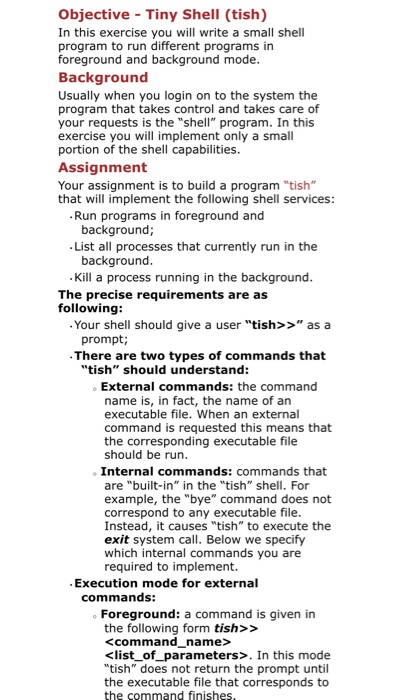
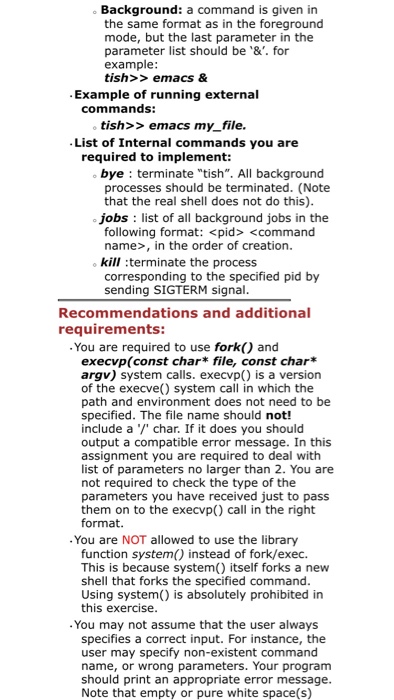
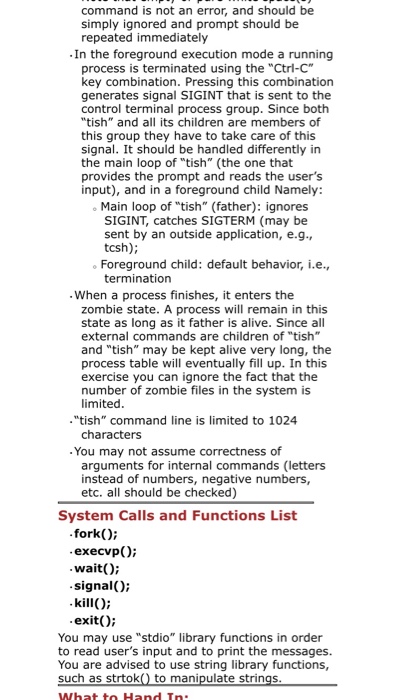
Objective Tiny Shell (tish) In this exercise you will write a small shell program to run different programs in foreground and background mode Background Usually when you login on to the system the program that takes control and takes care of your requests is the "shell" program. In this exercise you will implement only a small portion of the shell capabilities. Assignment Your assignment is to build a program "tish" that will implement the following shell services Run programs in foreground and background List all processes that currently run in the background Kill a process running in the background The precise requirements are as following: Your shell should give a user "tish>>" as a prompt; There are two types of commands that "tish" should understand: External commands: the command name is, in fact, the name of an executable file. When an external command is requested this means that the corresponding executable file should be run o Internal commands: commands that are "built-in" in the "tish" shell. For example, the "bye" command does not correspond to any executable file Instead, it causes "tish" to execute the exit system call. Below we specify which internal commands you are required to implement. Execution mode for external commands: o Foreground: a command is given in the following form tish>>
Step by Step Solution
There are 3 Steps involved in it

Get step-by-step solutions from verified subject matter experts
 Study Help