







Question: Title: Building a Web Application with JEE Servlets Overview: In this assignment, you will build a simple web application using JEE servlets that allows users
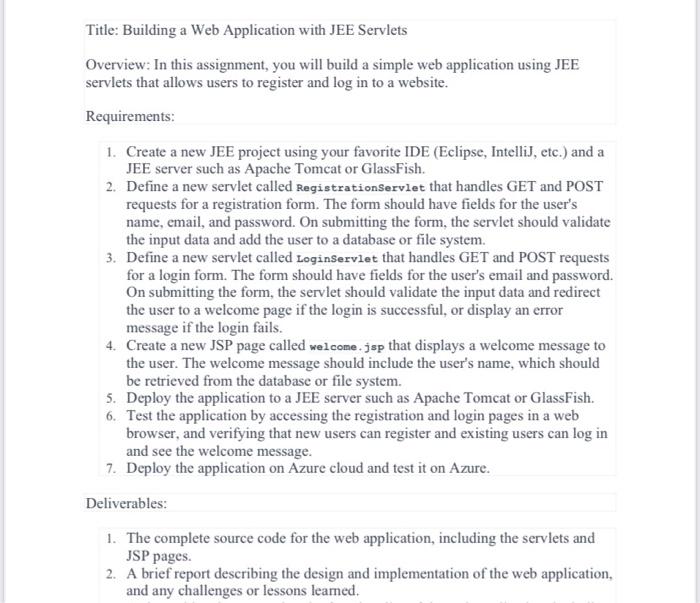
Title: Building a Web Application with JEE Servlets Overview: In this assignment, you will build a simple web application using JEE servlets that allows users to register and log in to a website. Requirements: 1. Create a new JEE project using your favorite IDE (Eclipse, IntelliJ, etc.) and a JEE server such as Apache Tomcat or GlassFish. 2. Define a new servlet called RegistrationServlet that handles GET and POST requests for a registration form. The form should have fields for the user's name, email, and password. On submitting the form, the servlet should validate the input data and add the user to a database or file system. 3. Define a new servlet called Loginservlet that handles GET and POST requests for a login form. The form should have fields for the user's email and password. On submitting the form, the servlet should validate the input data and redirect the user to a welcome page if the login is successful, or display an error message if the login fails. 4. Create a new JSP page called welcome . jsp that displays a welcome message to the user. The welcome message should include the user's name, which should be retrieved from the database or file system. 5. Deploy the application to a JEE server such as Apache Tomcat or GlassFish. 6. Test the application by accessing the registration and login pages in a web browser, and verifying that new users can register and existing users can log in and see the welcome message. 7. Deploy the application on Azure cloud and test it on Azure. Deliverables: 1. The complete source code for the web application, including the servlets and JSP pages. 2. A brief report describing the design and implementation of the web application, and any challenges or lessons leamed
Step by Step Solution
There are 3 Steps involved in it

Get step-by-step solutions from verified subject matter experts
 Study Help