







Question: tives Excel 3 6 5 / 2 0 2 1 | Module 1 :SAM Project la CENGAC bula Insurance Agency R AND UPDATE COMPANY DATA
tives Excel Module :SAM Project la
CENGAC
bula Insurance Agency
R AND UPDATE COMPANY DATA
ETTING STARTED
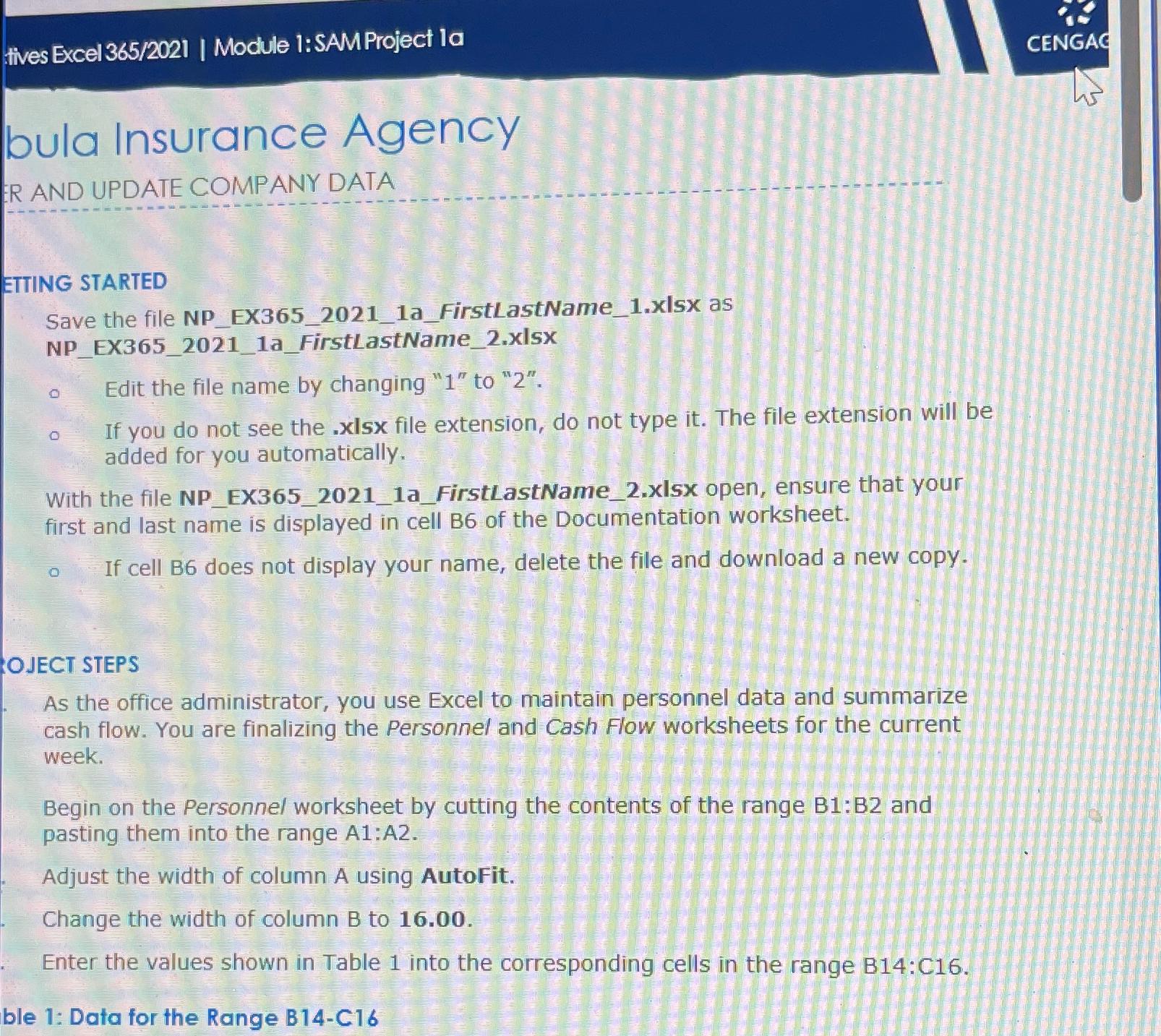
Save the file NPEXaFirstLastNamexIsx as NPEXaFirstLastNamexIsX
Edit the file name by changing to
If you do not see the xIsx file extension, do not type it The file extension will be added for you automatically.
With the file NPEXaFirstLastNamexIsx open, ensure that your first and last name is displayed in cell B of the Documentation worksheet.
If cell B does not display your name, delete the file and download a new copy.
OJECT STEPS
As the office administrator, you use Excel to maintain personnel data and summarize cash flow. You are finalizing the Personnel and Cash Flow worksheets for the current week.
Begin on the Personnel worksheet by cutting the contents of the range : and pasting them into the range A:A
Adjust the width of column A using AutoFit.
Change the width of column B to
Enter the values shown in Table into the corresponding cells in the range :
ble : Data for the Range BC
Step by Step Solution
There are 3 Steps involved in it
1 Expert Approved Answer
Step: 1 Unlock

Question Has Been Solved by an Expert!
Get step-by-step solutions from verified subject matter experts
Step: 2 Unlock
Step: 3 Unlock
 Study Help