







Question: To create a table named Student in the database Grades with the field StudentID as the PK and Autonumber data type you: Open Grades database
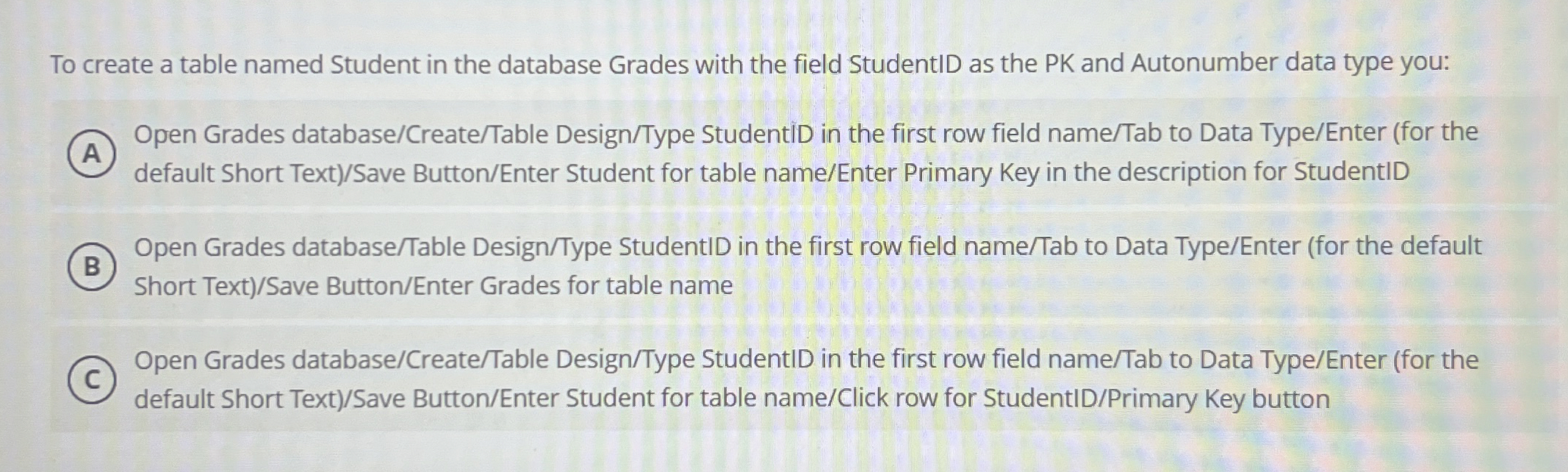
To create a table named Student in the database Grades with the field StudentID as the PK and Autonumber data type you:
Open Grades databaseCreateTable DesignType StudentiD in the first row field nameTab to Data TypeEnter for the
default Short TextSave ButtonEnter Student for table nameEnter Primary Key in the description for StudentID
Open Grades databaseTable DesignType StudentID in the first row field nameTab to Data TypeEnter for the default
Short TextSave ButtonEnter Grades for table name
Open Grades databaseCreateTable DesignType StudentID in the first row field nameTab to Data TypeEnter for the
default Short TextSave ButtonEnter Student for table nameClick row for StudentIDPrimary Key button
Step by Step Solution
There are 3 Steps involved in it
1 Expert Approved Answer
Step: 1 Unlock

Question Has Been Solved by an Expert!
Get step-by-step solutions from verified subject matter experts
Step: 2 Unlock
Step: 3 Unlock
 Study Help