







Question: To display Taskbar properties, you: C . Right - click on a blank area of the Desktop and choose Properties from the menu. B .
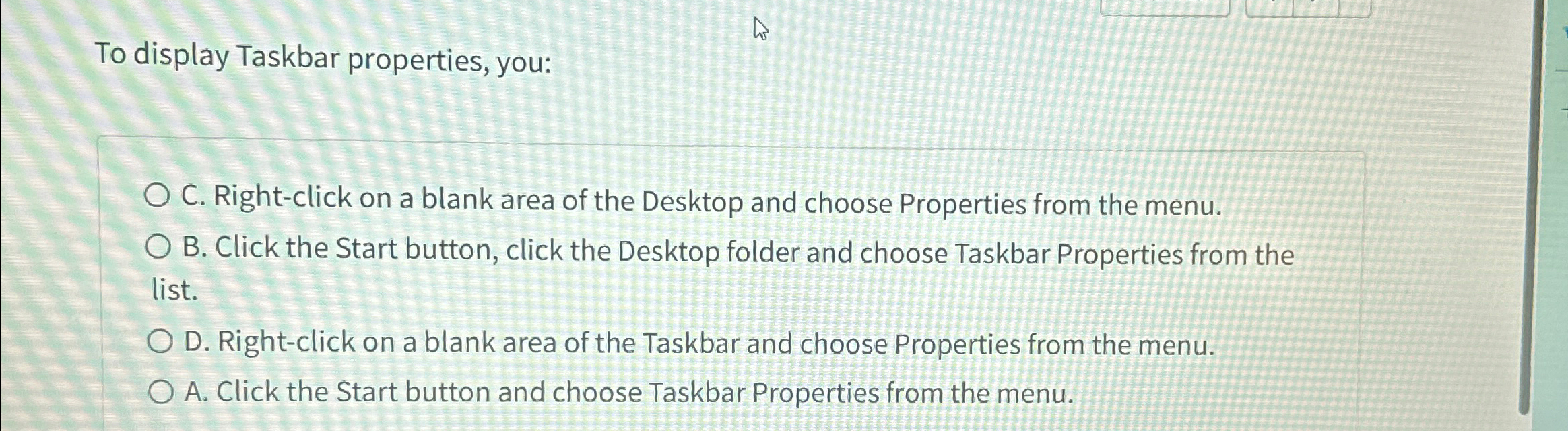
To display Taskbar properties, you:
C Rightclick on a blank area of the Desktop and choose Properties from the menu.
B Click the Start button, click the Desktop folder and choose Taskbar Properties from the list.
D Rightclick on a blank area of the Taskbar and choose Properties from the menu.
A Click the Start button and choose Taskbar Properties from the menu.
Step by Step Solution
There are 3 Steps involved in it
1 Expert Approved Answer
Step: 1 Unlock

Question Has Been Solved by an Expert!
Get step-by-step solutions from verified subject matter experts
Step: 2 Unlock
Step: 3 Unlock
 Study Help