







Question: To remove the database password, with the file opened exclusively, click the File tab, and then click the Database button. Encrypt Decrypt Password apply Remove
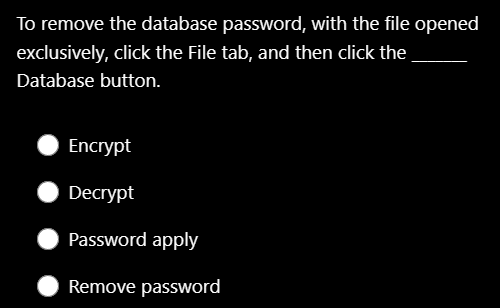
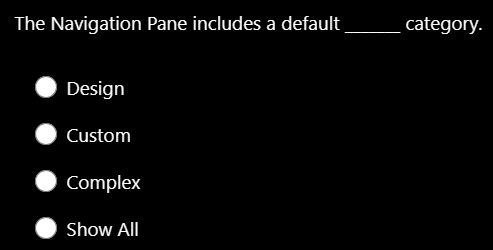
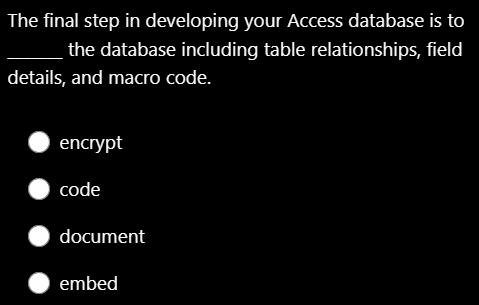
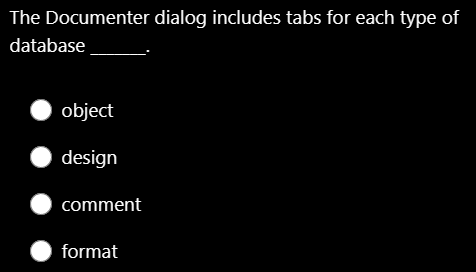
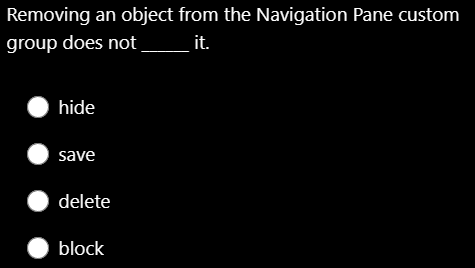
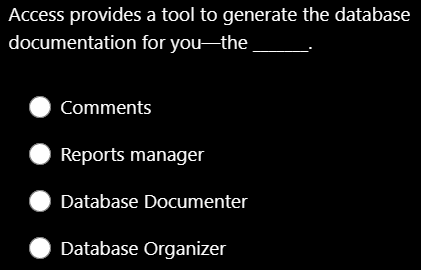
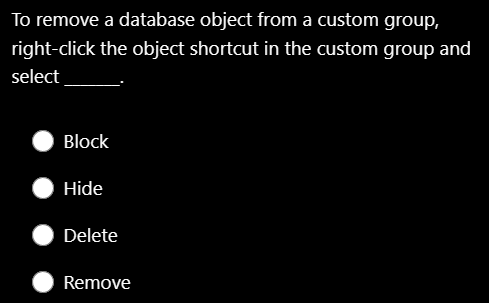

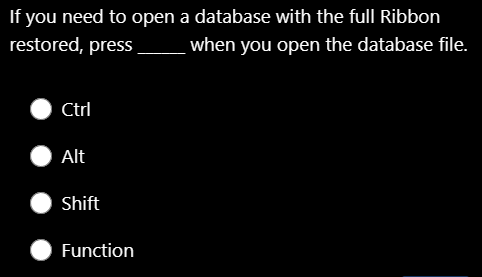
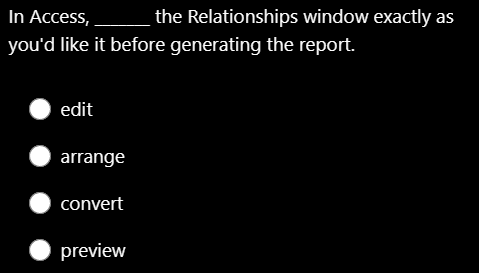
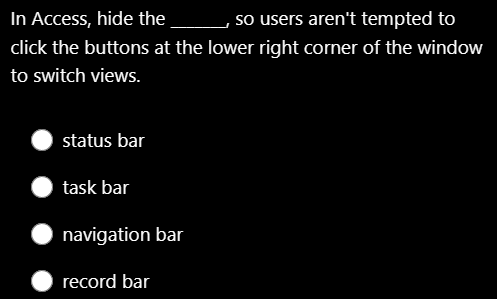
To remove the database password, with the file opened exclusively, click the File tab, and then click the Database button. Encrypt Decrypt Password apply Remove password The Navigation Pane includes a default category. Design Custom Complex Show All The final step in developing your Access database is to the database including table relationships, field details, and macro code. encrypt code document embed The Documenter dialog includes tabs for each type of database object design comment format Removing an object from the Navigation Pane custom group does not it. hide save delete block Access provides a tool to generate the database documentation for you - the Comments Reports manager Database Documenter Database Organizer To remove a database object from a custom group, right-click the object shortcut in the custom group and select Block Hide Delete Remove are dependent on the tables from which they draw fields. Lists Queries Properties Views If you need to open a database with the full Ribbon restored, press when you open the database file. Ctrl Alt Shift Function In Access, the Relationships window exactly as you'd like it before generating the report. edit arrange convert preview In Access, hide the so users aren't tempted to click the buttons at the lower right corner of the window to switch views. status bar task bar navigation bar record bar
Step by Step Solution
There are 3 Steps involved in it

Get step-by-step solutions from verified subject matter experts
 Study Help