







Question: To Submit This Program: - In IDLE, choose File NewFile. - Type your program in the window that pops up, saving it as you work.
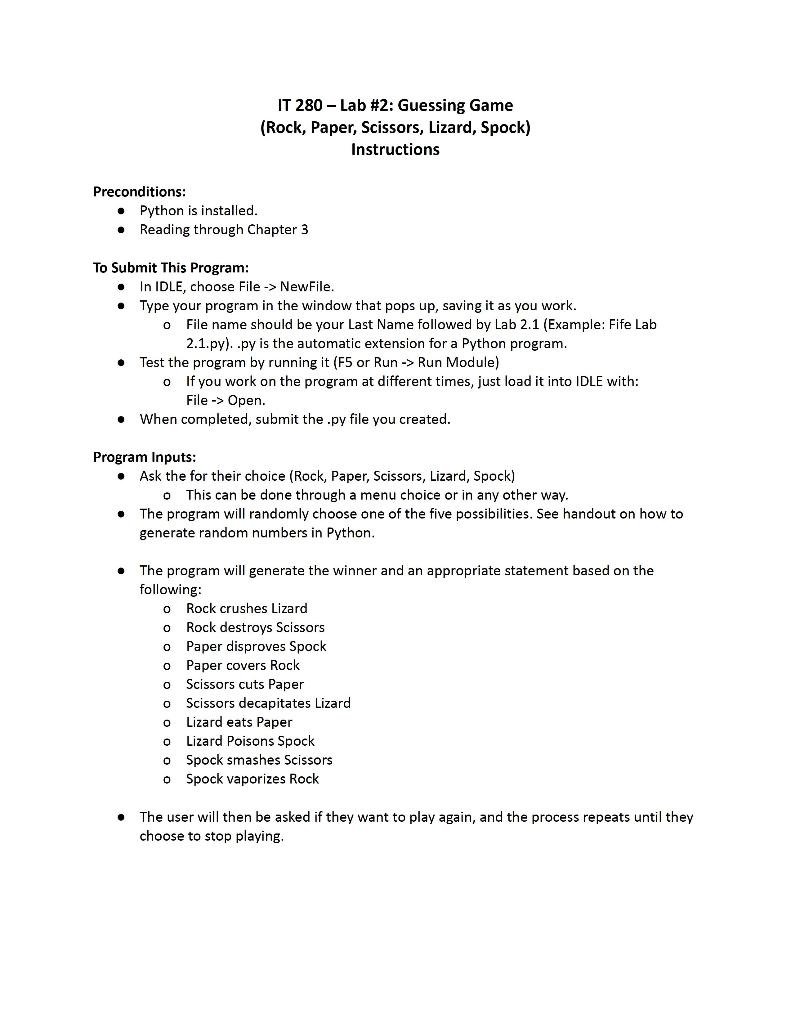
To Submit This Program: - In IDLE, choose File NewFile. - Type your program in the window that pops up, saving it as you work. o File name should be your Last Name followed by Lab 2.1 (Example: Fife Lab 2.1.py). .py is the automatic extension for a Python program. - Test the program by running it ( F5 or Run Run Module) o If you work on the program at different times, just load it into IDLE with: File Open. - When completed, submit the .py file you created. Program Inputs: - Ask the for their choice (Rock, Paper, Scissors, Lizard, Spock) - This can be done through a menu choice or in any other way. - The program will randomly choose one of the five possibilities. See handout on how to generate random numbers in Python. - The program will generate the winner and an appropriate statement based on the following: - Rock crushes Lizard o Rock destroys Scissors - Paper disproves Spock - Paper covers Rock - Scissors cuts Paper - Scissors decapitates Lizard - Lizard eats Paper - Lizard Poisons Spock - Spock smashes Scissors - Spock vaporizes Rock - The user will then be asked if they want to play again, and the process repeats until they choose to stop playing
Step by Step Solution
There are 3 Steps involved in it

Get step-by-step solutions from verified subject matter experts
 Study Help