







Question: Topic 3 Homework Software and Process Management Lab This week, we'll install software on our system as well as start and stop some processes in
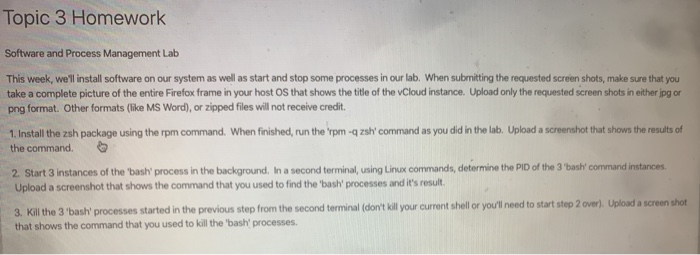
Topic 3 Homework Software and Process Management Lab This week, we'll install software on our system as well as start and stop some processes in our lab. When submitting the requested screen shots, make sure that you take a complete picture of the entire Firefox frame in your hosts that shows the title of the vCloud instance. Upload only the requested screen shots in either jpg or png format. Other formats (like MS Word), or zipped files will not receive credit. 1. Install the zsh package using the rpm command. When finished, run the rpm -qzsh' command as you did in the lab. Upload a screenshot that shows the results of the command. 2. Start 3 instances of the 'bash' process in the background. In a second terminal, using Linux commands, determine the PID of the 3'bash' command instances Upload a screenshot that shows the command that you used to find the 'bash' processes and it's result 3. Kill the 3 'bash' processes started in the previous step from the second terminal (don't kill your current shell or you'll need to start step 2 over). Upload a screenshot that shows the command that you used to kill the bas processes
Step by Step Solution
There are 3 Steps involved in it

Get step-by-step solutions from verified subject matter experts
 Study Help