







Question: try to do all parts below, the image that needs to be edited is below. Use Matlab/GNU Octave. Image to edit (lena.jpg) 1. Implement sobel_filter.m,
try to do all parts below, the image that needs to be edited is below. Use Matlab/GNU Octave.
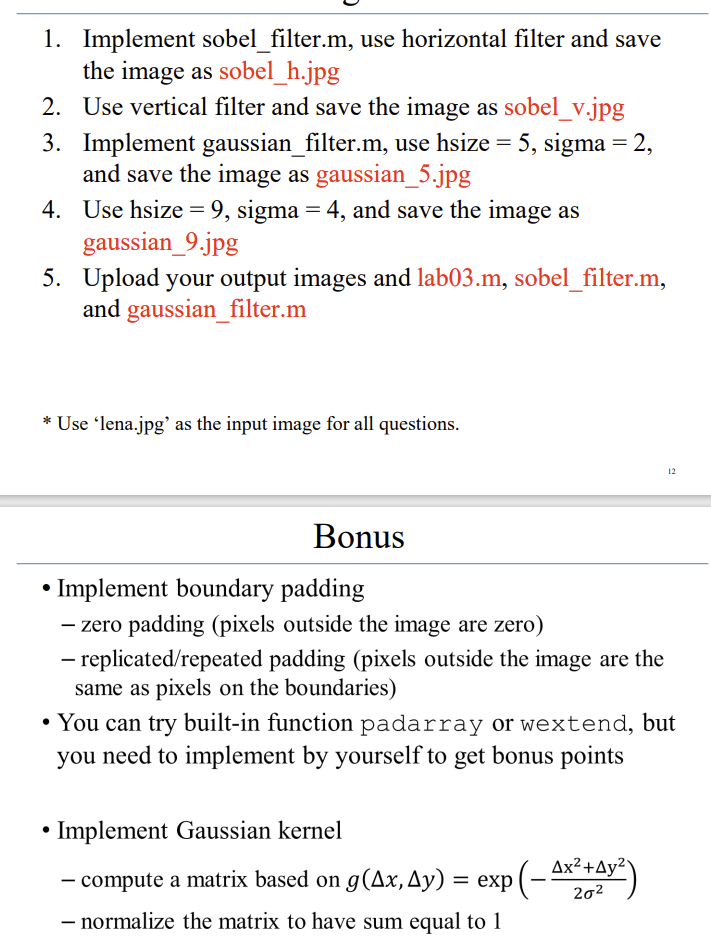
Image to edit (lena.jpg)
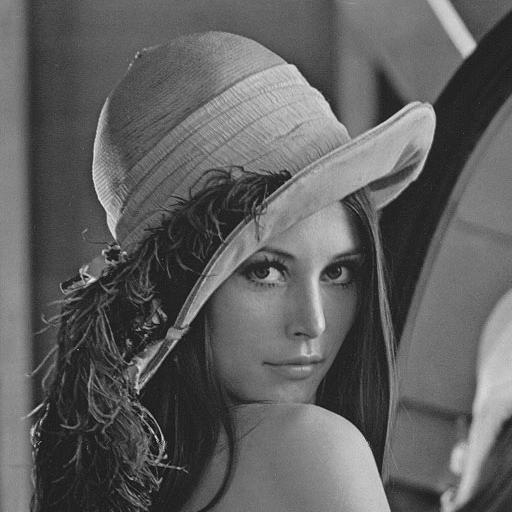
1. Implement sobel_filter.m, use horizontal filter and save the image as sobel_h.jpg 2. Use vertical filter and save the image as sobel_v.jpg 3. Implement gaussian_filter.m, use hsize =5, sigma =2, and save the image as gaussian_5.jpg 4. Use hsize =9, sigma =4, and save the image as gaussian_9.jpg 5. Upload your output images and lab03.m, sobel_filter.m, and gaussian_filter.m * Use 'lena.jpg' as the input image for all questions. Bonus - Implement boundary padding - zero padding (pixels outside the image are zero) - replicated/repeated padding (pixels outside the image are the same as pixels on the boundaries) - You can try built-in function padarray or wextend, but you need to implement by yourself to get bonus points - Implement Gaussian kernel - compute a matrix based on g(x,y)=exp(22x2+y2) normalize the matrix to have sum equal to 1
Step by Step Solution
There are 3 Steps involved in it

Get step-by-step solutions from verified subject matter experts
 Study Help