







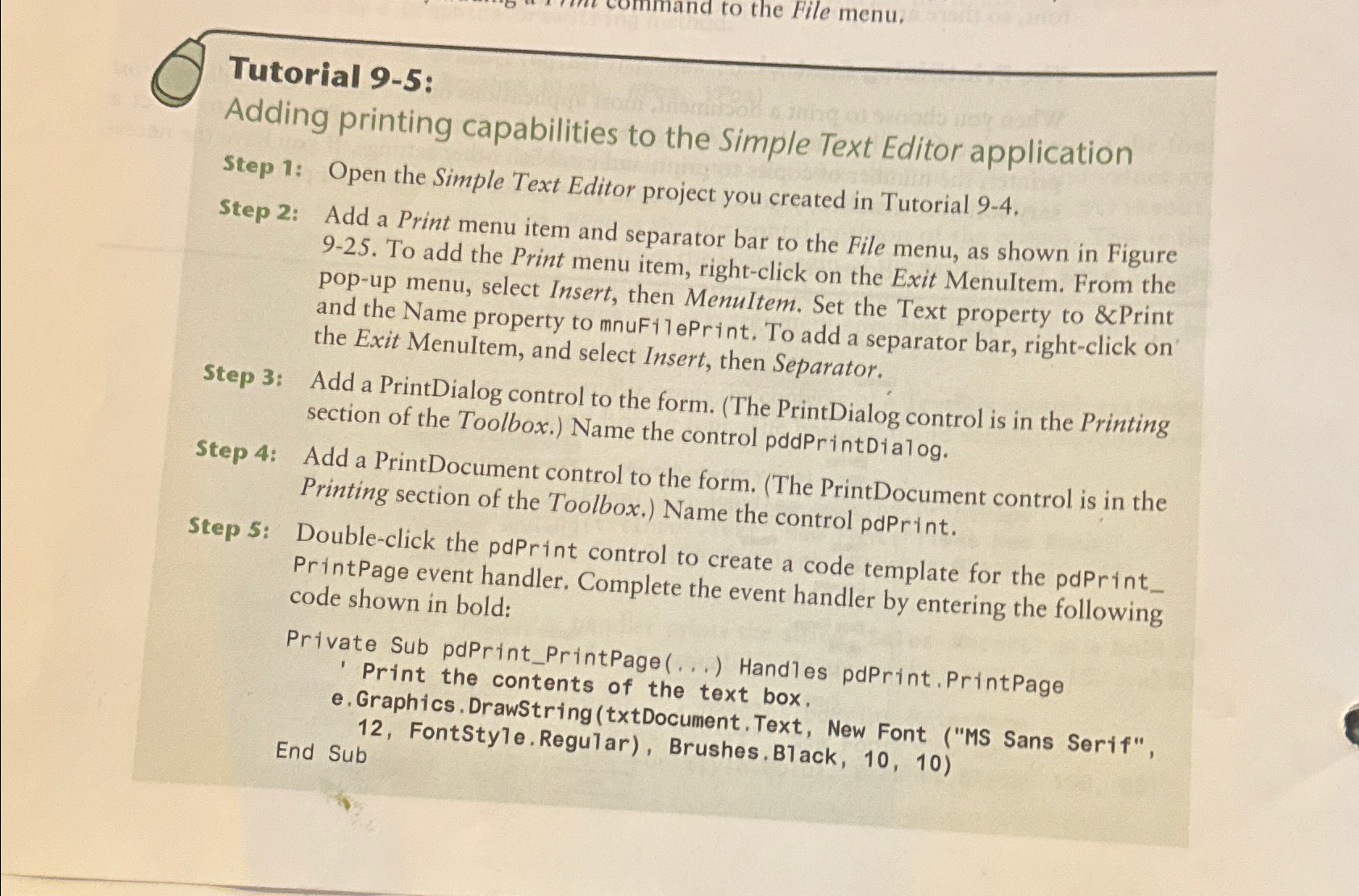
Question: Tutorial 9 - 5 : Adding printing capabilities to the Simple Text Editor application Step 1 : Open the Simple Text Editor project you created
Tutorial :
Adding printing capabilities to the Simple Text Editor application
Step : Open the Simple Text Editor project you created in Tutorial
Step : Add a Print menu item and separator bar to the File menu, as shown in Figure To add the Print menu item, rightclick on the Exit Menultem. From the popup menu, select Insert, then MenuItem. Set the Text property to & Print and the Name property to mnuFilePrint. To add a separator bar, rightclick on the Exit Menultem, and select Insert, then Separator.
Step : Add a PrintDialog control to the form. The PrintDialog control is in the Printing section of the Toolbox. Name the control pddPrintDialog.
Step : Add a PrintDocument control to the form. The PrintDocument control is in the Printing section of the Toolbox. Name the control pdPrint.
Step : Doubleclick the pdPrint control to create a code template for the pdPrint PrintPage event handler. Complete the event handler by entering the following code shown in bold:
FontStyle.Regular
Step by Step Solution
There are 3 Steps involved in it
1 Expert Approved Answer
Step: 1 Unlock

Question Has Been Solved by an Expert!
Get step-by-step solutions from verified subject matter experts
Step: 2 Unlock
Step: 3 Unlock
 Study Help