



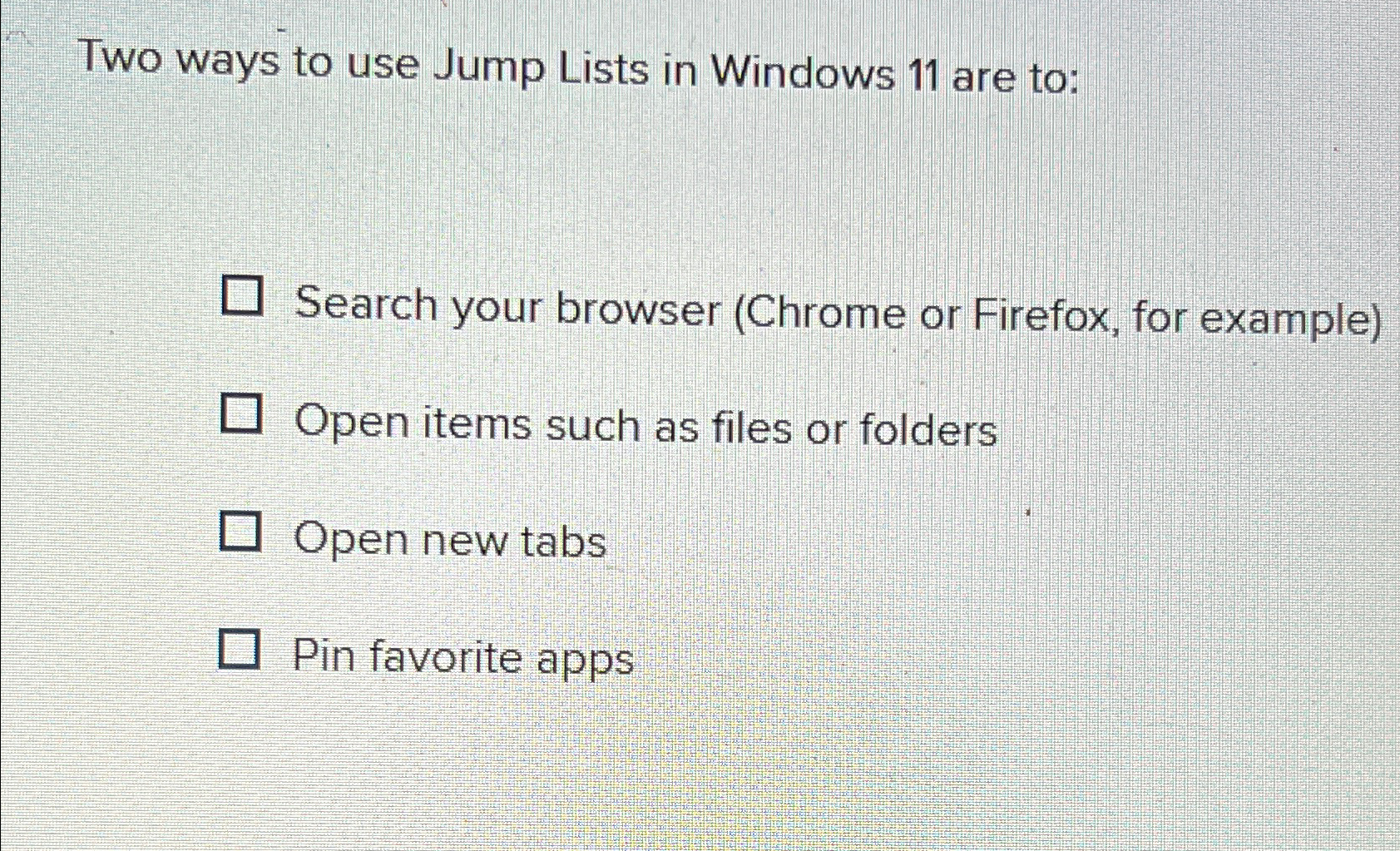
Question: Two ways to use Jump Lists in Windows 1 1 are to: Search your browser ( Chrome or Firefox, for example ) Open items such
Two ways to use Jump Lists in Windows are to:
Search your browser Chrome or Firefox, for example
Open items such as files or folders
Open new tabs
Pin favorite apps
Step by Step Solution
There are 3 Steps involved in it
1 Expert Approved Answer
Step: 1 Unlock

Question Has Been Solved by an Expert!
Get step-by-step solutions from verified subject matter experts
Step: 2 Unlock
Step: 3 Unlock