







Question: Two ways to use Jump Lists in Windows 1 1 are to ( choose all that apply ) Check All That Apply open items such
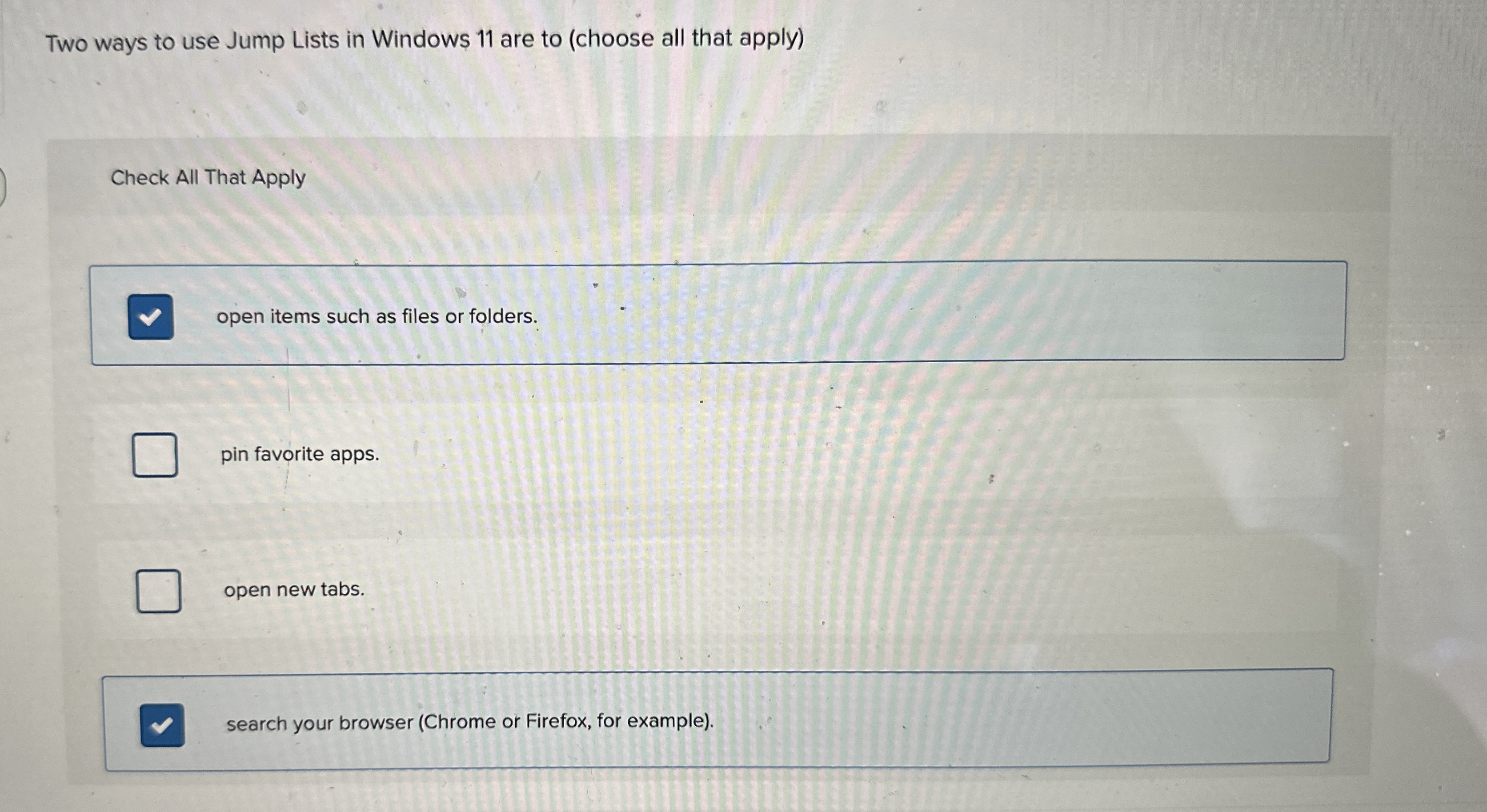
Two ways to use Jump Lists in Windows are to choose all that apply
Check All That Apply
open items such as files or folders.
pin favorite apps.
open new tabs
search your browser Chrome or Firefox, for example
Step by Step Solution
There are 3 Steps involved in it
1 Expert Approved Answer
Step: 1 Unlock

Question Has Been Solved by an Expert!
Get step-by-step solutions from verified subject matter experts
Step: 2 Unlock
Step: 3 Unlock
 Study Help