







Question: Type in MATLAB Code parts a-c Problem 1 equation Figure5.26a 2 Parametric Wiener Filter (a) Implement a motion blurring filter as in problem (b) Blur
Type in MATLAB Code parts a-c 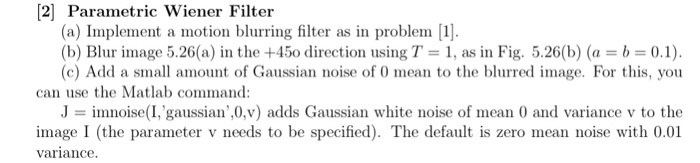
 Problem 1 equation
 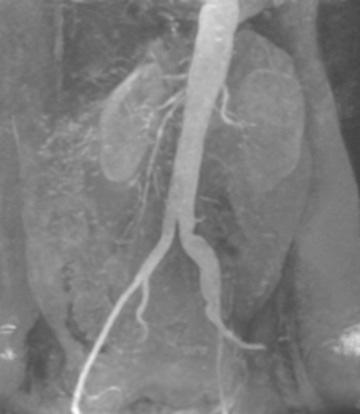 Figure5.26a
 2 Parametric Wiener Filter (a) Implement a motion blurring filter as in problem (b) Blur mage 5.26(a) in the +450 direction using T 1, as in Fig. 5.26(b) (a = b = 0.1). (c) Add a small amount of Gaussian noise of 0 mean to the blurred image. For this, you can use the Matlab command: Jimnoise(I gaussian',0,v) adds Gaussian white noise of mean 0 and variance v to the image I (the parameter v needs to be specified). The default is zero mean noise with 0.01
Step by Step Solution
There are 3 Steps involved in it
1 Expert Approved Answer
Step: 1 Unlock

Question Has Been Solved by an Expert!
Get step-by-step solutions from verified subject matter experts
Step: 2 Unlock
Step: 3 Unlock
 Study Help