







Question: undefined 201) Write the command to show the current directory. Answer: 002) Write the command to display all of the files in the /etc directory
 undefined
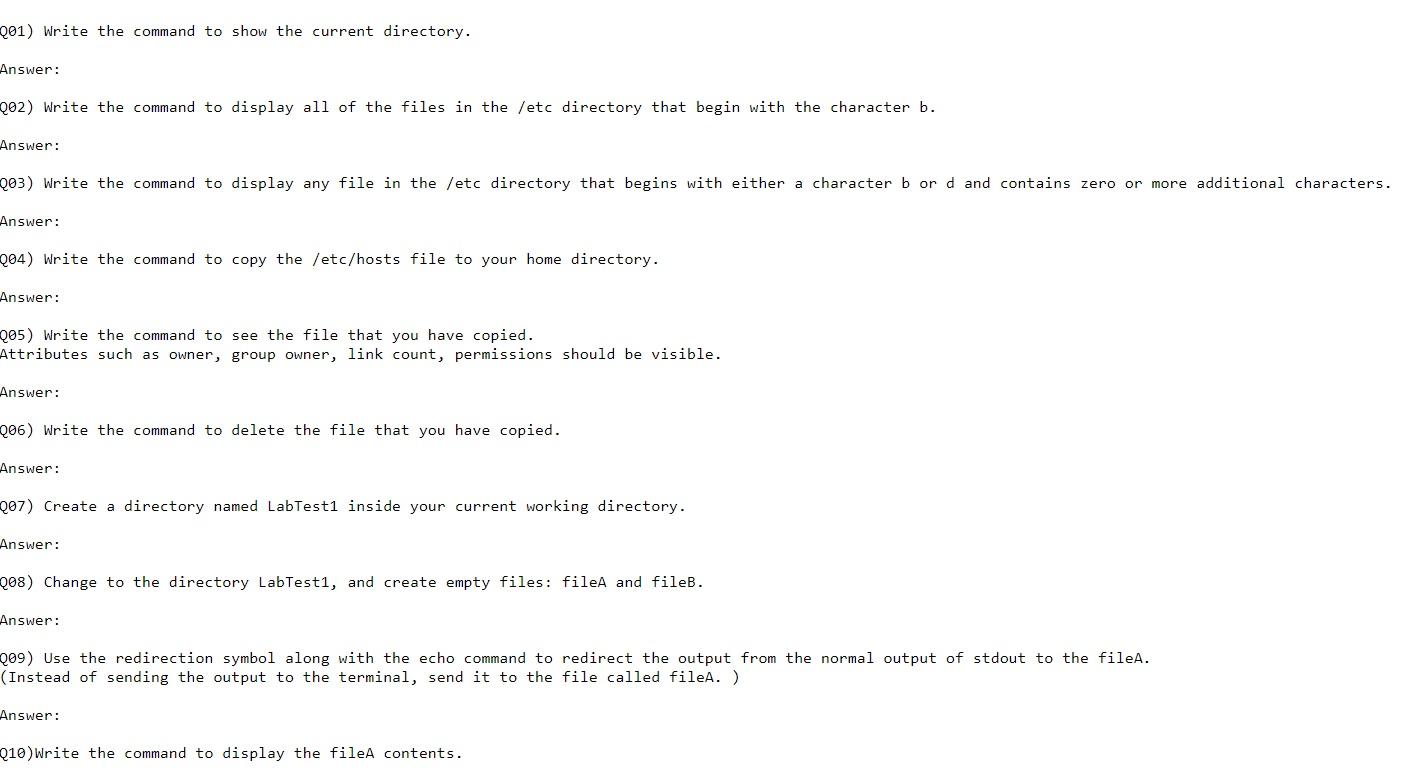
201) Write the command to show the current directory. Answer: 002) Write the command to display all of the files in the /etc directory that begin with the character b. Answer: Q03) Write the command to display any file in the /etc directory that begins with either a character b or d and contains zero or more additional characters. Answer: Q04) Write the command to copy the /etc/hosts file to your home directory. Answer: 205) Write the command to see the file that you have copied. Attributes such as owner, group owner, link count, permissions should be visible. Answer: 206) Write the command to delete the file that you have copied. Answer: Q07) Create a directory named LabTesti inside your current working directory. Answer: 208) Change to the directory LabTest1, and create empty files: fileA and fileB. Answer: 209) Use the redirection symbol along with the echo command to redirect the output from the normal output of stdout to the fileA. (Instead of sending the output to the terminal, send it to the file called files. ) Answer: 010) Write the command to display the fileA contents
Step by Step Solution
There are 3 Steps involved in it

Get step-by-step solutions from verified subject matter experts
 Study Help