







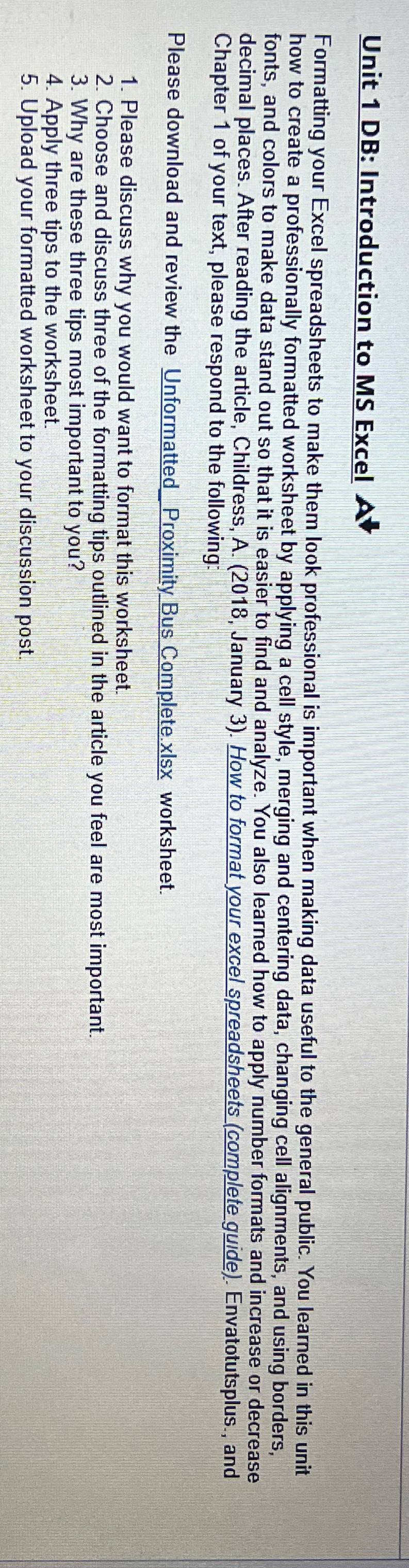
Question: Unit 1 DB: Introduction to MS Excel Formatting your Excel spreadsheets to make them look professional is important when making data useful to the general
Unit DB: Introduction to MS Excel
Formatting your Excel spreadsheets to make them look professional is important when making data useful to the general public. You learned in this unit how to create a professionally formatted worksheet by applying a cell style, merging and centering data, changing cell alignments, and using borders, fonts, and colors to make data stand out so that it is easier to find and analyze. You also learned how to apply number formats and increase or decrease decimal places. After reading the article, Childress, A January How to format your excel spreadsheets complete guide Envatotutsplus., and Chapter of your text, please respond to the following:
Please download and review the UnformattedProximityBus Complete.xlsx worksheet.
Please discuss why you would want to format this worksheet.
Choose and discuss three of the formatting tips outlined in the article you feel are most important.
Why are these three tips most important to you?
Apply three tips to the worksheet.
Upload your formatted worksheet to your discussion post.
Step by Step Solution
There are 3 Steps involved in it
1 Expert Approved Answer
Step: 1 Unlock

Question Has Been Solved by an Expert!
Get step-by-step solutions from verified subject matter experts
Step: 2 Unlock
Step: 3 Unlock
 Study Help