







Question: Unix / linux Figure 8-17 Spell checking document Project 8-12 In this project, you create two files and use the amp command to compare the
Unix / linux
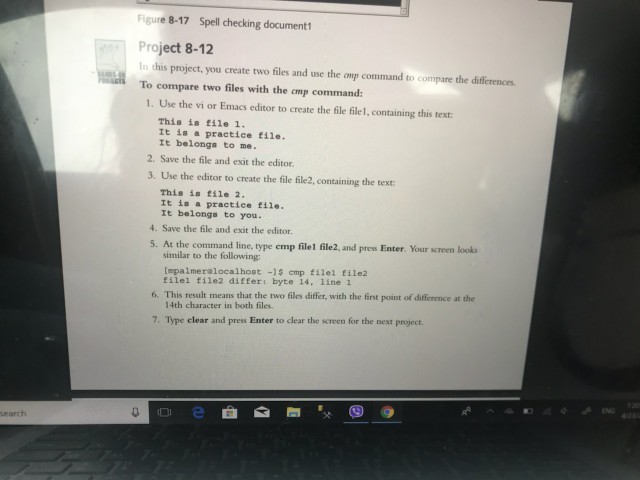
Figure 8-17 Spell checking document Project 8-12 In this project, you create two files and use the amp command to compare the differences To compare two files with the cmp command 1. Use the vi or Emacs editor to create the file file1, containing this text: This is file 1. It is a practice file It belongs to me. 2. Save the file and exit the editor. 3. Use the editor to create the file file2, containing the text This is file 2. It is a practice file. It belongs to you 4. Save the file and exit the editor. 5. At the command line, type cmp file1 file2, and press Enter. Your screen looks similar to the following: [mpalmeralocalhost -1 emp filel file2 filel file2 differ: byte 14, line 1 6?This result means that the two files differ, with the first point ofdiference at the 14th character in both files. 7. Type clear and press Enter to clear the screen for the next project B6 earch
Step by Step Solution
There are 3 Steps involved in it

Get step-by-step solutions from verified subject matter experts
 Study Help