







Question: Use a cell reference or a single formula where appropriate in order to receive full credit. Do not copy and paste values or type values,
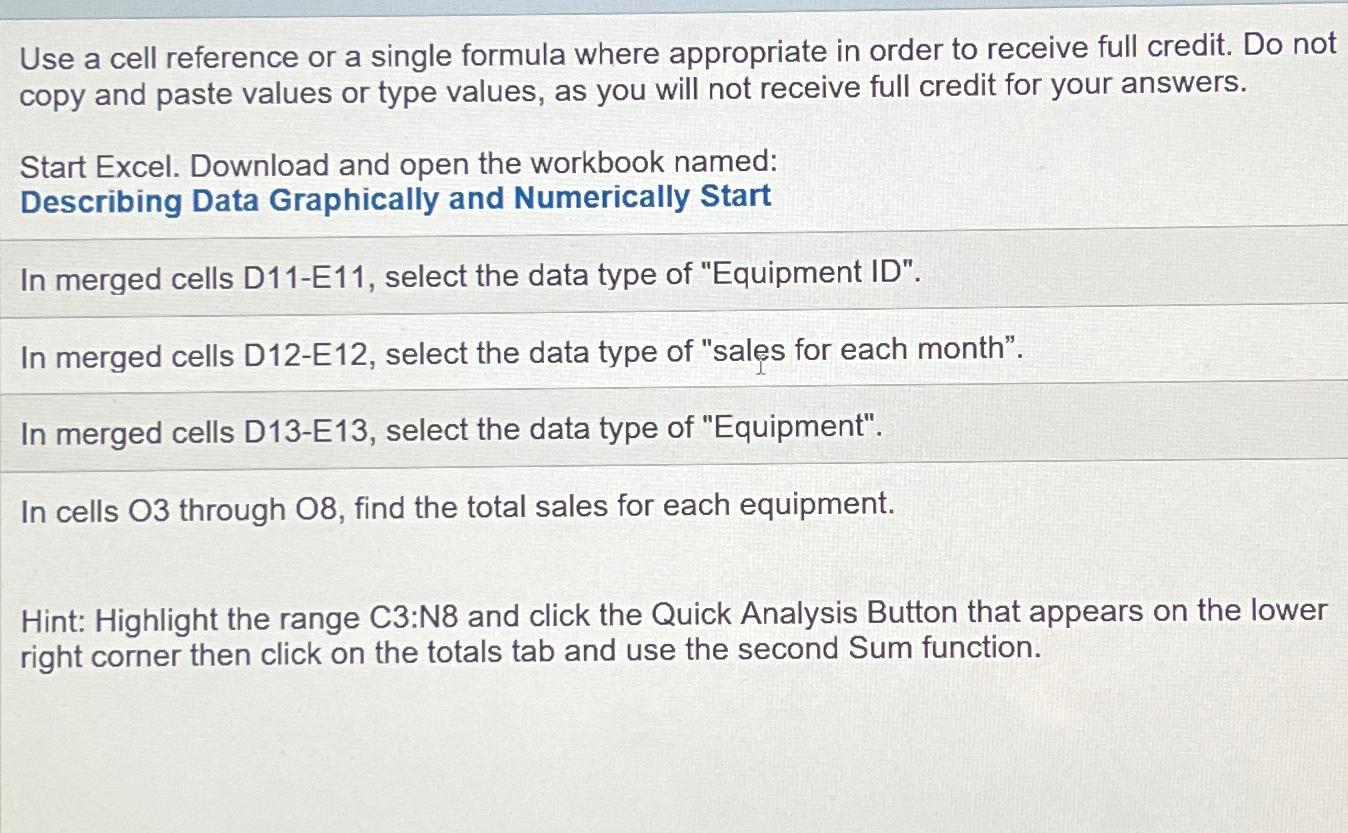
Use a cell reference or a single formula where appropriate in order to receive full credit. Do not copy and paste values or type values, as you will not receive full credit for your answers.
Start Excel. Download and open the workbook named:
Describing Data Graphically and Numerically Start
In merged cells DE select the data type of "Equipment ID
In merged cells DE select the data type of "sales for each month".
In merged cells DE select the data type of "Equipment".
In cells through find the total sales for each equipment.
Hint: Highlight the range C:N and click the Quick Analysis Button that appears on the lower right corner then click on the totals tab and use the second Sum function.
Step by Step Solution
There are 3 Steps involved in it
1 Expert Approved Answer
Step: 1 Unlock

Question Has Been Solved by an Expert!
Get step-by-step solutions from verified subject matter experts
Step: 2 Unlock
Step: 3 Unlock
 Study Help