







Question: use C++, do your own code otherwise I will give you dislike, please explain the implementing stages, please Your task in this project is to
use C++, do your own code otherwise I will give you dislike, please
explain the implementing stages, please
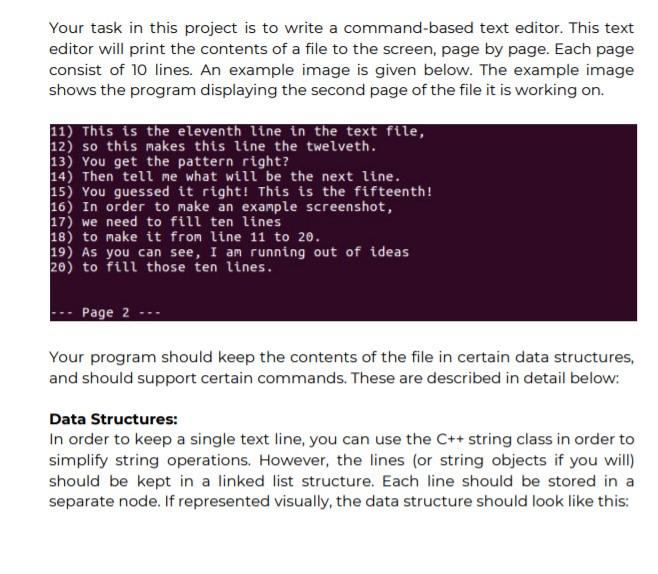
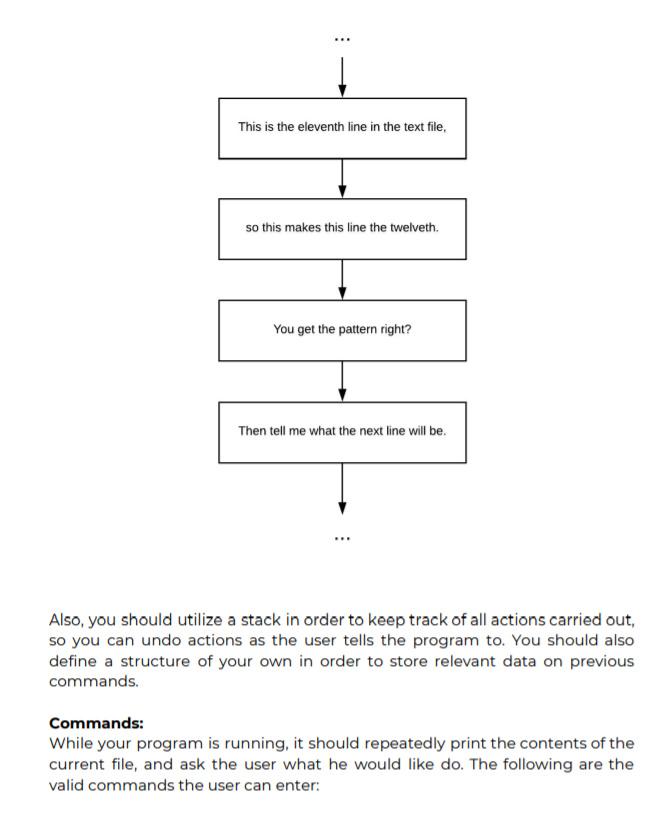
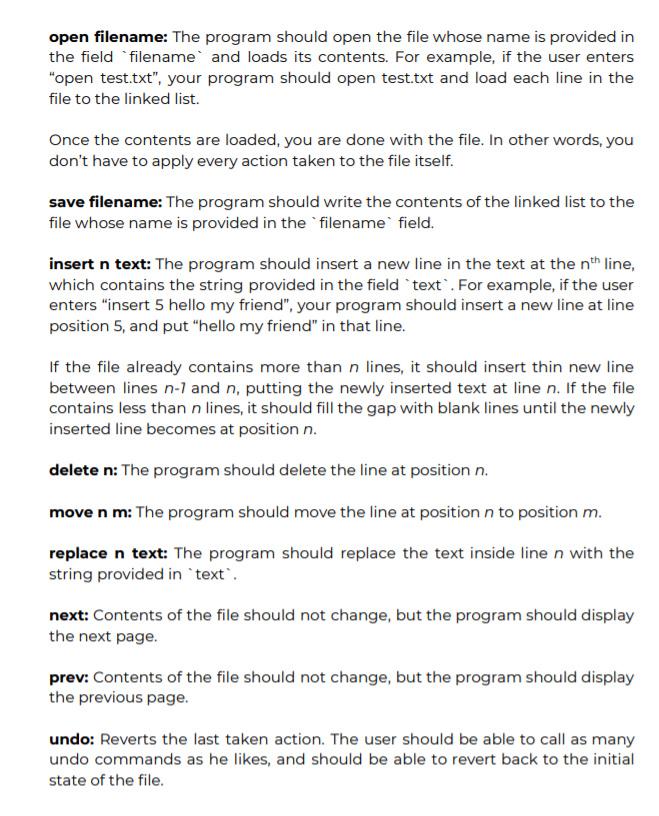

Your task in this project is to write a command-based text editor. This text editor will print the contents of a file to the screen, page by page. Each page consist of 10 lines. An example image is given below. The example image shows the program displaying the second page of the file it is working on. 11) This is the eleventh line in the text file, 12) so this makes this line the twelveth. 13) You get the pattern right? 14) Then tell me what will be the next line. 15) You guessed it right! This is the fifteenth! 16) In order to make an example screenshot, 17) we need to fill ten lines 18) to make it from line 11 to 20. 19) As you can see, I am running out of ideas 20) to fill those ten lines. Page 2 Your program should keep the contents of the file in certain data structures, and should support certain commands. These are described in detail below: Data Structures: In order to keep a single text line, you can use the C++ string class in order to simplify string operations. However, the lines (or string objects if you will) should be kept in a linked list structure. Each line should be stored in a separate node. If represented visually, the data structure should look like this: This is the eleventh line in the text file. so this makes this line the twelveth. You get the pattern right? Then tell me what the next line will be. Also, you should utilize a stack in order to keep track of all actions carried out, so you can undo actions as the user tells the program to. You should also define a structure of your own in order to store relevant data on previous commands. Commands: While your program is running, it should repeatedly print the contents of the current file, and ask the user what he would like do. The following are the valid commands the user can enter: open filename: The program should open the file whose name is provided in the field filename and loads its contents. For example, if the user enters "open test.txt", your program should open test.txt and load each line in the file to the linked list. Once the contents are loaded, you are done with the file. In other words, you don't have to apply every action taken to the file itself. save filename: The program should write the contents of the linked list to the file whose name is provided in the filename field. insert n text: The program should insert a new line in the text at the nth line, which contains the string provided in the field "text". For example, if the user enters "insert 5 hello my friend", your program should insert a new line at line position 5, and put "hello my friend" in that line. If the file already contains more than n lines, it should insert thin new line between lines n-1 and n, putting the newly inserted text at line n. If the file contains less than n lines, it should fill the gap with blank lines until the newly inserted line becomes at position n. delete n: The program should delete the line at position n. move n m: The program should move the line at position n to position m. replace n text: The program should replace the text inside line n with the string provided in `text". next: Contents of the file should not change, but the program should display the next page. prev: Contents of the file should not change, but the program should display the previous page. undo: Reverts the last taken action. The user should be able to call as many undo commands as he likes, and should be able to revert back to the initial state of the file. The undo command does not include previous save or undo actions. Once the user calls the open command, undo stack should be emptied so the program will not try to undo commands from before the file was loaded
Step by Step Solution
There are 3 Steps involved in it

Get step-by-step solutions from verified subject matter experts
 Study Help