







Question: use cedar logic https://sourceforge.net/projects/cedarlogic/?source=typ_redirect 1. Go through the Cedar Logic Tutorial. (Click Help, Contents, Tutorial) and save your work as LablTutorialYourNameHere.cdl 2. Create a Cedar
use cedar logic https://sourceforge.net/projects/cedarlogic/?source=typ_redirect
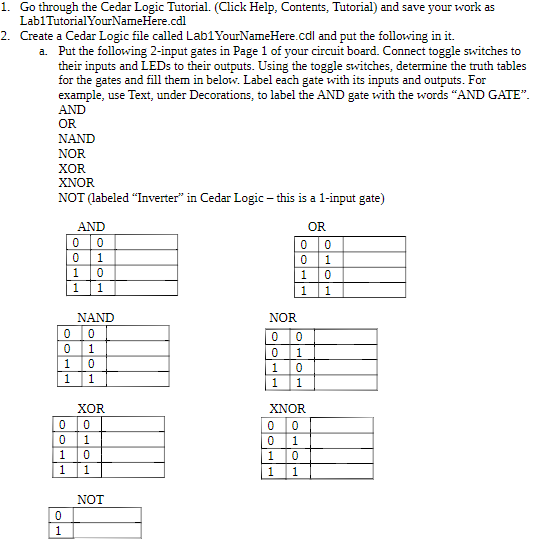
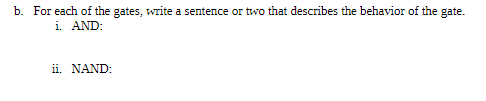
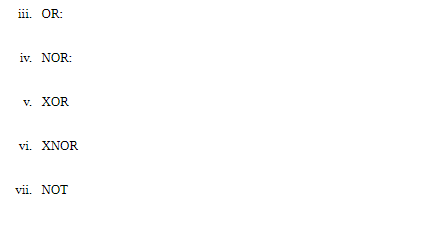
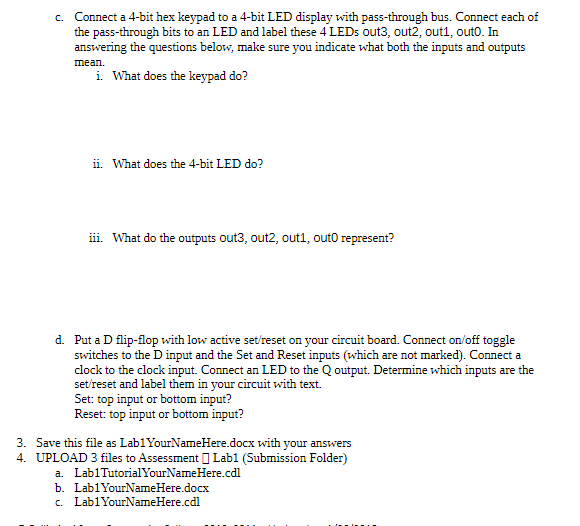
1. Go through the Cedar Logic Tutorial. (Click Help, Contents, Tutorial) and save your work as LablTutorialYourNameHere.cdl 2. Create a Cedar Logic file called Lab1YourNameHere.cdl and put the following in it. Put the following 2-input gates in Page 1 of your circuit board. Connect toggle switches to their inputs and LEDs to their outputs. Using the toggle switches, determine the truth tables for the gates and fill them in below. Label each gate with its inputs and outputs. For example, use Text, under Decorations, to label the AND gate with the words "AND GATE" AND OR NAND NOR XOR XNOR a. NOT (labeled "Inverter in Cedar Logic - this is a 1-input gate) AND OR 1 0 NAND NOR XOR XNOR NOT
Step by Step Solution
There are 3 Steps involved in it

Get step-by-step solutions from verified subject matter experts
 Study Help