







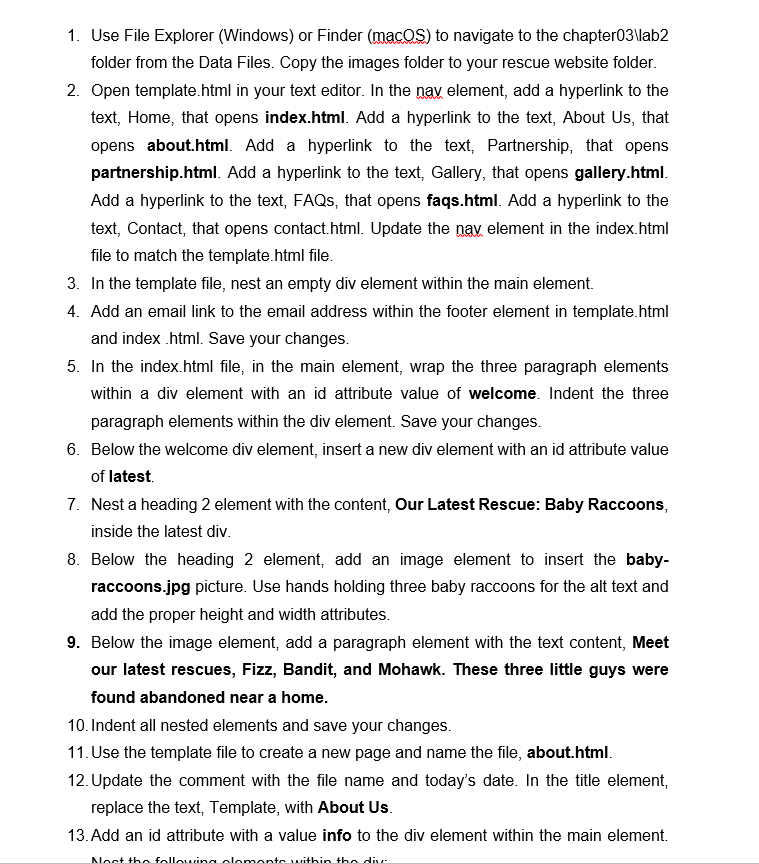
Question: Use File Explorer ( Windows ) or Finder ( macoS ) to navigate to the chapter 0 3 Vab 2 folder from the Data Files.
Use File Explorer Windows or Finder macoS to navigate to the chapterVab
folder from the Data Files. Copy the images folder to your rescue website folder.
Open template.html in your text editor. In the nav element, add a hyperlink to the
text, Home, that opens index.html Add a hyperlink to the text, About Us that
opens about.html Add a hyperlink to the text, Partnership, that opens
partnership.html Add a hyperlink to the text, Gallery, that opens gallery.html
Add a hyperlink to the text, FAQs, that opens faqs.html Add a hyperlink to the
text, Contact, that opens contact.html Update the nax element in the index.html
file to match the template.html file.
In the template file, nest an empty div element within the main element.
Add an email link to the email address within the footer element in template.html
and index html Save your changes.
In the index.html file, in the main element, wrap the three paragraph elements
within a div element with an id attribute value of welcome. Indent the three
paragraph elements within the div element. Save your changes.
Below the welcome div element, insert a new div element with an id attribute value
of latest.
Nest a heading element with the content, Our Latest Rescue: Baby Raccoons,
inside the latest div.
Below the heading element, add an image element to insert the baby
raccoons.jpg picture. Use hands holding three baby raccoons for the alt text and
add the proper height and width attributes.
Below the image element, add a paragraph element with the text content, Meet
our latest rescues, Fizz, Bandit, and Mohawk. These three little guys were
found abandoned near a home.
Indent all nested elements and save your changes.
Use the template file to create a new page and name the file, about.html
Update the comment with the file name and today's date. In the title element,
replace the text, Template, with About Us
Add an id attribute with a value info to the div element within the main element.
Step by Step Solution
There are 3 Steps involved in it
1 Expert Approved Answer
Step: 1 Unlock

Question Has Been Solved by an Expert!
Get step-by-step solutions from verified subject matter experts
Step: 2 Unlock
Step: 3 Unlock
 Study Help