







Question: Use Java to write a Cache Simulator that emulates a direct-mapped cache. You must be able to create a Cache with a specified address
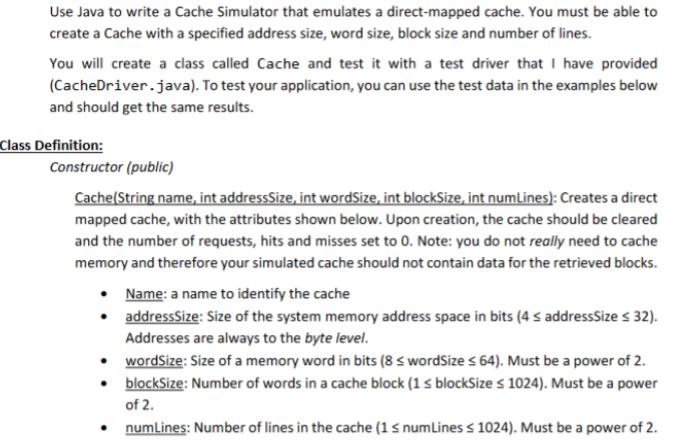
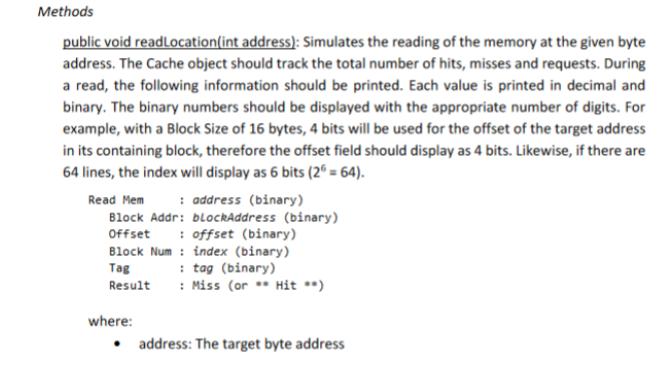
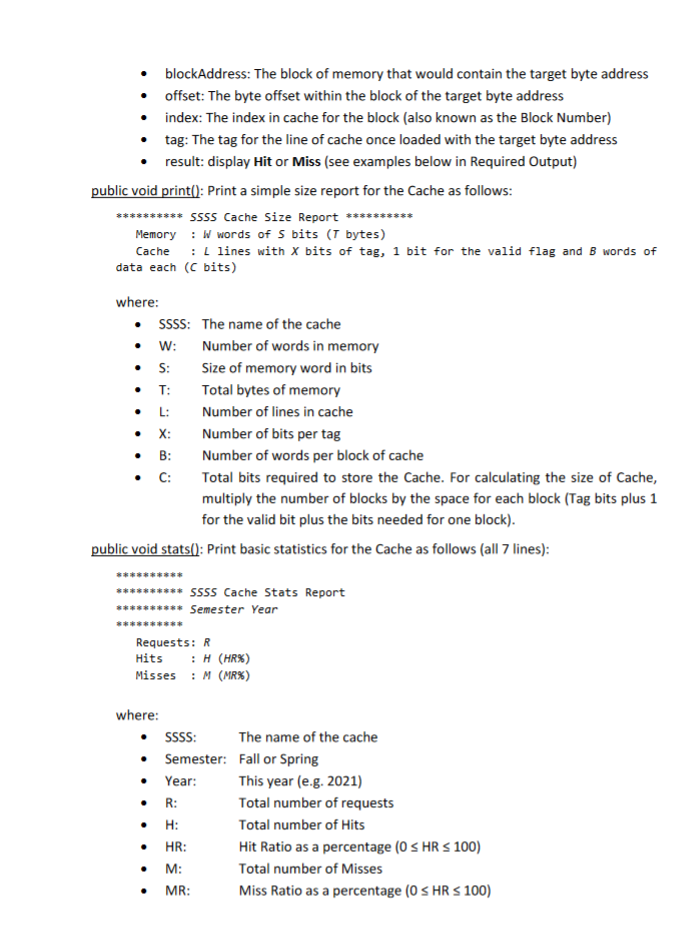
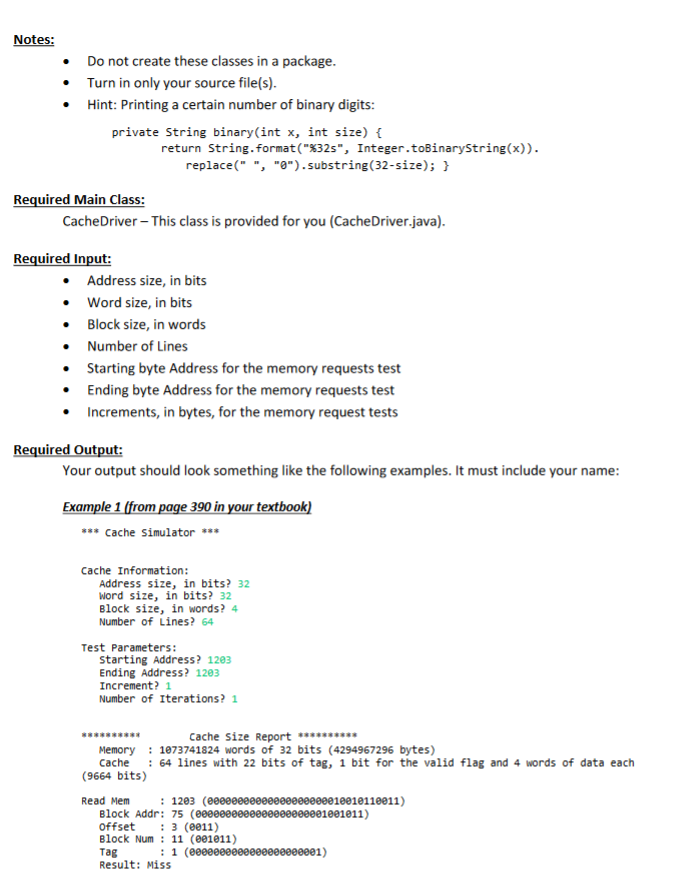
Use Java to write a Cache Simulator that emulates a direct-mapped cache. You must be able to create a Cache with a specified address size, word size, block size and number of lines. You will create a class called Cache and test it with a test driver that I have provided (CacheDriver.java). To test your application, you can use the test data in the examples below and should get the same results. Class Definition: Constructor (public) Cache(String name, int addressSize, int wordSize, int blockSize, int numLines): Creates a direct mapped cache, with the attributes shown below. Upon creation, the cache should be cleared and the number of requests, hits and misses set to 0. Note: you do not really need to cache memory and therefore your simulated cache should not contain data for the retrieved blocks. Name: a name to identify the cache addressSize: Size of the system memory address space in bits (4 addressSize 32). Addresses are always to the byte level. wordSize: Size of a memory word in bits (8 wordSize64). Must be a power of 2. blockSize: Number of words in a cache block (1 blockSize 1024). Must be a power of 2. numLines: Number of lines in the cache (1 numLines 1024). Must be a power of 2. Methods public void readLocation(int address): Simulates the reading of the memory at the given byte address. The Cache object should track the total number of hits, misses and requests. During a read, the following information should be printed. Each value is printed in decimal and binary. The binary numbers should be displayed with the appropriate number of digits. For example, with a Block Size of 16 bytes, 4 bits will be used for the offset of the target address in its containing block, therefore the offset field should display as 4 bits. Likewise, if there are 64 lines, the index will display as 6 bits (2 = 64). Read Mem : address (binary) Block Addr: blockAddress (binary) Offset offset (binary) Block Num: index (binary) Tag Result where: : tag (binary) Miss (or Hit **) address: The target byte address blockAddress: The block of memory that would contain the target byte address offset: The byte offset within the block of the target byte address index: The index in cache for the block (also known as the Block Number) tag: The tag for the line of cache once loaded with the target byte address result: display Hit or Miss (see examples below in Required Output) public void print(): Print a simple size report for the Cache as follows: ********** SSSS Cache Size Report ********** Memory : W words of S bits (7 bytes) Cache lines with X bits of tag, 1 bit for the valid flag and B words of data each (C bits) where: SSSS: The name of the cache W: S: T: L: Number of words in memory Size of memory word in bits Total bytes of memory Number of lines in cache X: B: C: Number of bits per tag Number of words per block of cache Total bits required to store the Cache. For calculating the size of Cache, multiply the number of blocks by the space for each block (Tag bits plus 1 for the valid bit plus the bits needed for one block). public void stats(): Print basic statistics for the Cache as follows (all 7 lines): ********** SSSS Cache Stats Report ********** Semester Year Requests: R Hits : H (HR%) Misses M (MR%) where: This year (e.g. 2021) SSSS: The name of the cache Semester: Fall or Spring Year: R: H: HR: M: MR: Total number of requests Total number of Hits Hit Ratio as a percentage (0 HR 100) Total number of Misses Miss Ratio as a percentage (0 HR 100) Notes: Do not create these classes in a package. Turn in only your source file(s). Hint: Printing a certain number of binary digits: private String binary(int x, int size) { return String.format("%32s", Integer.toBinaryString(x)). replace("", "").substring(32-size); } Required Main Class: CacheDriver - This class is provided for you (CacheDriver.java). Required Input: Address size, in bits Word size, in bits Block size, in words Number of Lines Starting byte Address for the memory requests test Ending byte Address for the memory requests test Increments, in bytes, for the memory request tests Required Output: Your output should look something like the following examples. It must include your name: Example 1 (from page 390 in your textbook) *** Cache Simulator *** Cache Information: Address size, in bits? 32 Word size, in bits? 32 Block size, in words? 4 Number of Lines? 64 Test Parameters: Starting Address? 1203 Ending Address? 1203 Increment? 1 Number of Iterations? 1 Cache Size Report ********** Memory : 1073741824 words of 32 bits (4294967296 bytes) Cache (9664 bits) Read Mem : 64 lines with 22 bits of tag, 1 bit for the valid flag and 4 words of data each : 1203 (00000000000000000000010010110011) Block Addr: 75 (000000000 Offset 3 (0011) Block Num: 11 (001011) Tag : 1 (00000000 Result: Miss 000000001001011) 001)
Step by Step Solution
There are 3 Steps involved in it

Get step-by-step solutions from verified subject matter experts
 Study Help