







Question: use matlab or octave to code. do not use vectors, if statements, while or for loops. only use functions and logical operators 4. (Cartesian and
use matlab or octave to code. do not use vectors, if statements, while or for loops. only use functions and logical operators
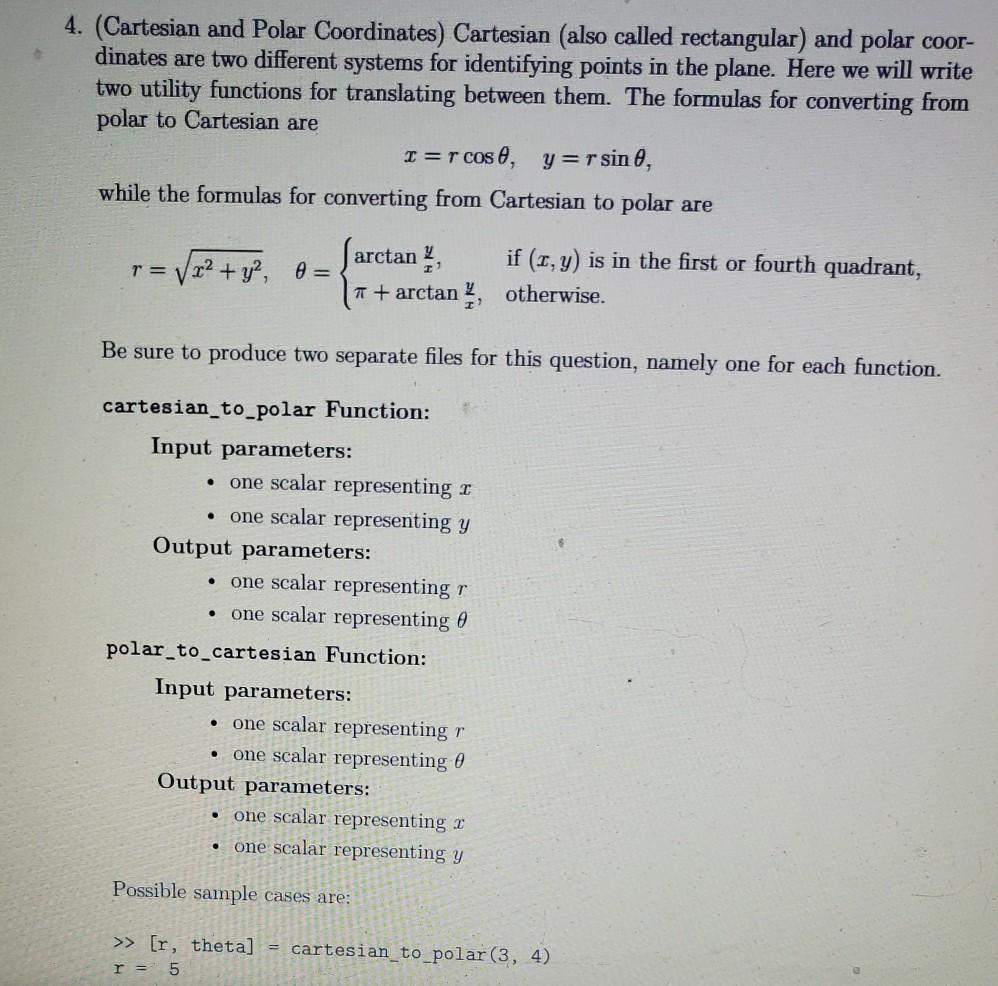
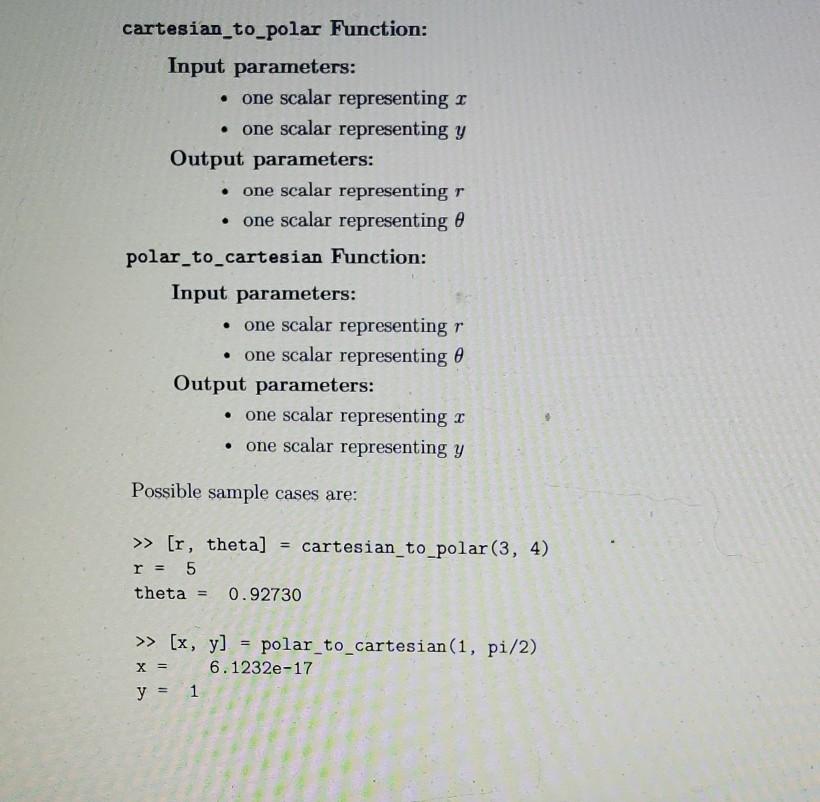
4. (Cartesian and Polar Coordinates) Cartesian (also called rectangular) and polar coor- dinates are two different systems for identifying points in the plane. Here we will write two utility functions for translating between them. The formulas for converting from polar to Cartesian are I=r cose, y=rsin 0, while the formulas for converting from Cartesian to polar are farctan if (I, y) is in the first or fourth quadrant, = V x2 + y2, 0 = 1 + arctan, otherwise. TE V Be sure to produce two separate files for this question, namely one for each function. . . . cartesian_to_polar Function: Input parameters: one scalar representing I one scalar representing y Output parameters: one scalar representing one scalar representing 0 polar_to_cartesian Function: Input parameters: one scalar representing r one scalar representing 0 Output parameters: one scalar representing 2 one scalar representing y . . . Possible sample cases are: >> [r, theta] r = 5 = cartesian_to_polar(3, 4) cartesian_to_polar Function: Input parameters: one scalar representing 1 one scalar representing y Output parameters: one scalar representing r one scalar representing a polar_to_cartesian Function: Input parameters: one scalar representing r one scalar representing Output parameters: one scalar representing r one scalar representing y Possible sample cases are: >> [r, theta] cartesian_to_polar(3, 4) r = 5 theta = 0.92730 X = >> (x, y] = polar_to_cartesian(1, pi/2) 6.1232e-17 y = 1
Step by Step Solution
There are 3 Steps involved in it

Get step-by-step solutions from verified subject matter experts
 Study Help