







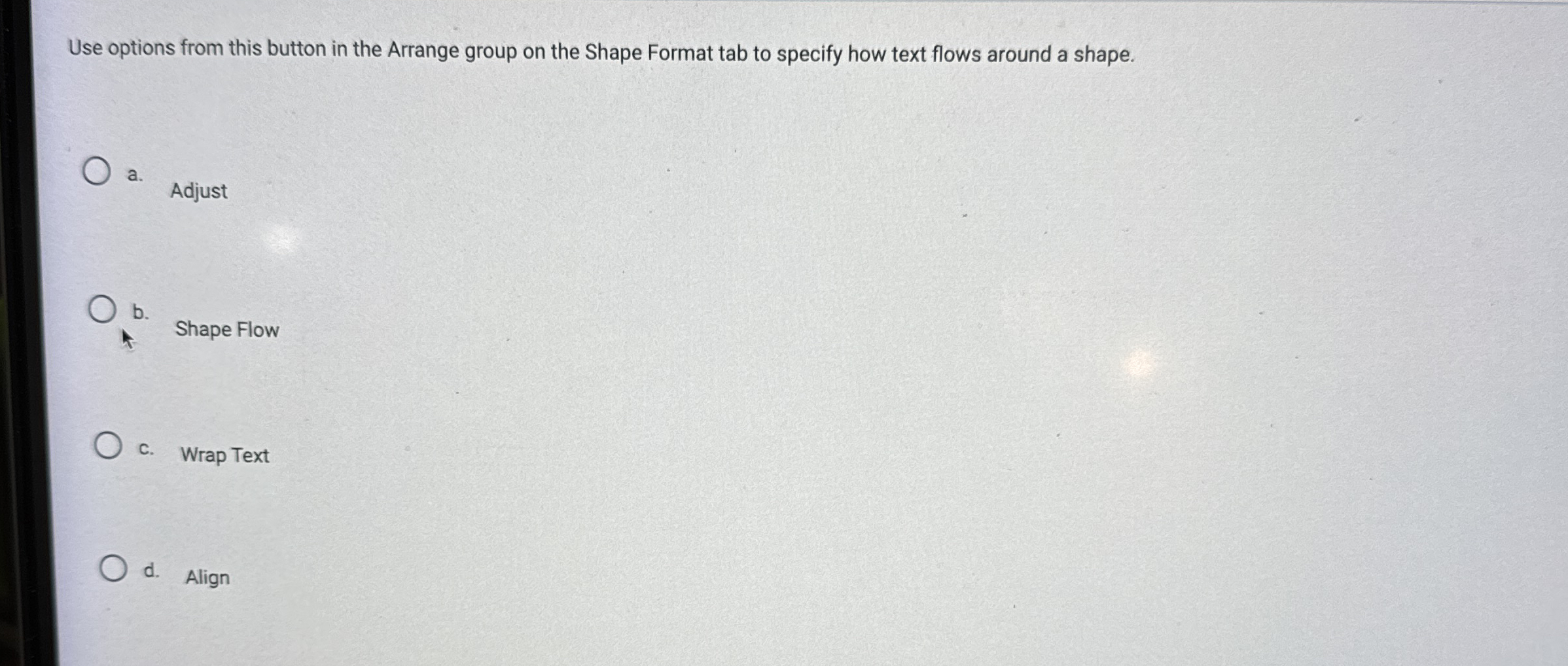
Question: Use options from this button in the Arrange group on the Shape Format tab to specify how text flows around a shape. a . Adjust
Use options from this button in the Arrange group on the Shape Format tab to specify how text flows around a shape.
a Adjust
b Shape Flow
c Wrap Text
d Align
Step by Step Solution
There are 3 Steps involved in it
1 Expert Approved Answer
Step: 1 Unlock

Question Has Been Solved by an Expert!
Get step-by-step solutions from verified subject matter experts
Step: 2 Unlock
Step: 3 Unlock
 Study Help