







Question: Use php thank you Create an Online shopping system - Amalan 1. The home page layout should be as given below. 2. Use HTML5 and
Use php thank you
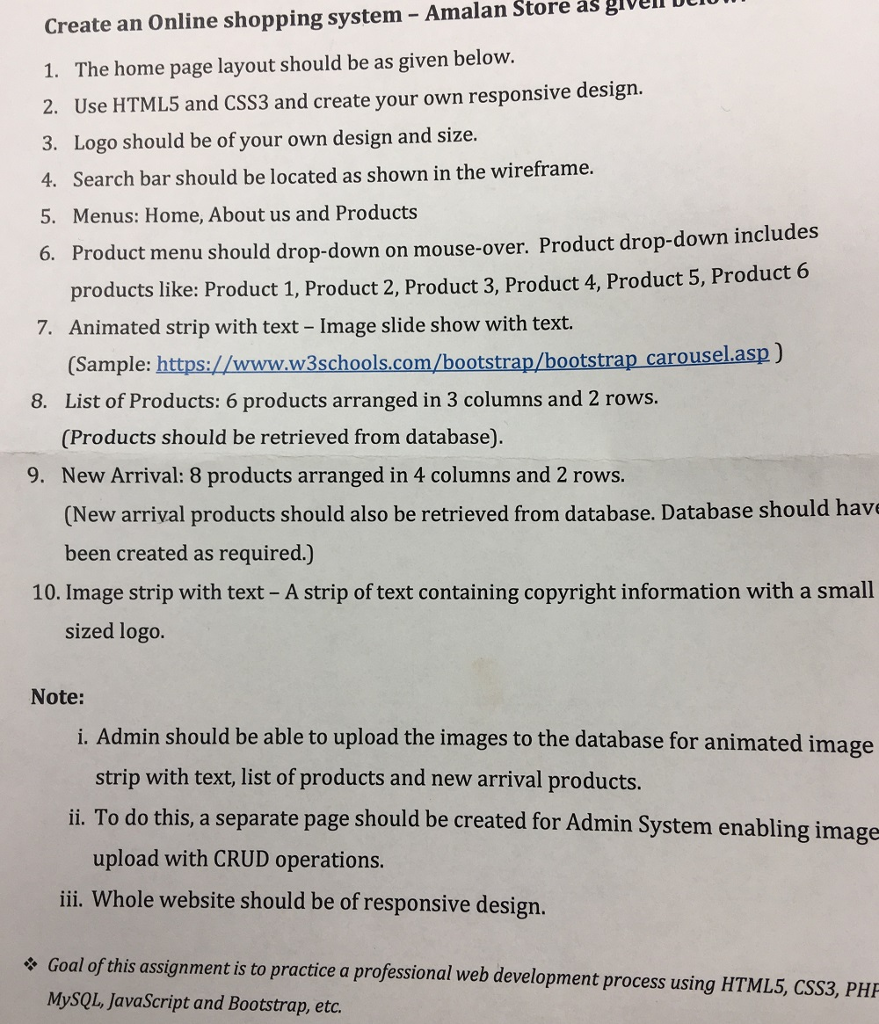
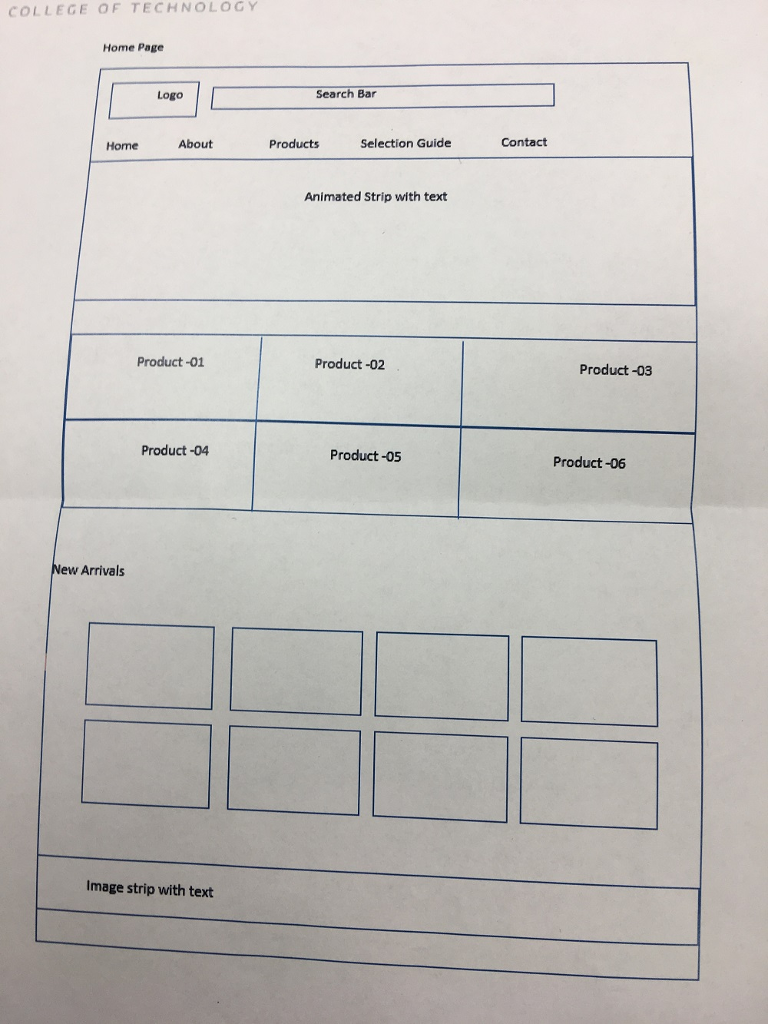
Create an Online shopping system - Amalan 1. The home page layout should be as given below. 2. Use HTML5 and CSS3 and create your own responsive design. 3. Logo should be of your own design and size. 4. Search bar should be located as shown in the wireframe. 5. Menus: Home, About us and Products 6. Store as glvell DIU Product menu should drop-down on mouse-over. Product drop-down includes 7. Animated strip with text - Image slide show with text. 8. List of Products: 6 products arranged in 3 columns and 2 rows. 9. New Arrival: 8 products arranged in 4 columns and 2 rows. products like: Product 1, Product 2, Product 3, Product 4, Product 5, Product 6 (Sample: https://wwww3schools.com/bootstrap/bootstrap carouselasp) (Products should be retrieved from database). (New arrival products should also be retrieved from database. Database should hav been created as required.) 10. Image strip with text- A strip of text containing copyright information with a small sized logo. Note: i. Admin should be able to upload the images to the database for animated image strip with text, list of products and new arrival products. ii. To do this, a separate page should be created for Admin System enabling image upload with CRUD operations. ii Whole website should be of responsive design. Goal of this assignment is to practice a professional web development process using HTML5, CSS3, PHE MySQL, JavaScript and Bootstrap, etc. Create an Online shopping system - Amalan 1. The home page layout should be as given below. 2. Use HTML5 and CSS3 and create your own responsive design. 3. Logo should be of your own design and size. 4. Search bar should be located as shown in the wireframe. 5. Menus: Home, About us and Products 6. Store as glvell DIU Product menu should drop-down on mouse-over. Product drop-down includes 7. Animated strip with text - Image slide show with text. 8. List of Products: 6 products arranged in 3 columns and 2 rows. 9. New Arrival: 8 products arranged in 4 columns and 2 rows. products like: Product 1, Product 2, Product 3, Product 4, Product 5, Product 6 (Sample: https://wwww3schools.com/bootstrap/bootstrap carouselasp) (Products should be retrieved from database). (New arrival products should also be retrieved from database. Database should hav been created as required.) 10. Image strip with text- A strip of text containing copyright information with a small sized logo. Note: i. Admin should be able to upload the images to the database for animated image strip with text, list of products and new arrival products. ii. To do this, a separate page should be created for Admin System enabling image upload with CRUD operations. ii Whole website should be of responsive design. Goal of this assignment is to practice a professional web development process using HTML5, CSS3, PHE MySQL, JavaScript and Bootstrap, etc
Step by Step Solution
There are 3 Steps involved in it

Get step-by-step solutions from verified subject matter experts
 Study Help