







Question: Use postgreSQL code that creates a trigger on the detailed table of the report that will continually update the summary table as data is added
Use postgreSQL code that creates a trigger on the detailed table of the report that will continually update the summary table as data is added to the detailed table.
This is the code I have so far, but I am having trouble testing it to see if it works properly. My summary table and detailed table both use the same fields with the differences being my summary tables SUMS all the rows for employee_sales together while the detailed table has each individual row along with an additional column for a timestamp of the transaction.
Please explain how I test this code to see if it works and let me know if you see any errors or issues with the code. Primarily I need an insert statement that works and then a way to remove the row inserted afterwards so it doesn't affect my data.
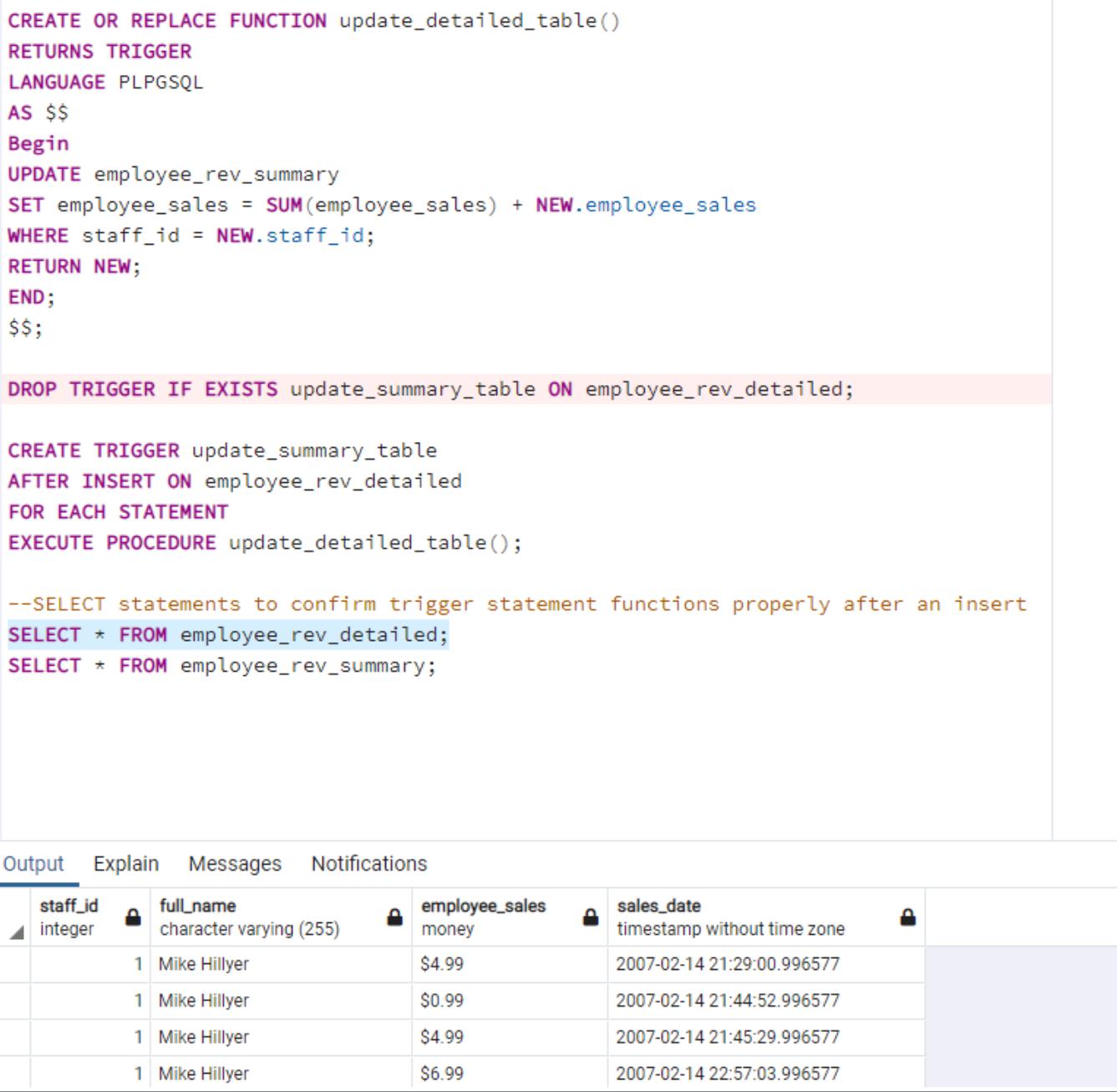
CREATE OR REPLACE FUNCTION update_detailed_table() RETURNS TRIGGER LANGUAGE PLPGSQL AS $$ Begin UPDATE employee_rev_summary SET employee_sales = SUM (employee_sales) + NEW. employee_sales WHERE staff_id = NEW.staff_id; RETURN NEW; END; $$; DROP TRIGGER IF EXISTS update_summary_table ON employee_rev_detailed; CREATE TRIGGER update_summary_table AFTER INSERT ON employee_rev_detailed FOR EACH STATEMENT EXECUTE PROCEDURE update_detailed_table(); --SELECT statements to confirm trigger statement functions properly after an insert SELECT * FROM employee_rev_detailed; SELECT * FROM employee_rev_summary; Output Explain Messages Notifications staff_id integer full_name employee_sales sales_date character varying (255) money 1 Mike Hillyer $4.99 timestamp without time zone 2007-02-14 21:29:00.996577 1 Mike Hillyer $0.99 2007-02-14 21:44:52.996577 1 Mike Hillyer $4.99 2007-02-14 21:45:29.996577 1 Mike Hillyer $6.99 2007-02-14 22:57:03.996577
Step by Step Solution
There are 3 Steps involved in it

Get step-by-step solutions from verified subject matter experts
 Study Help